Seaory S21 Desktop Single-sided Card Printer
Excellent quality, Perfect service
www.seaory.com 23 / 51
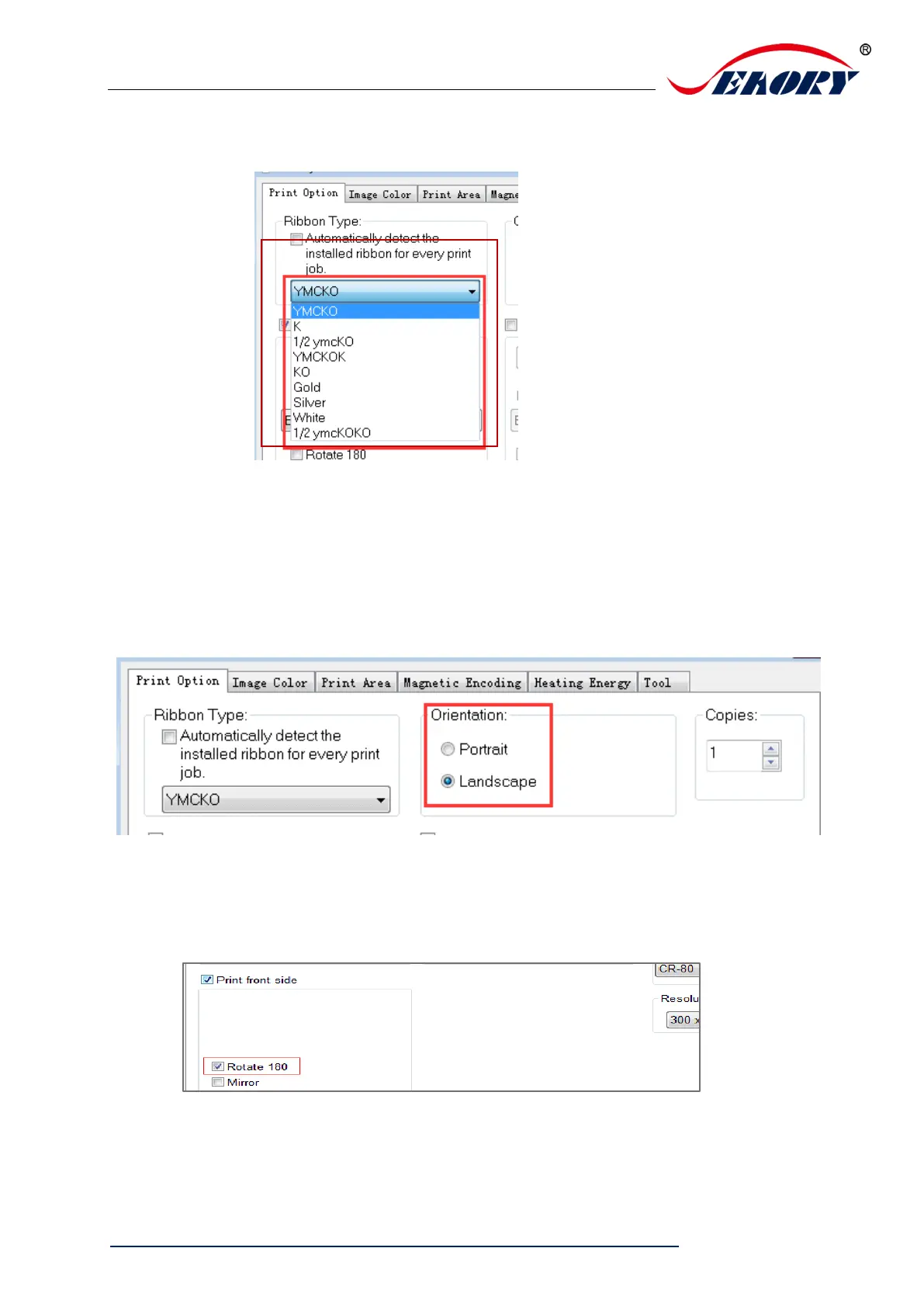
(2)When “Automatically detect the installed ribbon for every print job” was
cancelled, the ribbon type needs to be set manually between below choices.
7.3 Printing orientation setting
Portrait or landscape. Default selected landscape orientation.
7.4 Printing page rotate setting
Default not selected, if selected “rotate 180” the printing page will rotary 180 degree.



 To Next Page