Seaory S21 Desktop Single-sided Card Printer
Excellent quality, Perfect service
www.seaory.com 28 / 51
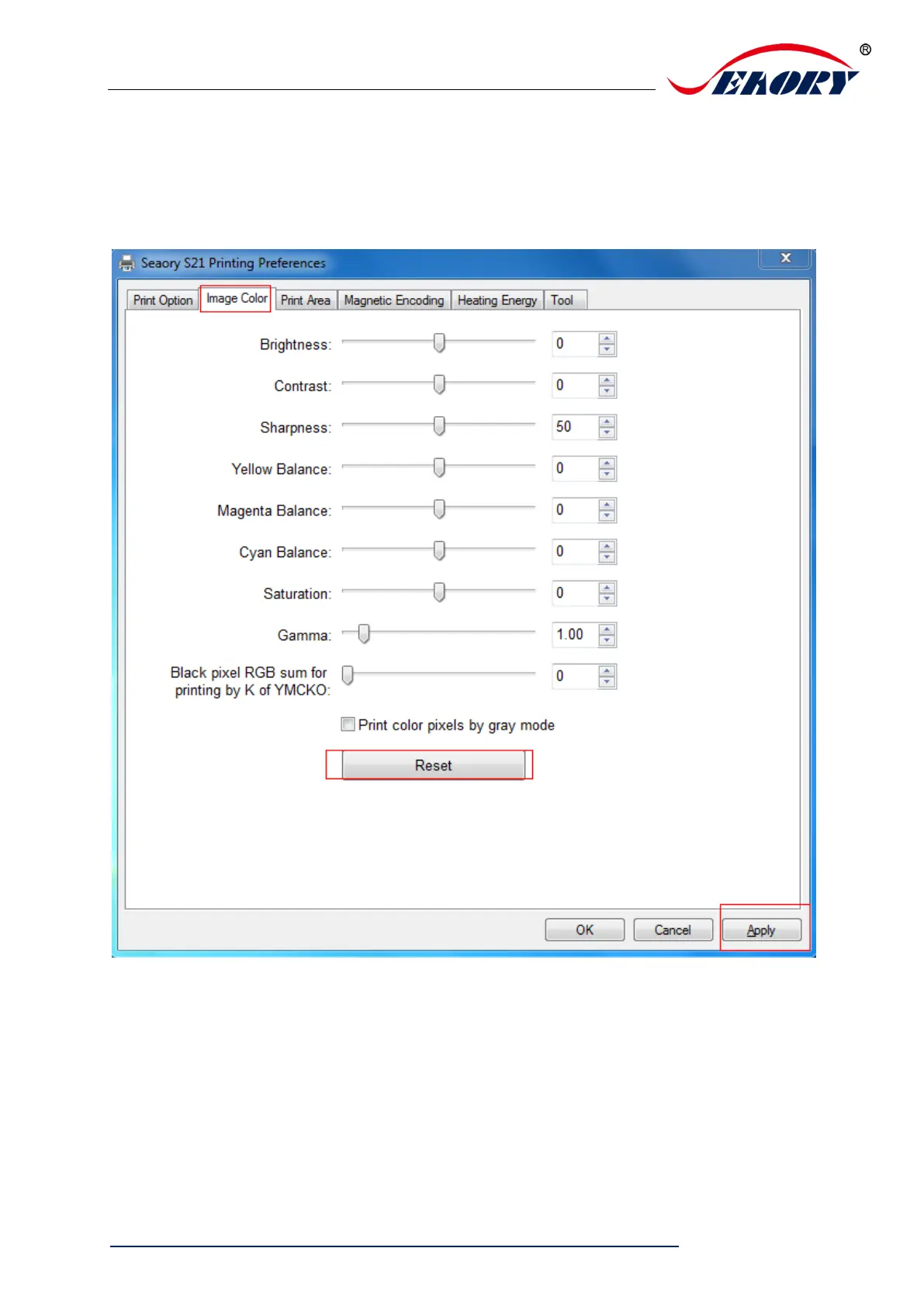
7.9 Image color setting
The driver default is optimal, normally it does not need to change, if has to, you
can custom.
Reset: means restore factory default image color setting.
Apply: means after setting new parameter value, click “apply” to take effect.



 To Next Page