Seaory S21 Desktop Single-sided Card Printer
Excellent quality, Perfect service
www.seaory.com 43 / 51
9.3 Cleaning print head
Print head is the most important and valuable part of card printer. Like a car, it’s a
consumable product that will eventually breakdown. Only continuous attention to
maintenance can extend it’s lifespan.
Maintenance method is to use the cleaning stick for cleaning. Clean it every time you
change the ribbon or printing effect is poor. And it’s also recommended to clean the
print head once a month.
Cleaning print head steps:
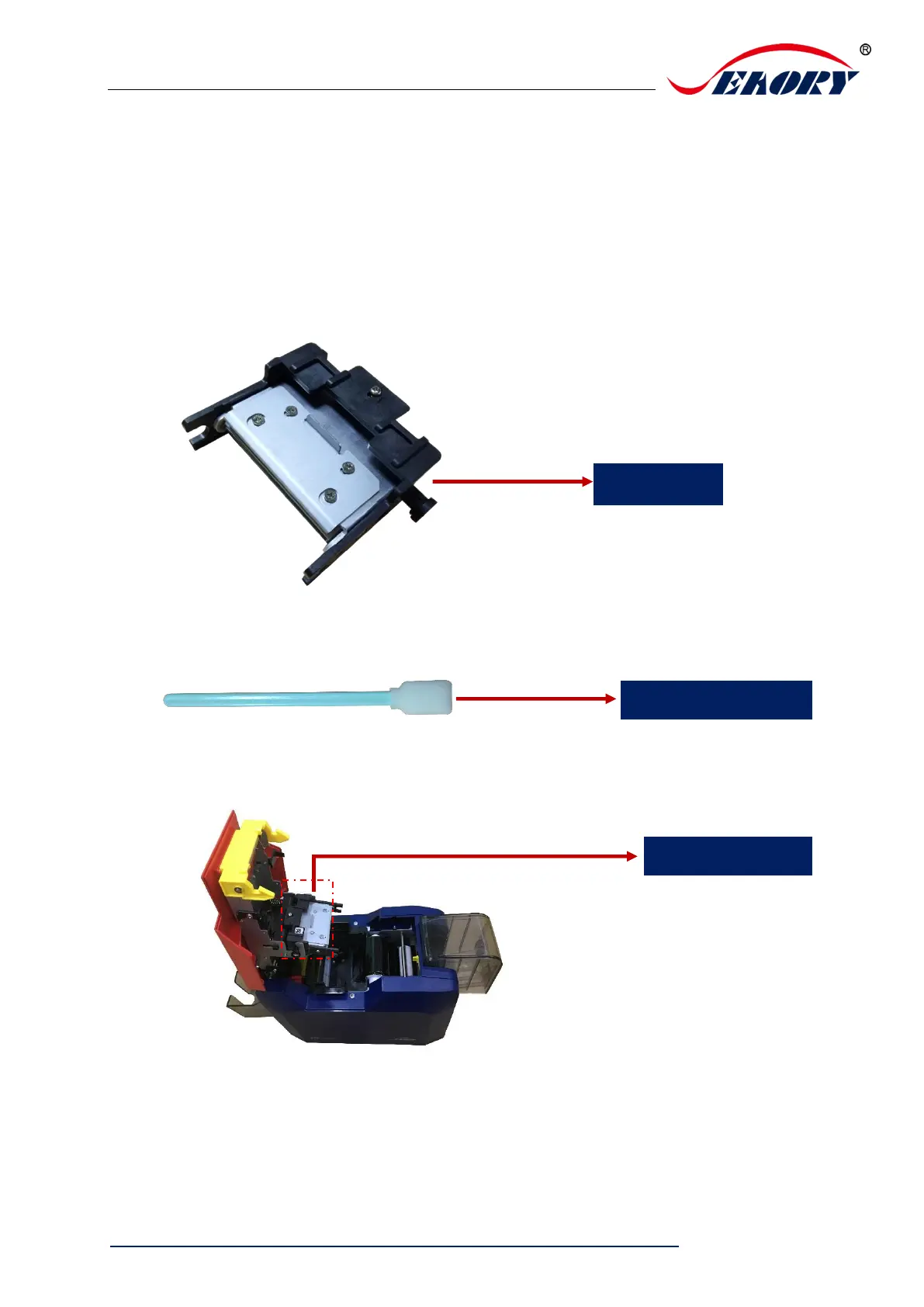
Step 1: Take out cleaning stick from accessories box.
Step 2: Turn off the card printer, open the upper cover and find the print head show in
below picture.
Step 3: Wipe the print head one direction, from left to right or right to left with cleaning
stick. Do not wipe back and forth. Generally wipe 3-5 rounds will be ok.



 To Next Page