Seaory S21 Desktop Single-sided Card Printer
Excellent quality, Perfect service
www.seaory.com 42 / 51
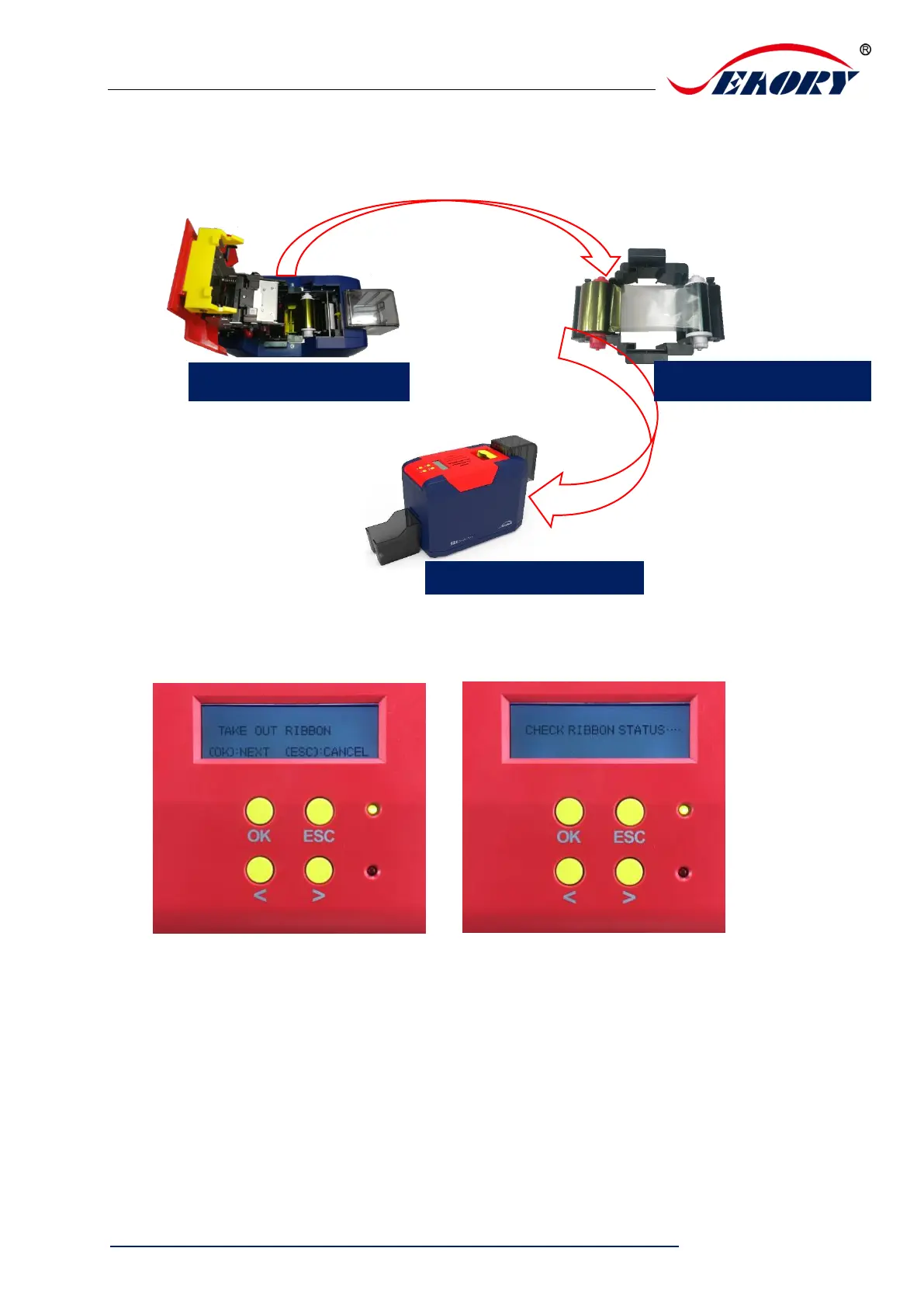
Step 4: Open the cover, take out ribbon cartridge, and then close the upper cover.
Step 5: Press “OK” one time. The card printer will start to cleaning.
Step 6: The cleaning card will be exit from card exit mouth after finished cleaning.
After it, please install the ribbon cartridge and close the upper cover.



 To Next Page