Seaory S21 Desktop Single-sided Card Printer
Excellent quality, Perfect service
www.seaory.com 25 / 51
(2)Manual feeding card piece by piece from front-end manual feeding mouth
is also ok.
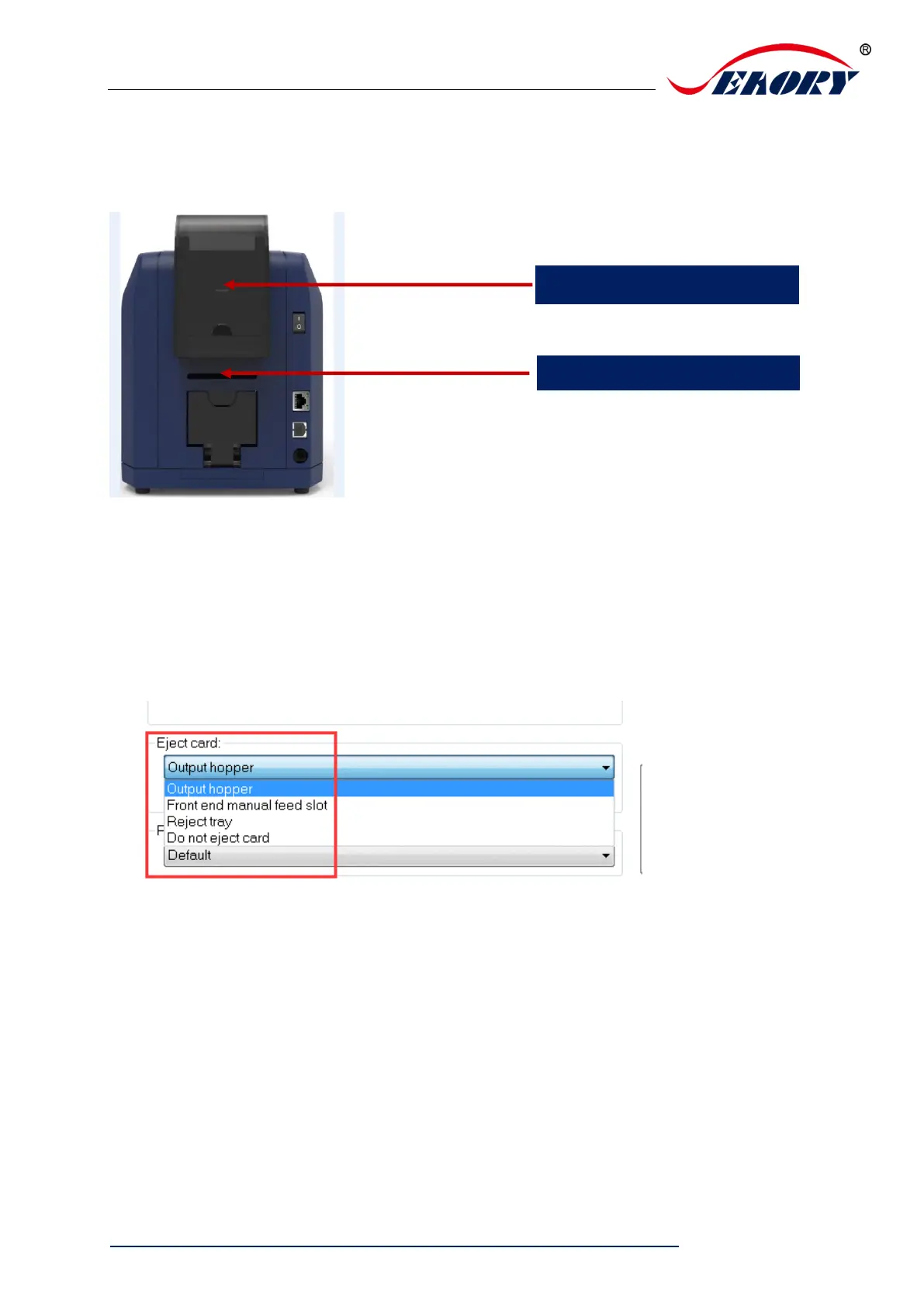
7.6 Eject card setting
(1)Defaulted card moving out from “output hopper” after finished printing.
(2)Wait for removal, default not selected, if selected, card will wait for removal
in the ejection card slot after finished printing.



 To Next Page