Seaory S21 Desktop Single-sided Card Printer
Excellent quality, Perfect service
www.seaory.com 44 / 51
10. Replace print head
In the long-term use of printer, when the expiration of lifespan or no regular
cleaning or maintenance or artificial damage, the printing will appear broken needle,
blank vertical stripes etc. Then you need to replace the print head.
Replace print head steps:
Step 1: Take out the new print head and record it’s serial number.
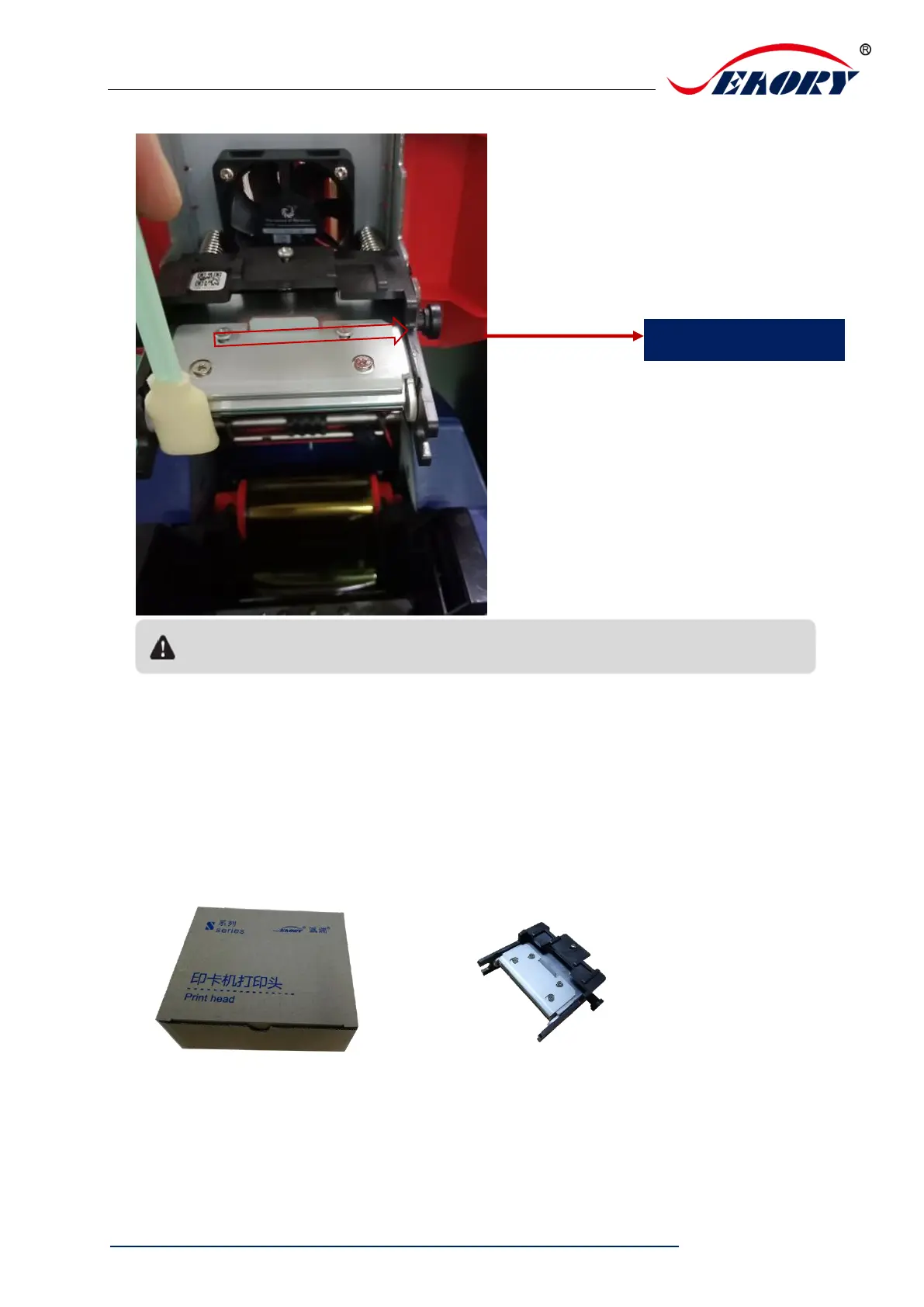
Step 2: Turn off the card printer, open the upper cover and find the print head show in
below picture.
Avoid print head direct contact with metal objects, sharp objects or fingers, and do not
contaminate any liquid to clean the print head.



 To Next Page