Seaory S21 Desktop Single-sided Card Printer
Excellent quality, Perfect service
www.seaory.com 45 / 51
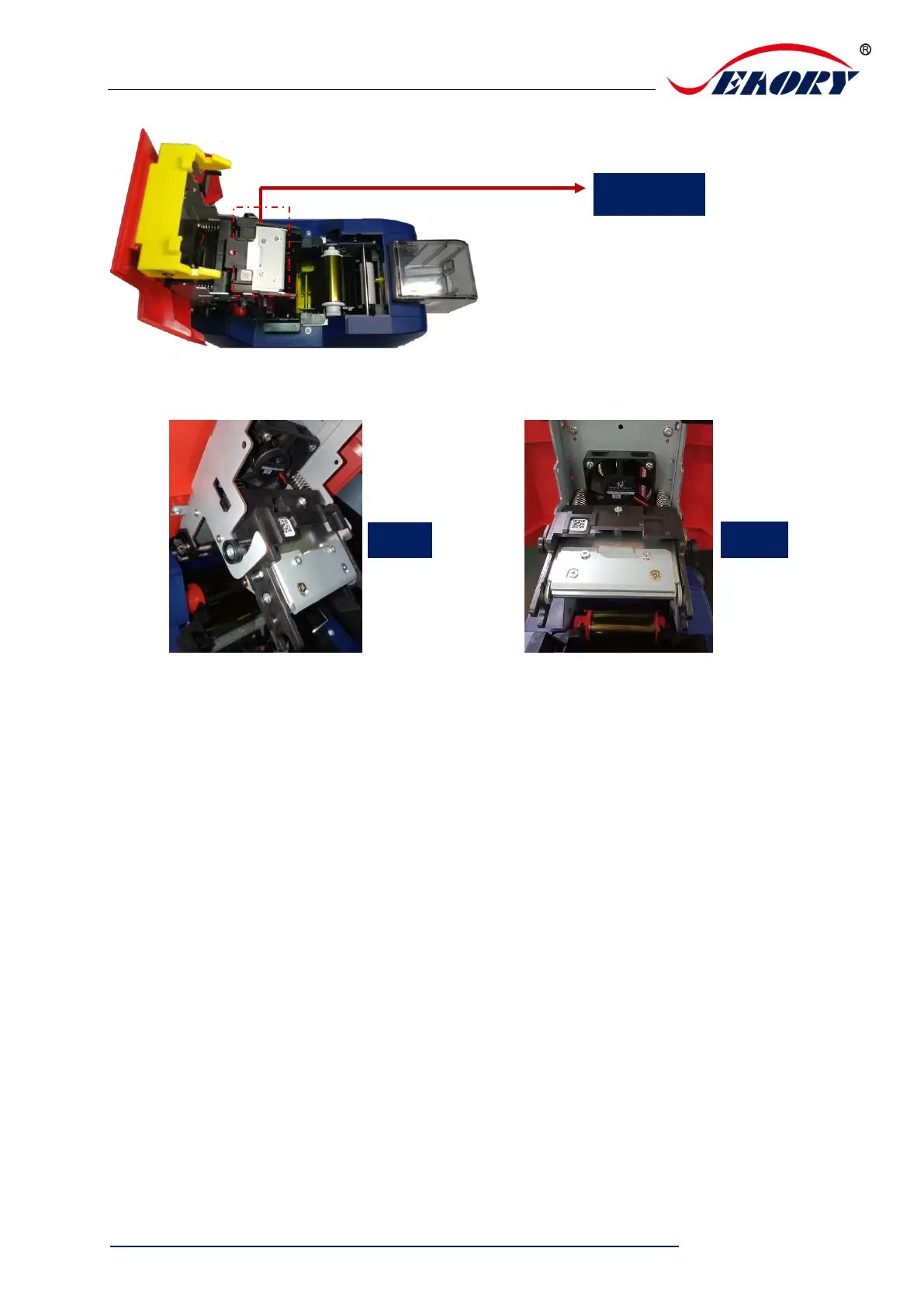
Step 3: Look closely at the mounting structure on both sides of the print head.
Step 4: Remove print head
Hold the print head on both sides by hand and press the print head toward the cover.
At this time, the spring will be compressed. Loosen the print head when the small
cylinder on both sides of the print head comes out of the metal hook.



 To Next Page