Seaory S21 Desktop Single-sided Card Printer
Excellent quality, Perfect service
www.seaory.com 17 / 51
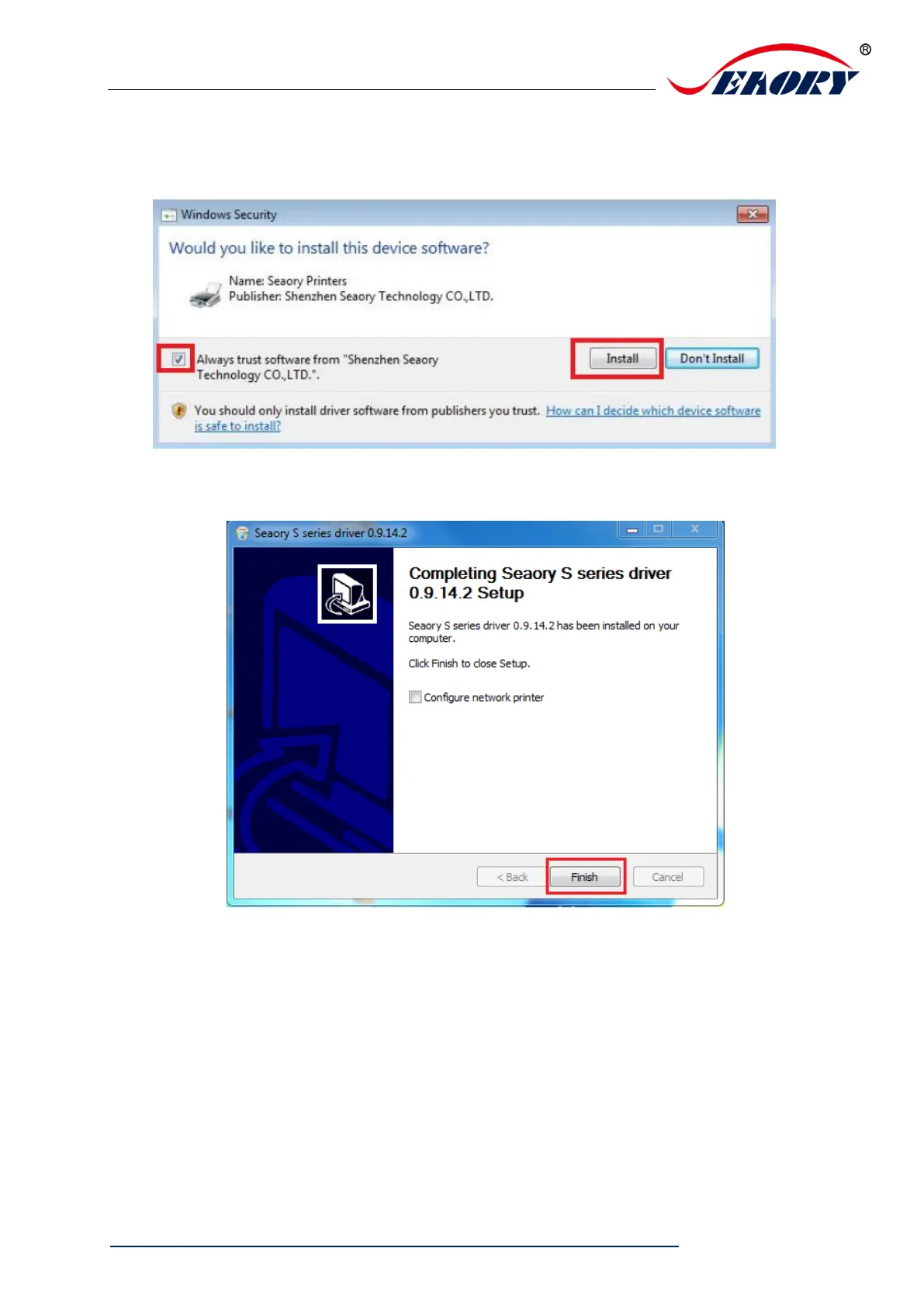
Step 4: Please select always trust software from “Shenzhen Seaory Technology
Co., Ltd.” in the pop-up windows, then click the “Install” button.
Step 5: Please click the “Finish” button as show in the below picture, then the
driver has been installed.



 To Next Page