Rostock MAX v2 User's Guide
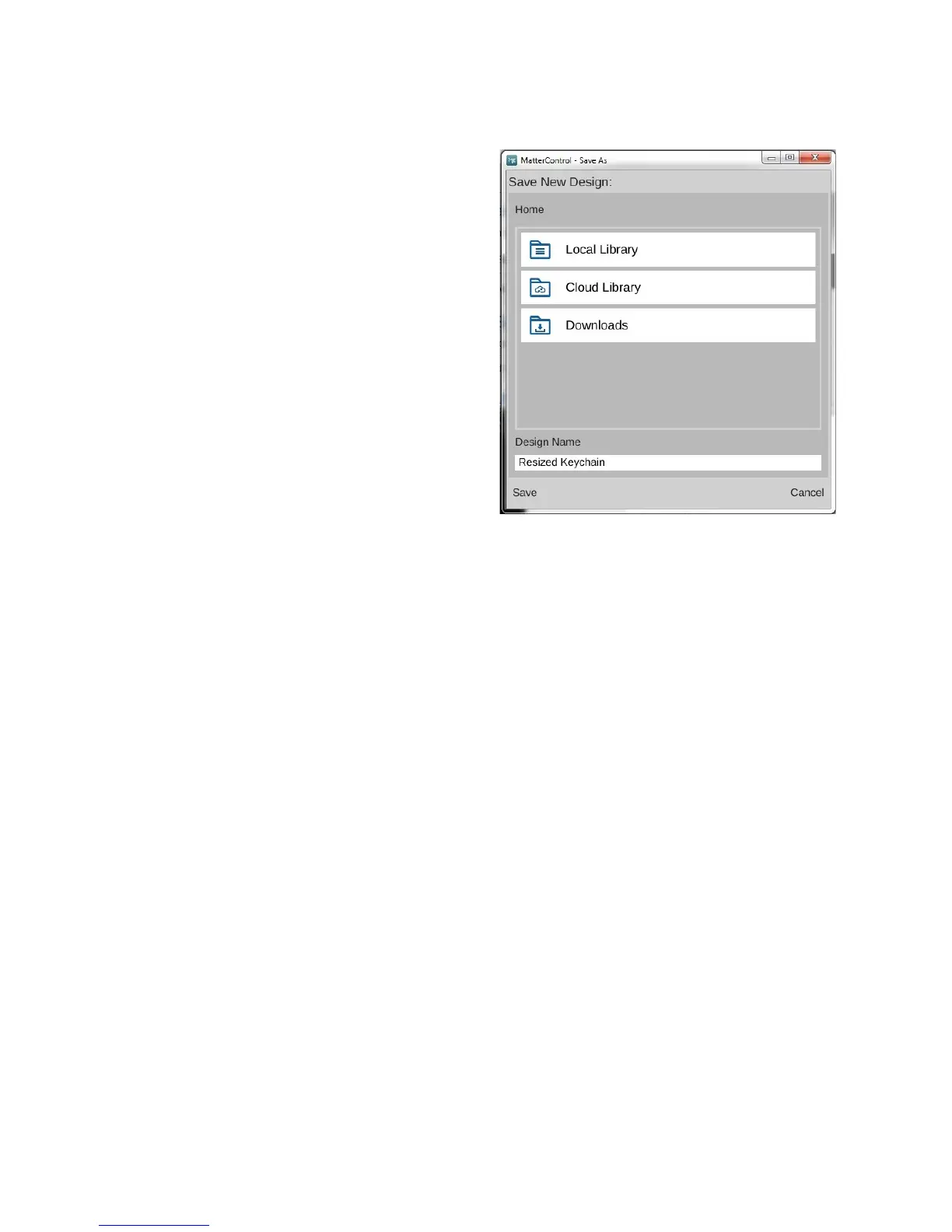
The Save-As dialog presents you with three
different locations you can save your changed
model. “Local Library” points to the local library
where MatterControl will store data on your local
computer. “Cloud Library” points to your cloud
storage at MatterControl HQ. You'll need to create
a free account with MatterControl in order to use
this option.
6 – MatterControl Basics: Loading and Printing Objects - 63
Fig. 6.1-4: Saving the scaled object.



 To Next Page