Rostock MAX v2 User's Guide
8 – Advanced MatterControl: Settings – General
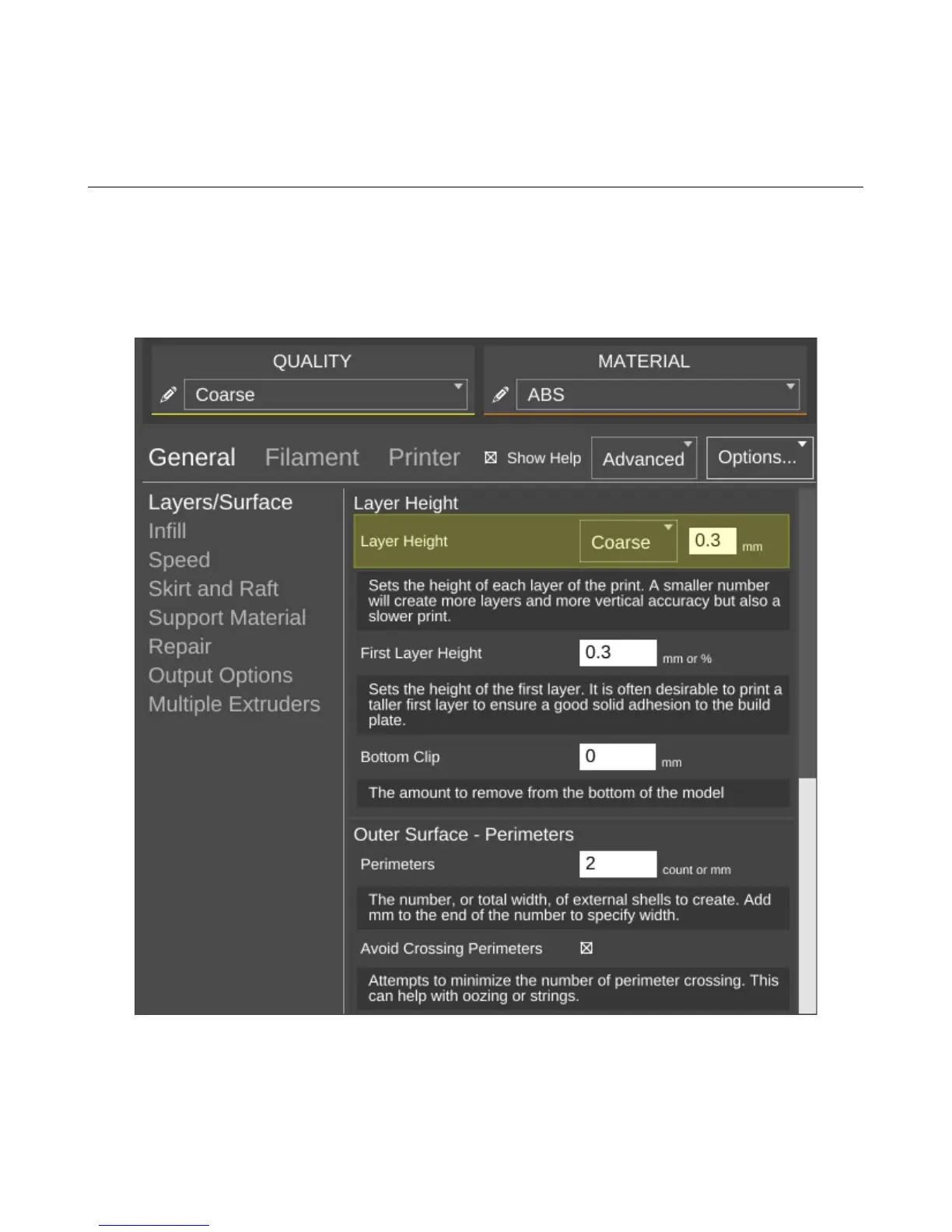
MatterControl offers three “classes” of settings that have a direct effect on how your printer
works. General covers elements that relate to how the plastic is laid down. Filament covers
parameters specific to the type of filament that you've chosen to print with. Printer handles those
remaining parameters that describe the physical printer you're currently using to print with.
Let's start this overview on the main page of General, Layers/Surface.
8 – Advanced MatterControl: Settings – General - 71
Print layers & perimeters.



 To Next Page