Rostock MAX v2 User's Guide
The first parameter is Layer Height. We've covered this one before, but I wanted to point out
something that I didn't go into a lot of detail about earlier. You'll notice that the field has a yellowish
highlight to it. That means that the value exists in the currently selected QUALITY profile. If you
look carefully, you'll see that the highlight color matches the thin colored line under the QUALITY
drop down. (This same effect holds true for MATERIAL profiles, but the color is orange.)
Any time you add a Print parameter to a preset profile, it will be highlighted just as the Layer
Height field is in the example. Note that you can use any of the Print, Filament, or Printer
configuration parameters within either of the QUALITY or MATERIAL profile editors.
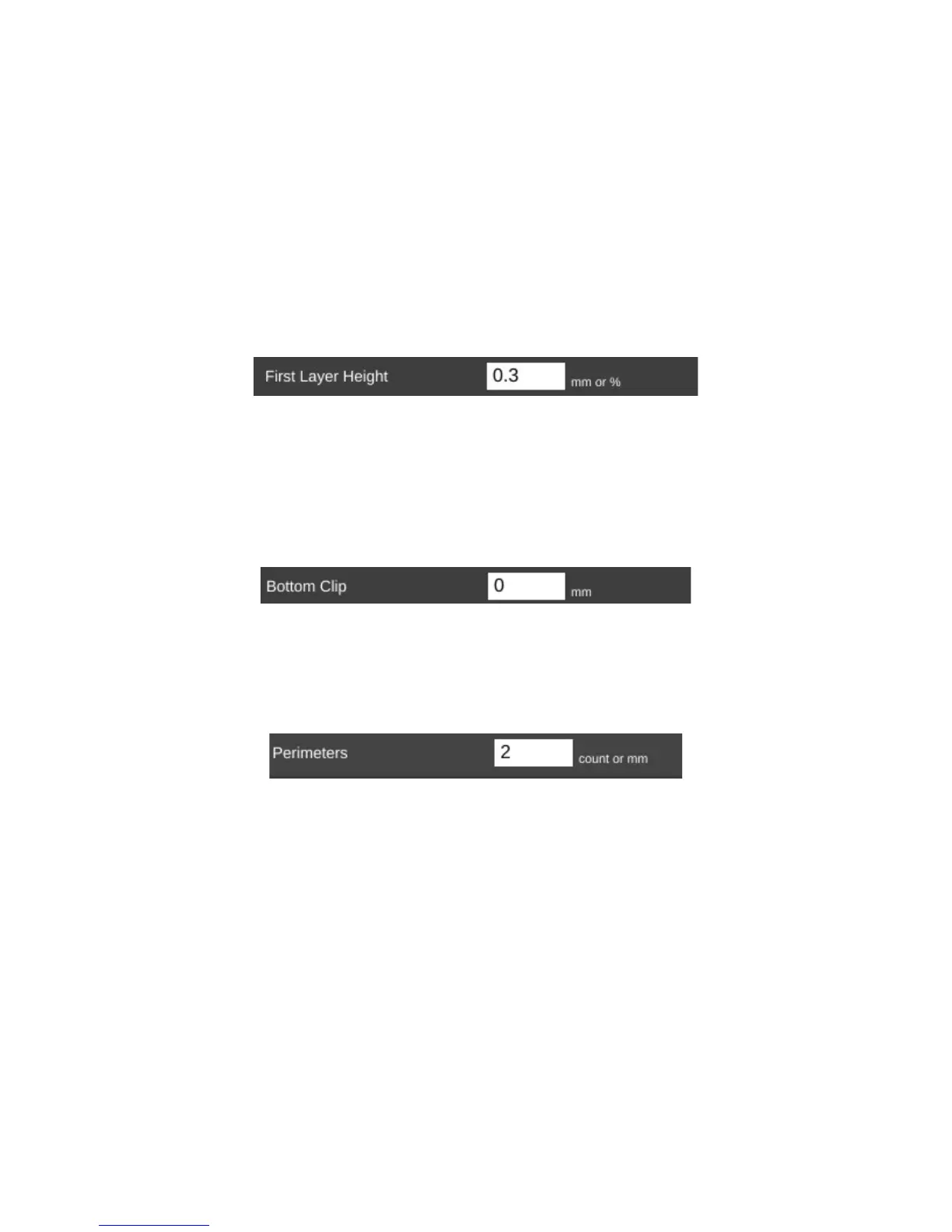
The First Layer Height parameter allows you to set the thickness of your first layer. Having a
thicker first layer will help provide a good base to build the rest of the part on as the thicker (and thus
wider extrusion) will help improve the adhesion to the bed. If your first layer isn't any good, the part
could eventually separate from the bed and ruin the print job.
Bottom Clip allows you to tell the slicing engine that you'd like to “clip off” a specific amount
from the bottom of the model. For example, say you've got a 200mm tall model, but you only want to
print the top 50mm or so. You can enter 150 into the Bottom Clip field and when the slicer generates
the G-Code for the print job, it will begin slicing 150mm up from the bottom of the model.
Perimeters dictate how thick the “skin” of your model is. 2 or 3 perimeters are good for most
parts, but if you want a really strong exterior wall, you can make the perimeter count as high as you
feel you need it. To get an idea of how thick the skin will be, you multiply the perimeter count by the
extrusion thickness (we'll get to that parameter in a bit). For example, if you have a 0.5mm nozzle,
chances are your extrusion thickness will be set to 0.5. 2 perimeters will give you a skin thickness of
1mm. You also have the option of specifying the perimeter thickness in millimeters instead of
perimeter counts.
8 – Advanced MatterControl: Settings – General - 72
First Layer Height.
Bottom Clip.
Perimeters.



 To Next Page