Rostock MAX v2 User's Guide
7 – Advanced MatterControl: Configuration
MatterControl includes a number of basic configuration options that you can use to set up
things like your default slicing engine, change EEPROM settings, etc.
Let's go over each one as they appear on the MatterControl Configuration pane.
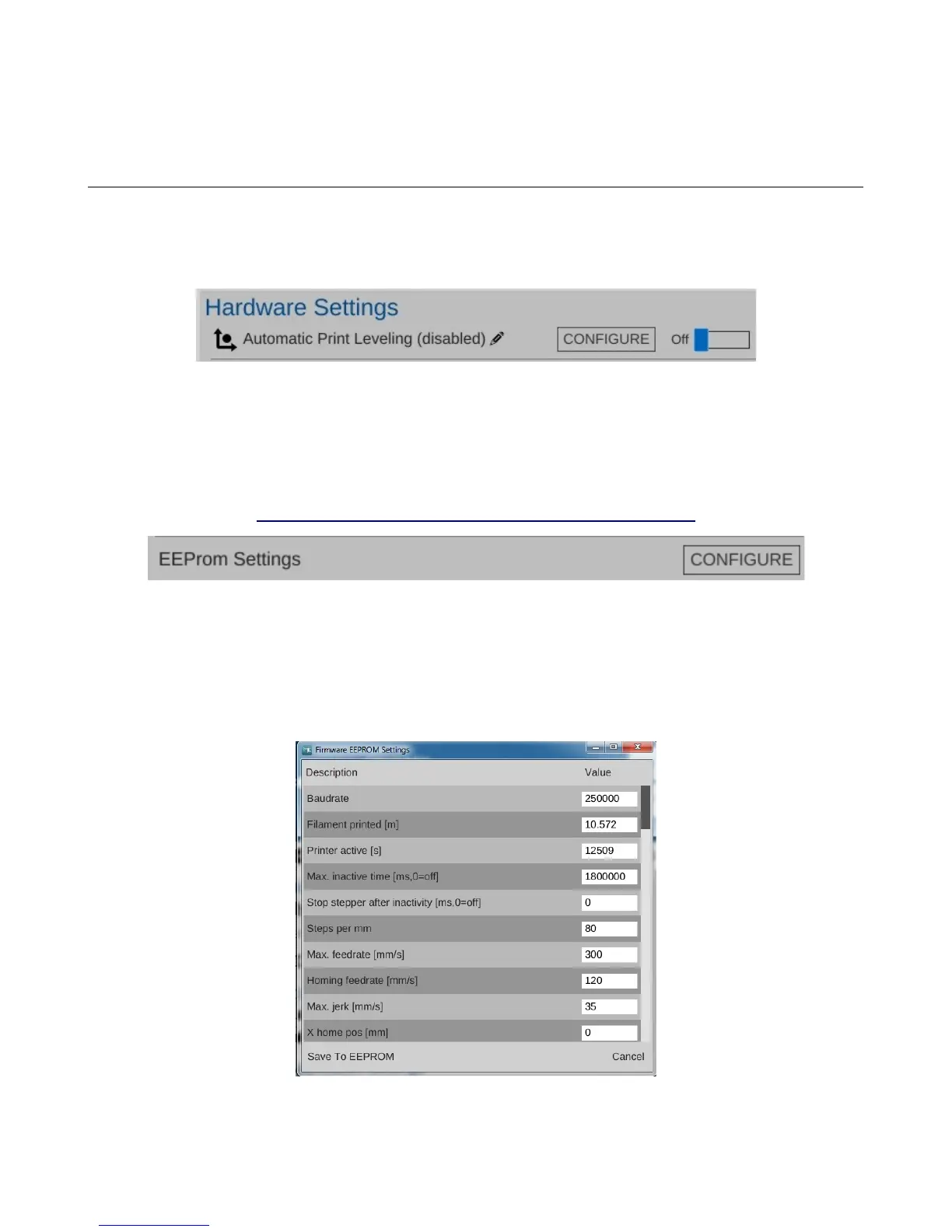
MatterControl includes a bed leveling feature that when properly configured, can assist with issues that
can arise from an un-level bed. Note that this will NOT calibrate a delta printer! What it can do is help
improve first layer performance on an already calibrated printer.
SeeMeCNC has put together a nice video that illustrates the process quite effectively:
https://www.youtube.com/watch?v=z6ymbr-AMew
The EEPROM Settings configuration option will allow you to edit firmware parameters that are
stored on the controller inside your Rostock MAX. Please take special care when changing EEPROM
values. An improperly set configuration parameter can cause your Rostock MAX to misbehave.
Sometimes rather dramatically. :)
Here's an example of the things you can change under the EEPROM Settings configuration:
7 – Advanced MatterControl: Configuration - 67
Fig. 7.1-1: Automatic Print Leveling.
Fig. 7.1-2: EEPROM Settings.
Fig. 7.1-3: EEPROM Table Editor.



 To Next Page