Rostock MAX v2 User's Guide
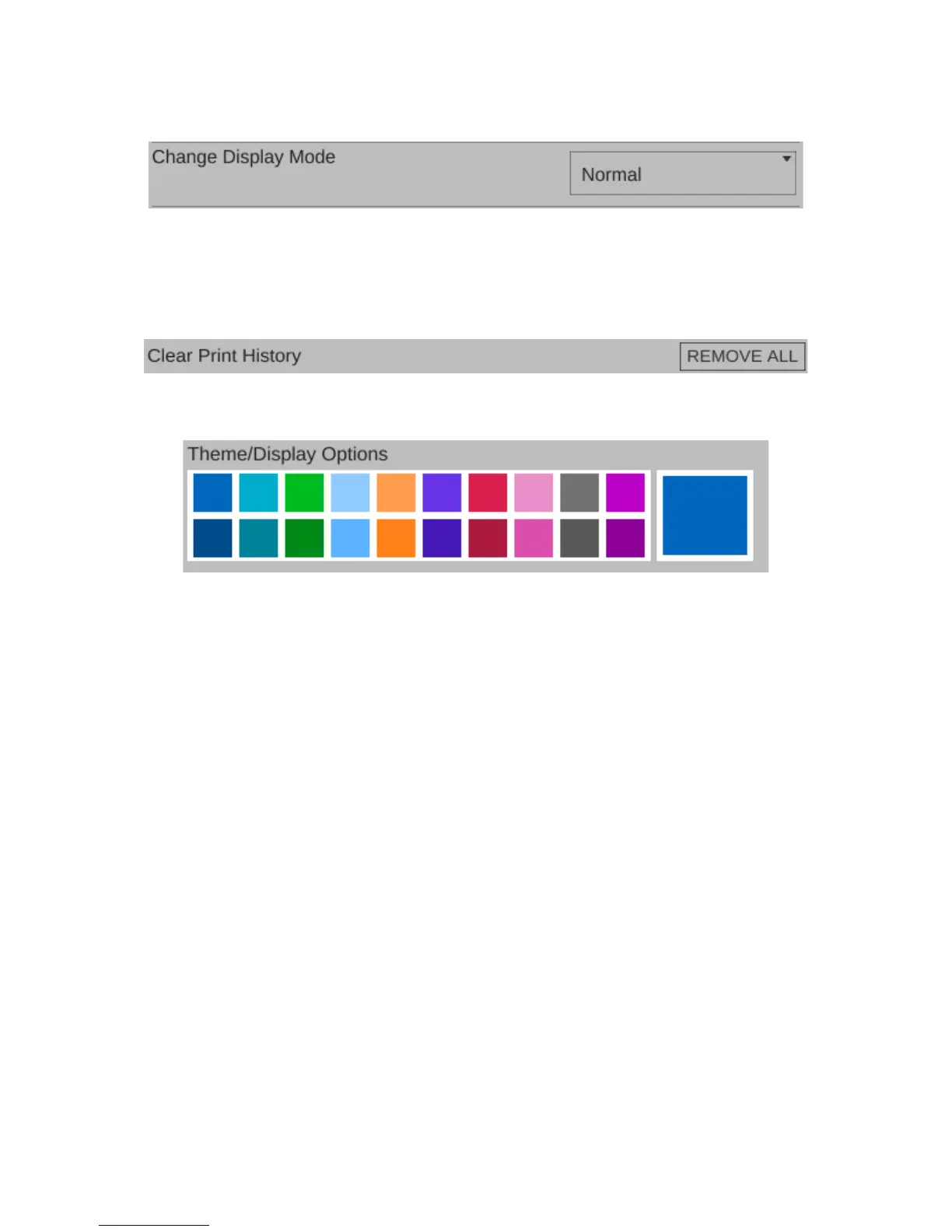
The Change Display Mode will allow you to switch between “Normal” and “Touchscreen”.
The touchscreen interface is optimized for that type of input method. You'll need to restart
MatterControl when changing the display mode.
Clear Print History will allow you to clear all the items from the History display.
Theme/Display Options allows you to change the primary color that the user interface renders
in. The top row of color selections provide the selected color against a light background. The second
row of color selections provide the selected color against a dark background.
7 – Advanced MatterControl: Configuration - 70
Fig. 7.1-15: Display theme.
Fig. 7.1-14: Clearing the print history.
Fig. 7.1-13: Change Display Mode.



 To Next Page