BEEFER ■ ON □ OFF
AUTOPOWER OFF
■ NONE □ 15 MIN
□ 30 MIN □ 45 MIN
BAUD RATE
□ 1200 □ 2400
□ 4800 ■ 9600
NO OF STROKES ↔: 4
NO OF CYLINDERS ↔: 4
CONTRAST ↔:
– – – – ┼ – – – –
Set Exit
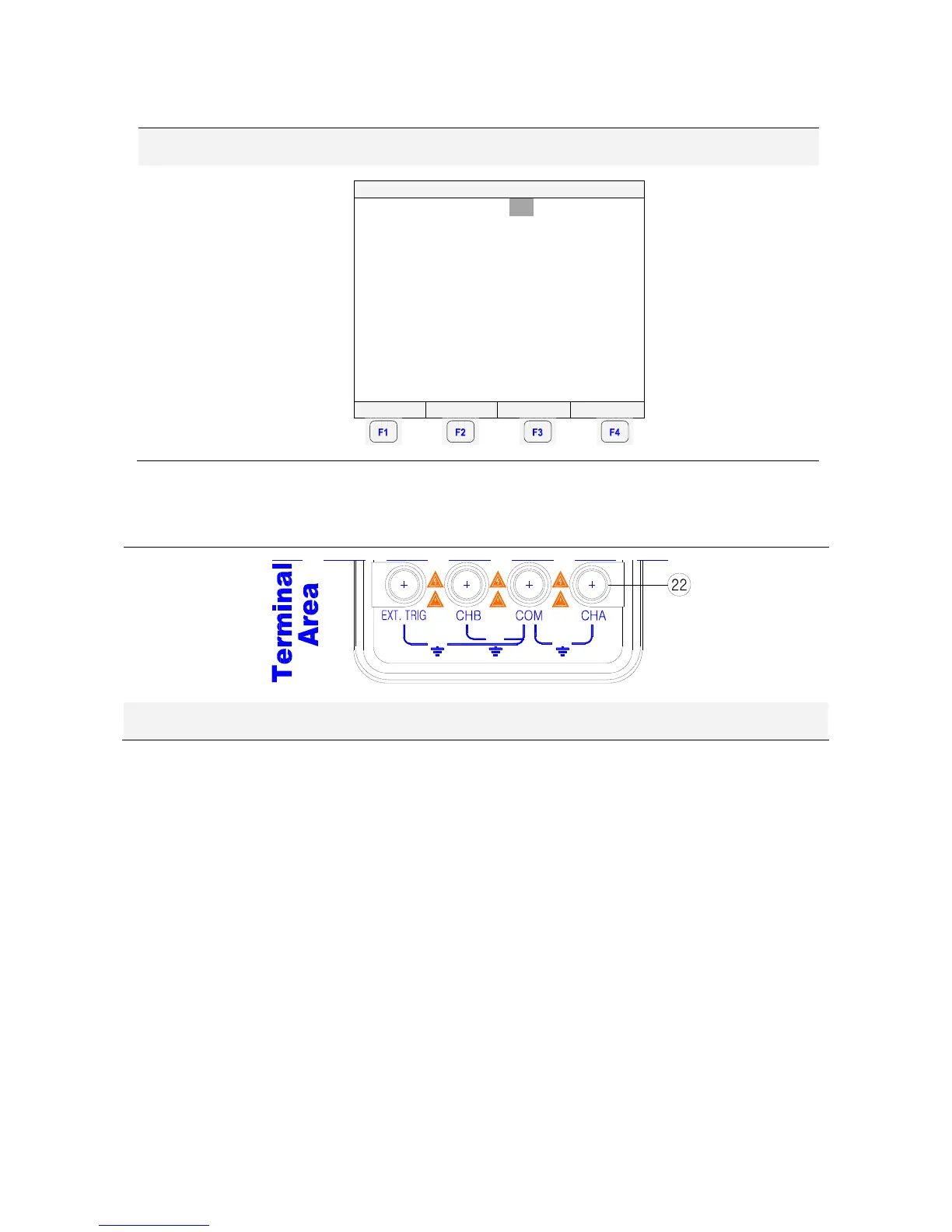
4.3. Terminal Area
600V
MAX
600V
MAX
600V
MAX
[Terminal Area]
22) Terminals description
Look at the bottom of the METER. The METER provides 4 input jacks.
① CHA: Channel A
You can always use the red channel A for all single input measurements possible with the Meter.
② COM: Common
You can use the black COMMON as single ground for DCV, ACV, Ohm, Continuity, frequency
and RPM measurements.
③ CHB: Channel B
For measurements on two different signals you can use the channel B together with the red
channel A.
④ EXT. TRIG
External trigger.



 To Next Page