8-3
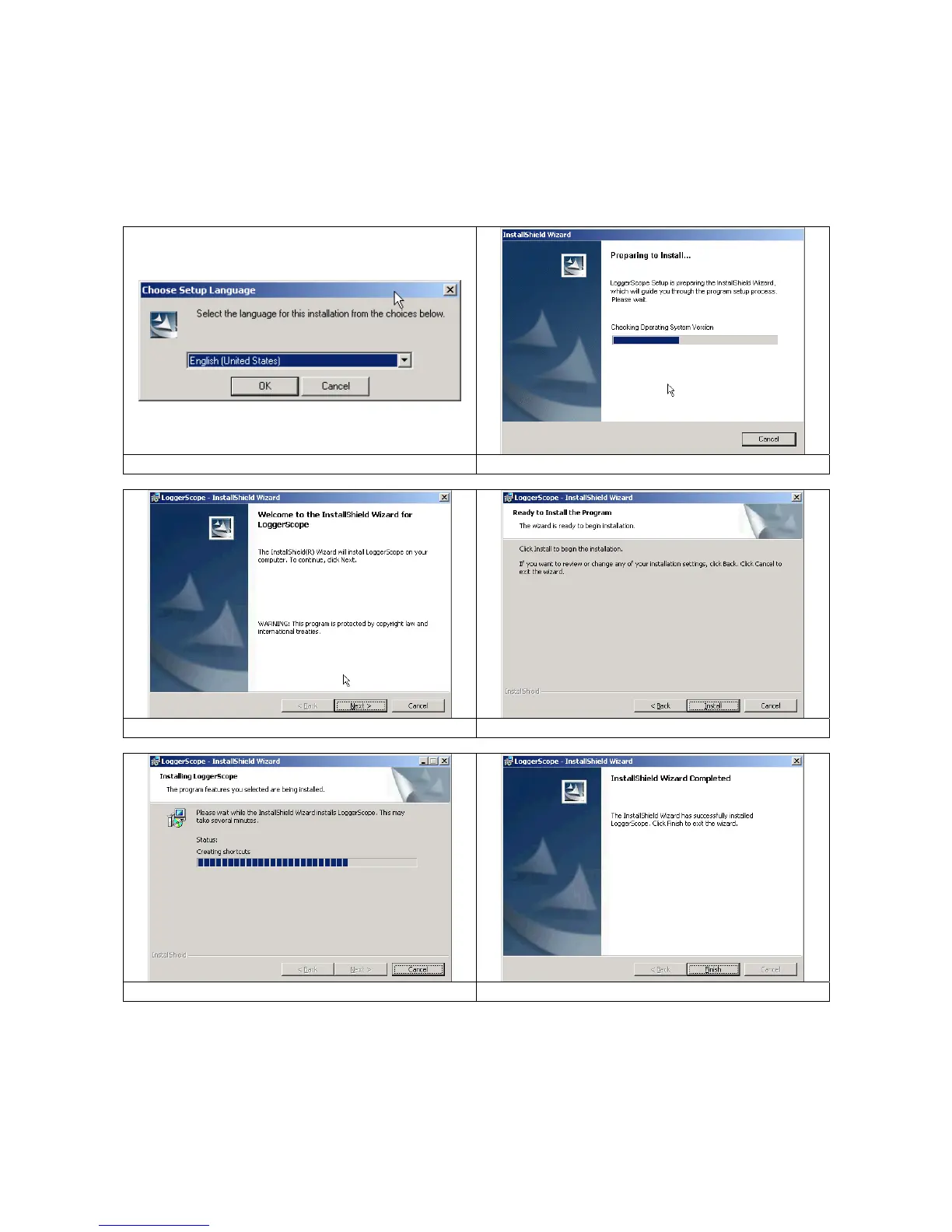
8.3. To install Windows Application Software
1) Insert the HandyScope software installation guide CD into the CD-ROM drive of your PC.
2) Open Windows
®
Explorer and double-click the CD-Rome drive.
3) Auto Run or Windows users can simply double click on Setup.exe’.
[Step 1: Choose Setup Language] [Step 2: Preparing to Install]
[Step 3: Welcome to the… HandyScope] [Step 4: Ready to Install the Program]
[Step 5: Installing HandyScope] [Step 6: Installed Wizard Completed]



 To Next Page