5-4
5.1.8. Changing the Graphic Representation
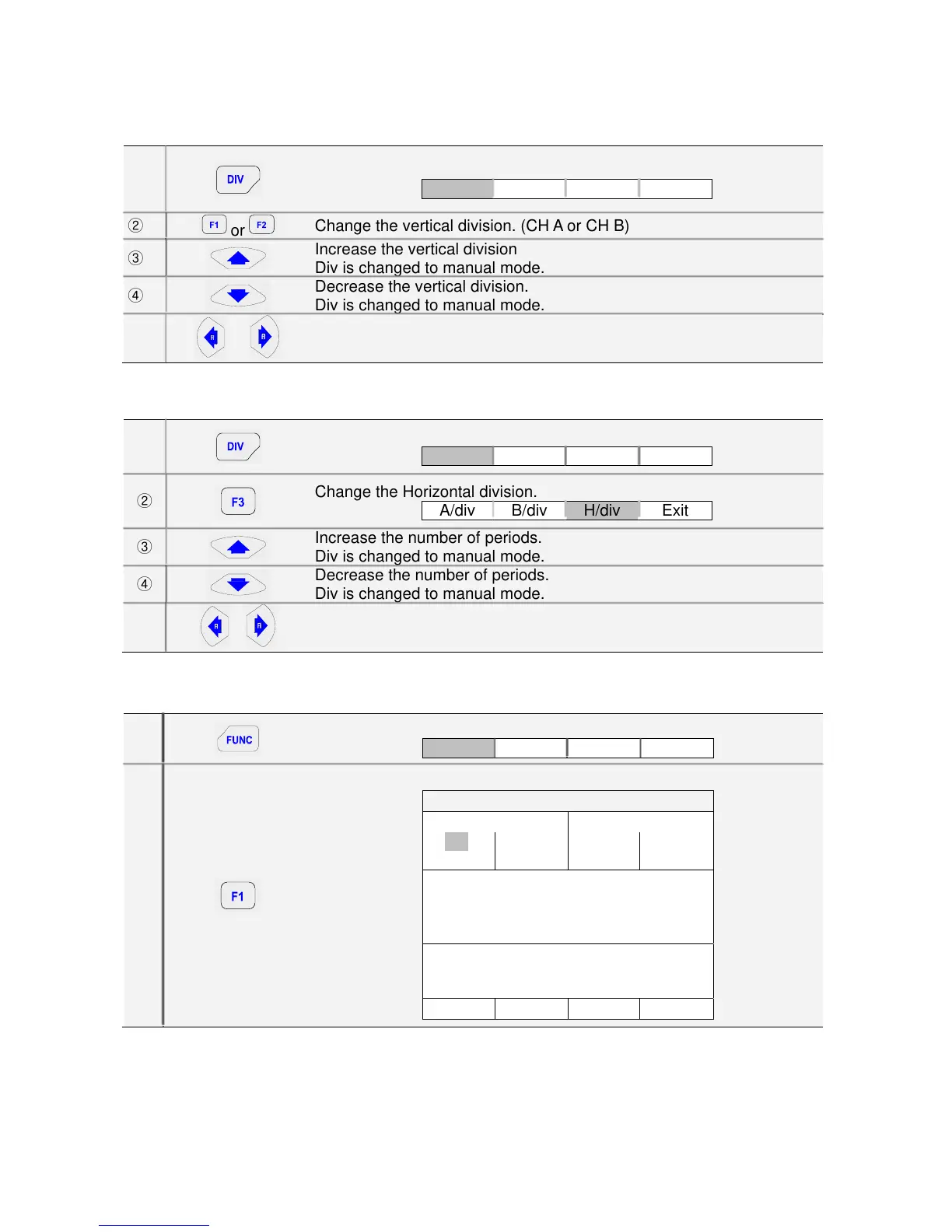
1) Changing the vertical division
①
Open the Command Menu.
A/div B/div H/div Exit
②
or
Change the vertical division. (CH A or CH B)
③
Increase the vertical division
Div is changed to manual mode.
④
Decrease the vertical division.
Div is changed to manual mode.
⑤
or
Change Div from Manual mode to AUTO mode.
Available settings are from 0.5 V/div to 500 V/div in normal mode.
2) Changing the Time Base
①
Open the Command Menu.
A/div B/div H/div Exit
②
Change the Horizontal division.
A/div B/div H/div Exit
③
Increase the number of periods.
Div is changed to manual mode.
④
Decrease the number of periods.
Div is changed to manual mode.
⑤
or
Change Div from Manual mode to AUTO mode.
Available settings are from 1 uS/div to 5 uS/div in normal mode.
5.1.9. Acquiring the Waveform
①
Open the FUNCTION menu.
Scope AScop SetUp Exit
②
Open the Scope Setup menu.
SCOPE SETUP
INPUT A: INPUT B:
■ DC
□ AC
■ ON
□ OFF
■ DC
□ AC
■ ON
□ OFF
MEASUREMENTS A:
■ DCV □ BZ □ RPM □ DTY
□ ACV □ Hz □ P/W □ DWL
□ OHM
SCOPE MODE:
■ NORMAL □ ROLL MODE
Set Exit



 To Next Page