5-5
1) Recording Slow Signals over a Long Period of Time
③
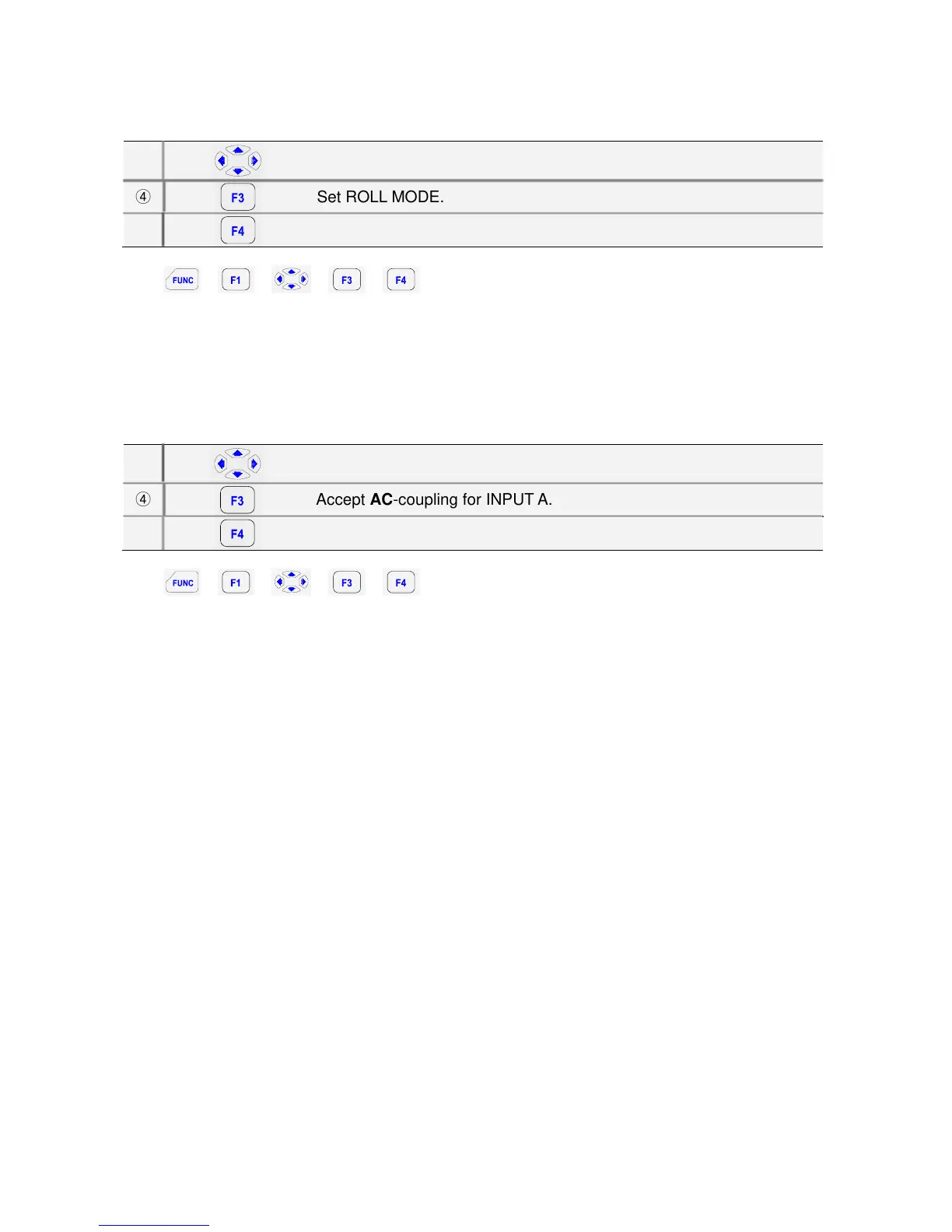
Highlight ROLL MODE.
④
Set ROLL MODE.
⑤
Exit.
Key:
Î Î Î Î
The roll mode function supplies a visual log of waveform activity and is especially useful when you
measure lower frequency waveforms.
Note
ROLL MODE operates when the horizontal division is between 1s and 5s
Selecting AC-Coupling for INPUT A
③
Highlight AC for INPUT A.
④
Accept AC-coupling for INPUT A.
⑤
Exit.
Key:
Î Î Î Î
Use AC-coupling when you wish to observe a small AC signal that rides on a DC signal.


 To Next Page