20 English
The following setup is available:
delay for the switch-o of the display and automatic exit from the menu.
Display setup
Conrm the preferred setup by pressing .
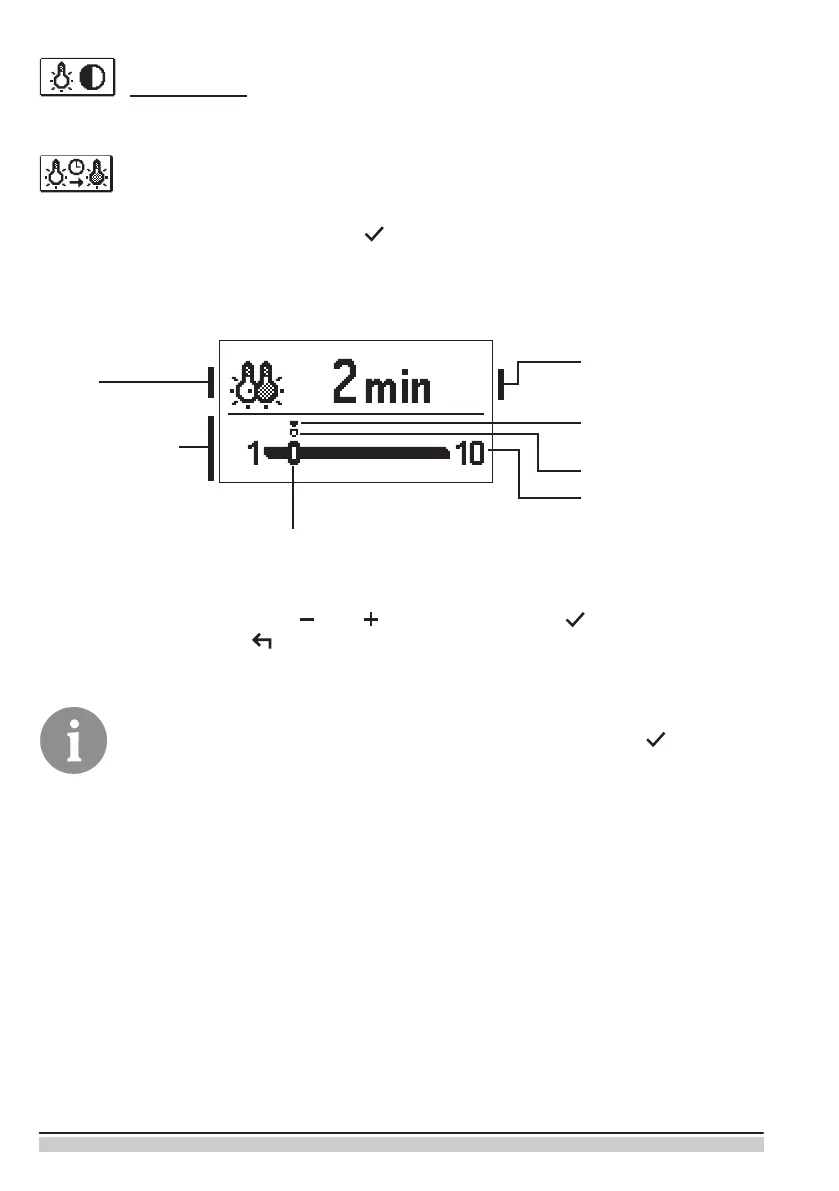
A new display will open up:
Graphic
symbol
Factory value
Current setup value
Current value
setup (graphic dis-
play)
Setup range
The last conrmed setup
value
Current value
setup (numerical dis-
play)
Change the setup with the keys and conrm it by pressing .
Exit the setup by pressing .
The setup will be changed after it has been conrmed with key .


 To Next Page