8 English
GRAPHIC LCD
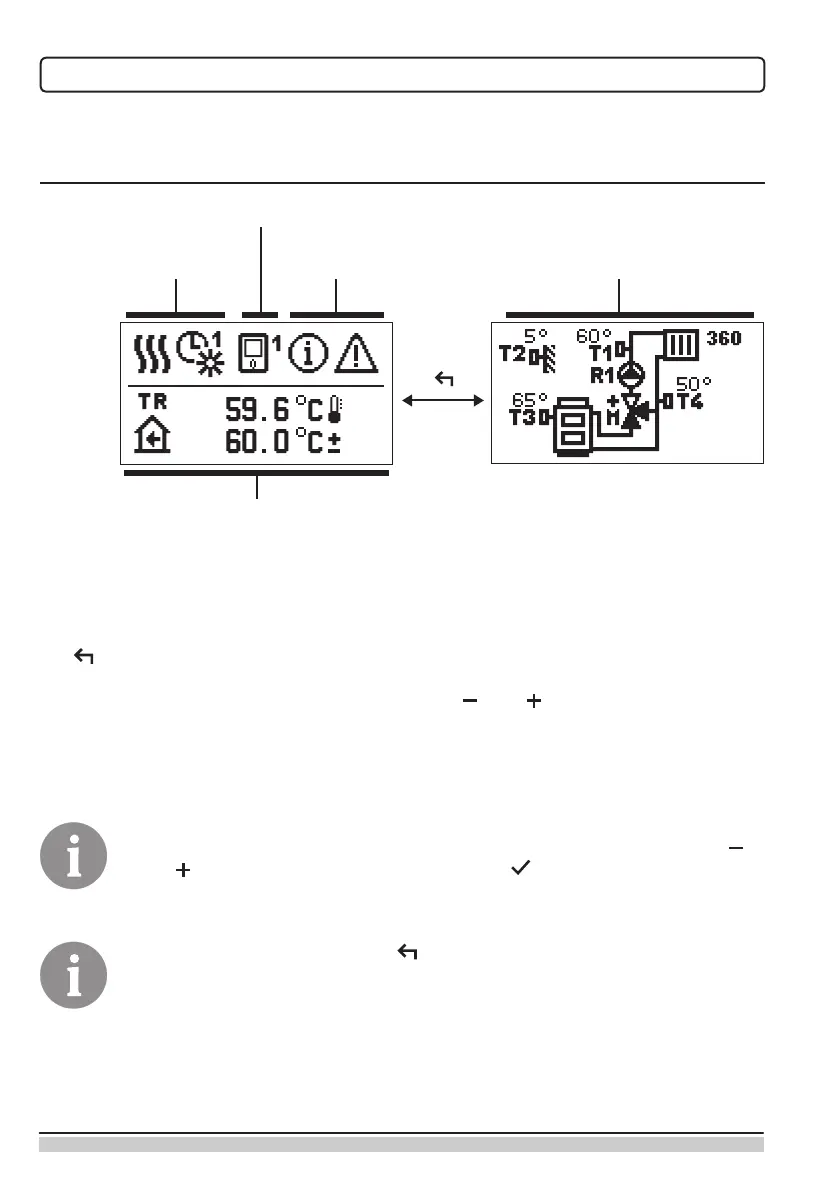
All relevant data on the operation of the controller can be seen on the graphic LCD.
DESCRIPTION AND APPEARANCE OF THE DISPLAY
Notications and
errors
Operating mode and
user functions
Data display:
operating mode, user functions, notications and errors are shown in the upper half of the
display. To switch between the data display and display of the hydraulic schematic use the
key .
To review temperatures and other data use the keys and . The number of sensors
and other data that is displayed depends on the selected hydraulic schematic and control-
ler setup.
To recall certain data after the use of keyboard, search for it with the keys
and and conrm it by pressing and holding for 2 seconds.
By pressing and holding the key for 2 seconds, the temperature display
changes from one-line to two-line display or vice versa (only if the condition
P1.9=0 is met). In the two-line temperature display (P1.9=1), the rst line
shows the measured temperature value and the second one the preferred or
calculated temperature.
Hydraulic schematic with
the temperature display
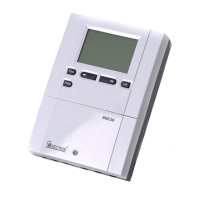
Room unit
Temperature, protection functions and
display of other data


 To Next Page