20S
16
5.4 Bluetooth GPS Navigation Pairing
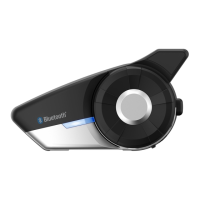
5.4.1 GPS Pairing
1. Turn on the headset and press the Jog Dial for 6 seconds until the
RED,%$ISRAPIDLYmASHINGANDYOUHEARMULTIPLEBEEPS
2. Within 2 seconds, tap the Phone Button and hear the voice prompt,
“Second mobile phone pairing”. Again within 2 seconds, tap
THE 0HONE "UTTON AND THE ,%$ TURNS TO GREEN mASHING AND THE
beeps turn to multiple mid-toned beeps. You will hear the voice
prompt, “GPS pairing”.
3. Search for Bluetooth devices on the GPS navigation screen.
Select the Sena 20S in the list of the devices detected on the GPS.
4. Enter 0000 for the PIN.
4HE '03 CONlRMS THAT PAIRING HAS COMPLETED AND THE 3 IS
ready to use. You will hear a voice prompt from the 20S saying
“Your headset is paired”.
6. If the pairing process is not completed within three minutes, the
20S will return to stand-by mode.
Note:
If you pair your GPS device via GPS Pairing, its instructions will not interrupt
your intercom conversations, but overlay with them.
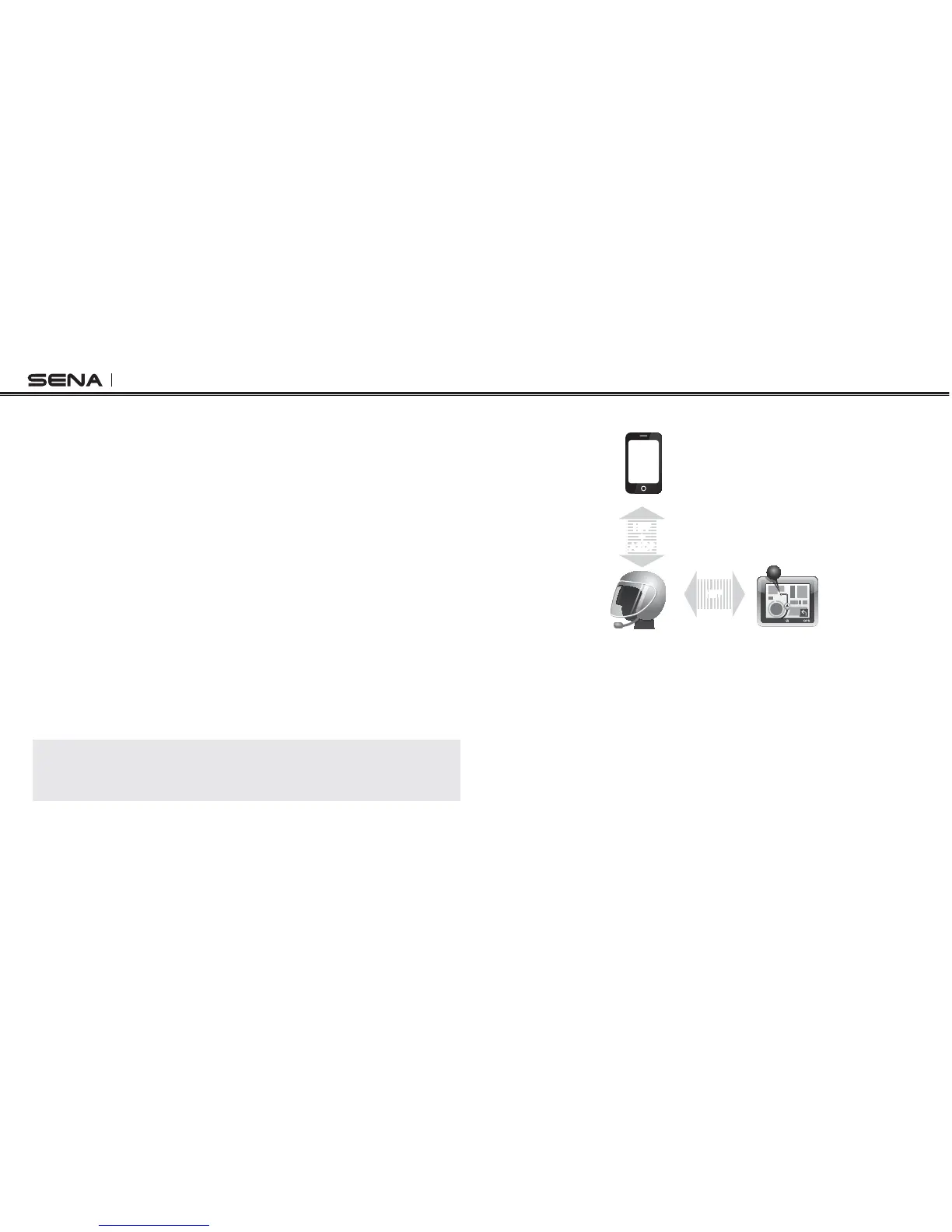
4HEPAIRINGDIAGRAMFOR'03PAIRINGISSHOWNINTHElGUREBELOW
Smart Phone
20S
GPS
HFP
+
A2DP
Mobile Phone
Pairing
GPS Pairing
HFP
GPS Pairing



 To Next Page