20S
37
English
3. Perform the operation required for handsfree pairing on the
non-Sena Bluetooth headset (refer to the user’s manual of the
headsets you want to use). The 20S will automatically perform
pairing with non-Sena Bluetooth headsets in pairing mode.
18.2 Two-way Universal Intercom
You can initiate the Universal Intercom connection with non-Sena
Bluetooth headsets using the same intercom connection method as
you would between other Sena headsets. Make sure that the antenna
ISmIPPEDUPANDYOUMAYSINGLETAPTHE*OG$IALTOBEGINANINTERCOM
CONVERSATIONWITHTHElRSTINTERCOMFRIENDDOUBLETAPWITHTHESECOND
intercom friend, and triple tap with the third intercom friend.
Non-Sena Bluetooth headsets may initiate the Universal Intercom
connection by activating the voice dialing or using the redialing
operation. You may also disconnect the existing connection by ending
a call operation function (refer to the user’s manual of the headsets for
voice dialing, redialing, and ending a call).
18.3 Three-way Universal Intercom
You may make a three-way Universal Intercom connection with two
20Ss and one non-Sena Bluetooth headset.
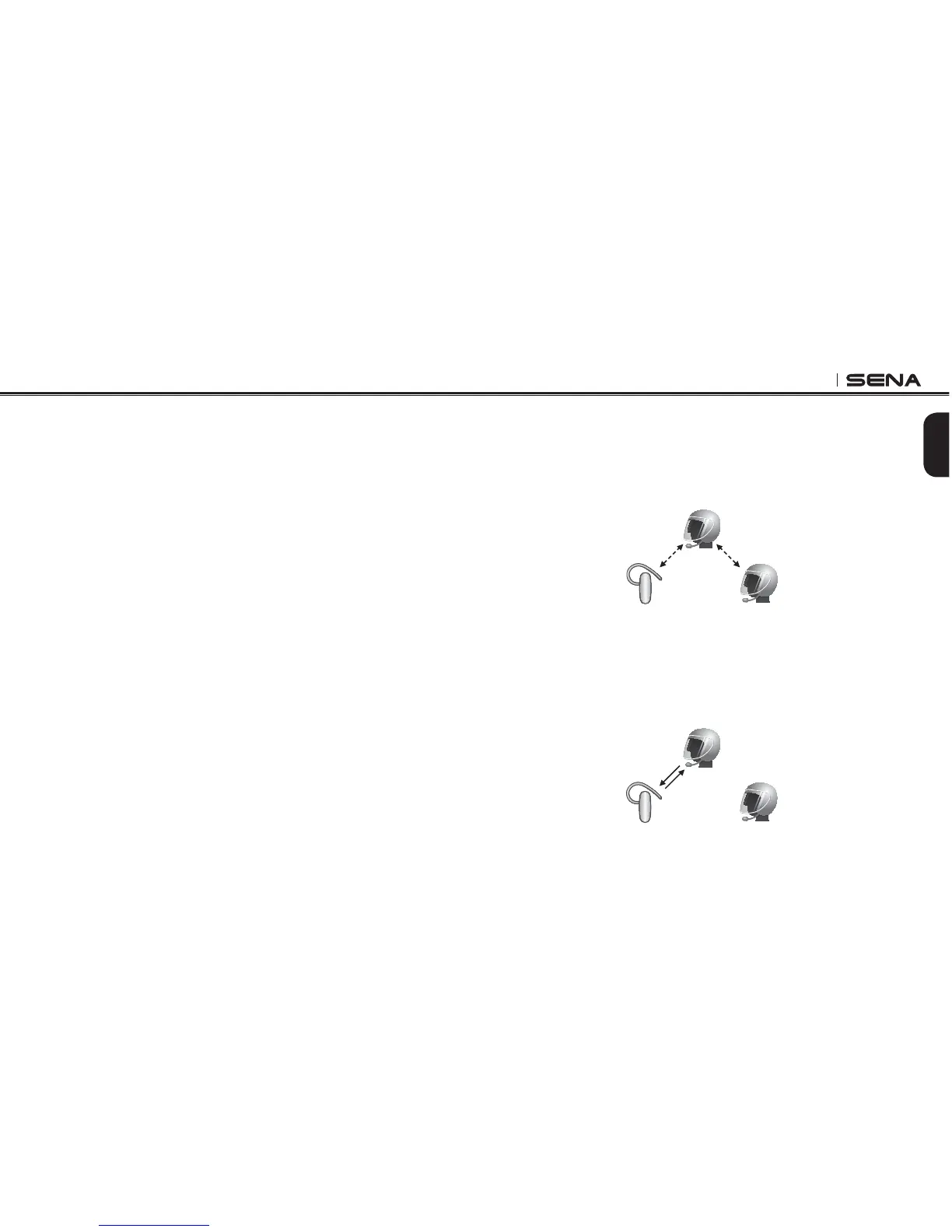
1. You (A) need to be paired with a non-Sena Bluetooth headset (B)
and another 20S headset (C) for the three-way intercom.
(A)
(B) (C)
Pairing
Pairing
2. Start an intercom conversation with non-Sena Bluetooth headset
(B) in your intercom group. For example, you (A) may start an
intercom conversation with non-Sena Bluetooth headset (B). The
non-Sena Bluetooth headset (B) may also start an intercom call
with you (A).
(A)
(B) (C)



 To Next Page