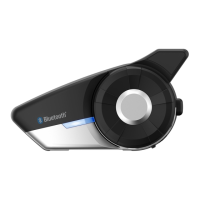
20S
60
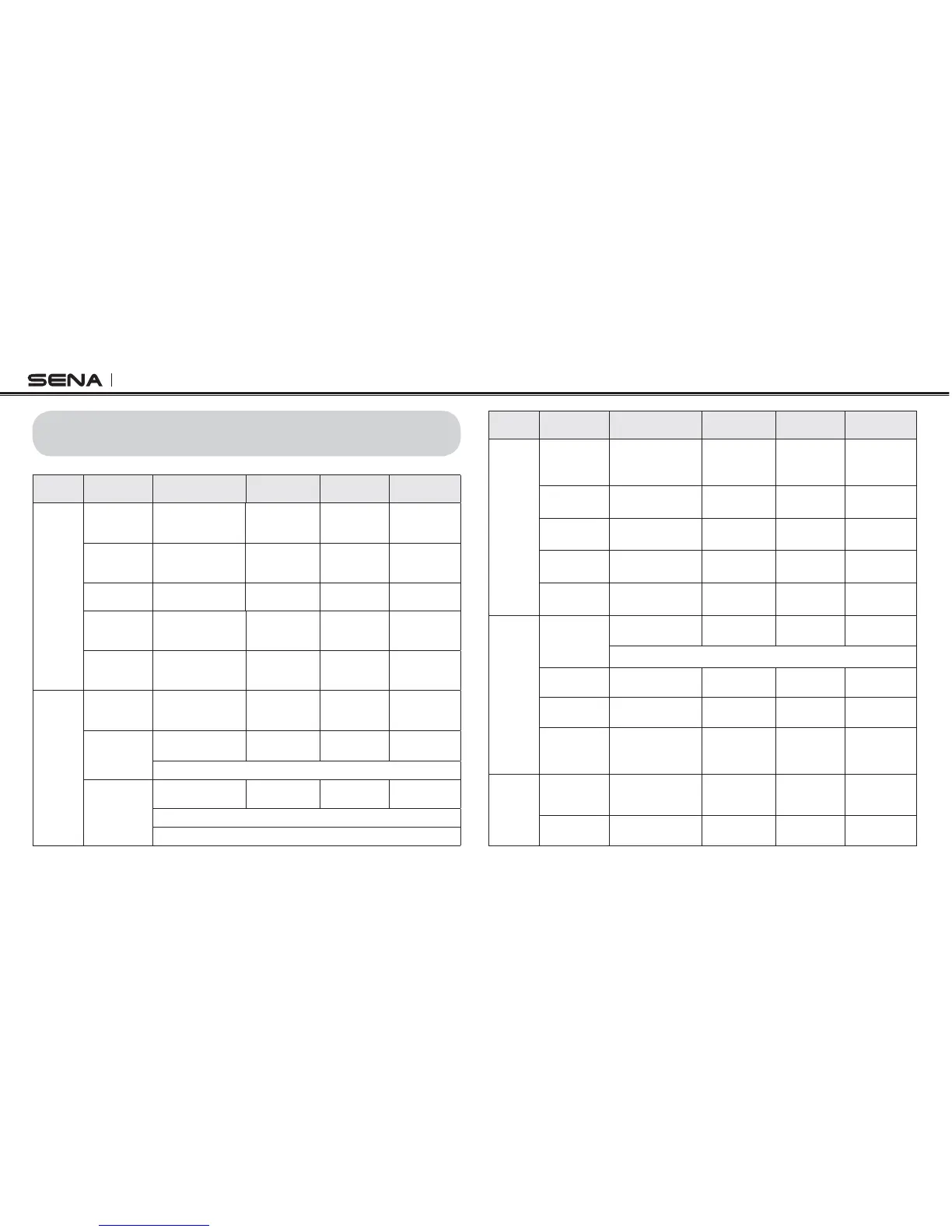
26 OPERATION QUICK REFERENCE
Type Function Button Command
Voice
Command
LED Beep
Basic
Function
Power-on
Press the Phone
Button and the Jog
Dial for 1 second
- Solid blue
Ascending
beeps
Power-off
Press the Phone
Button and the
Jog Dial
- Solid red
Descending
beeps
Volume
adjustment
Rotate the Jog Dial - - -
Voice
command
Double tap the
surface of the main
unit
“Hello Sena!”
Green flashing -
Ambient Mode
Double tap the
Ambient Mode
Button
- Green flashing -
Mobile
Phone
Mobile phone
pairing
Press the Phone
Button for 5
seconds
-
Blue & red
alternatively
flashing
High tone
multiple beeps
Second
mobile phone
pairing
Press the Jog Dial
for 6 seconds
- Red flashing Multiple beeps
Tap the Phone Button within 2 seconds
GPS pairing
Press the Jog Dial
for 6 seconds
- Red flashing Multiple beeps
Tap the Phone Button within 2 seconds
Tap the Phone Button again within 2 seconds
Type Function Button Command
Voice
Command
LED Beep
Mobile
Phone
Call transfer
Press the Phone
Button for 2
seconds
--
High tone
single beep
Answer & end
phone call
Tap the Phone
Button
---
Voice dial
Tap the Phone
Button
---
Speed dial
Double Tap the
Phone Button
“Speed dial
[one, two, three]
”
-
Mid-tone
single beep
Reject
incoming call
Press the Jog Dial
for 2 seconds
---
Intercom
Intercom
pairing
Press the Jog Dial
for 6 seconds
“Pairing
intercom”
Red flashing
Mid-tone
single beep
Tap the Jog Dial of any one of the two headsets
Start/End
each intercom
Tap the Jog Dial
“Intercom
[one, two … nine]
”
--
End all
intercoms
Press the Jog Dial
for 2 seconds
“End
intercom”
Blue flashing
Mid-tone
double beeps
Start Group
Intercom
Press the Ambient
Mode Button for 1
second
“Group
intercom”
Green flashing -
Music
Play/Pause
Bluetooth
music
Press the Jog Dial
for 1 second
“Music”
-
Mid-tone
double beeps
Track forward/
back
Rotate the Jog Dial
while pressing
“Next”/
“Previous”
--



 To Next Page