20S
24
8.3 Music Sharing
You can start sharing music with an intercom friend using Bluetooth
stereo music during a two-way intercom conversation.
-AKESURETHATTHEANTENNAISmIPPEDUP
2. Enter into a two-way intercom and press and hold the Jog Dial for
one second to play music.
3. Press and hold the Jog Dial until you hear triple beeps and you
will hear a voice prompt saying “Music sharing on”.
4. To track forward or track back, rotate while pressing down the Jog
Dial clockwise or counter clockwise.
5. To terminate music sharing, press and hold the Jog Dial until you
hear triple beeps and you will hear a voice prompt saying “Music
sharing off”.
Please refer to chapter 15 for more information on intercom connections.
Note:
1. Audio Multitasking must be enabled to use music sharing. Please refer
to section 21.2 for more details on the Audio Multitasking feature.
2. Both you and your intercom friend can remotely control music playback
during music sharing such as track forward and track back.
3. When you have an incoming call, make a phone call, or hear the turn-by-
turn voice instruction of GPS during music sharing, the function will be
paused.
9 GPS NAVIGATION
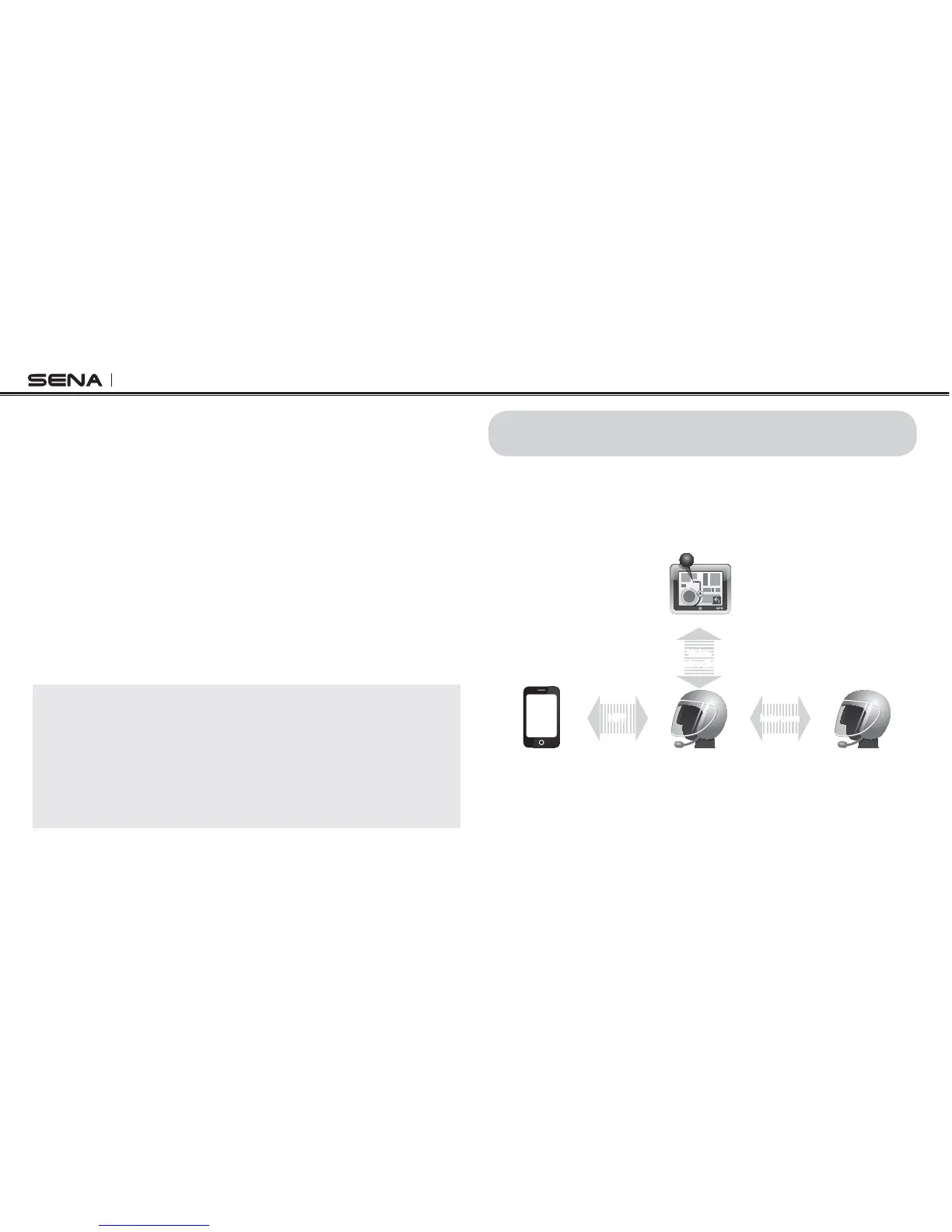
If you pair a Bluetooth GPS to the 20S as described in section 5.4,
“Bluetooth GPS Navigation Pairing”, you can hear the voice instruction
of the GPS while having an intercom conversation. The GPS voice
instruction does not interrupt intercom conversations.
Intercom FriendSmart Phone
20S
GPS
Voice
Instruction
GPS Pairing
Intercom
Pairing
Mobile Phone
Pairing
IntercomHFP
Intercom and GPS voice instruction



 To Next Page