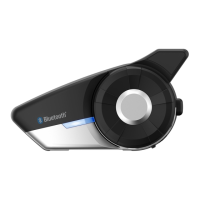
20S
41
English
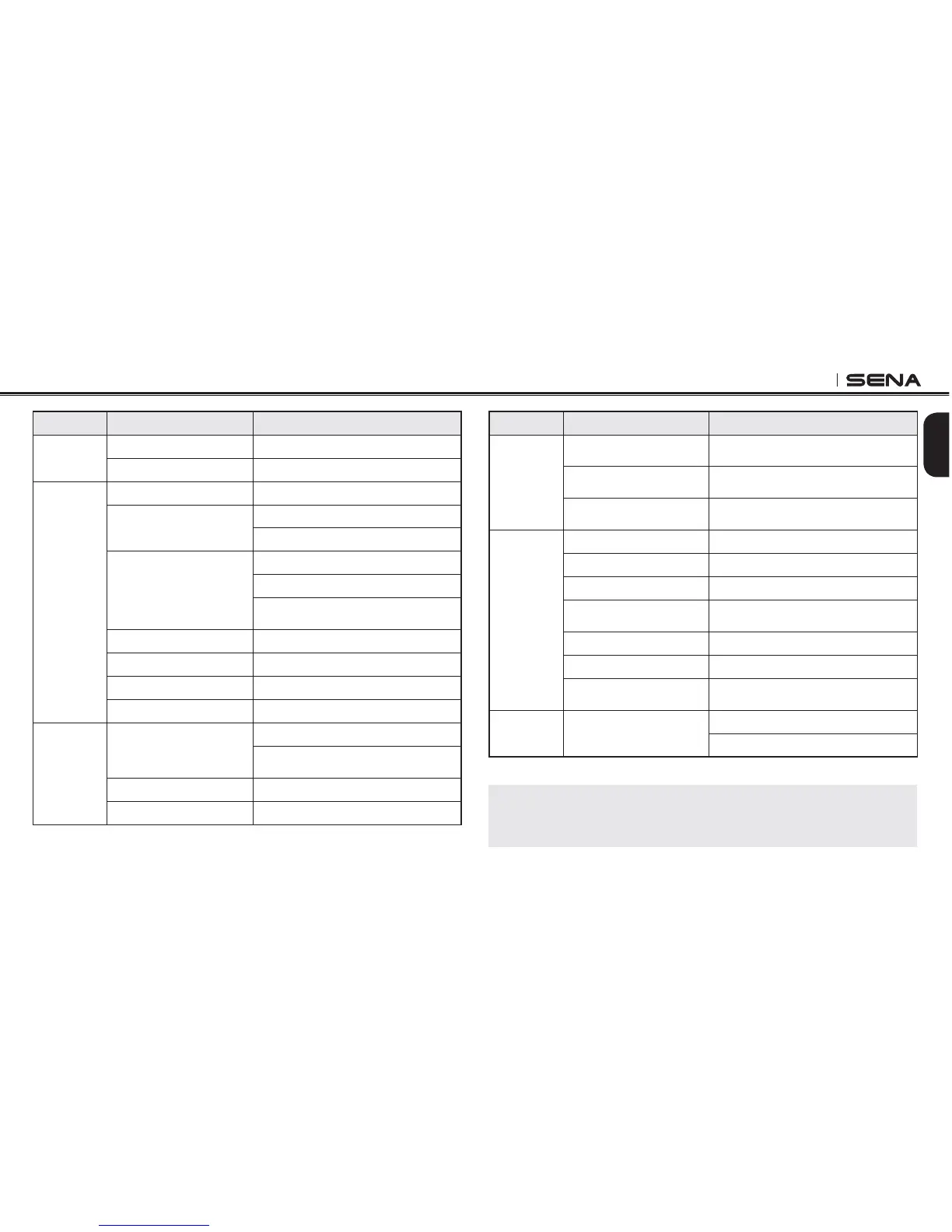
Type Function Handlebar Remote
Basic
Function
Volume adjustment Move the Joystick up or down
#ONlGURATIONMENU Press the Front Button for 12 seconds
Mobile
Phone
Mobile phone pairing Press the Joystick for 5 seconds
Second mobile phone
pairing
Press the Front Button for 5 seconds
Tap the Rear Button within 2 seconds
GPS pairing
Press the Front Button for 5 seconds
Tap the Rear Button within 2 seconds
Tap the Rear Button again within
2 seconds
Answer & end phone call Tap the Rear Button
Voice dial Tap the Rear Button
Speed dial Double tap the Rear Button
Reject incoming call Press the Front Button for 2 seconds
Intercom
Intercom pairing
Press the Front Button for 5 seconds
Tap the Front Button of any one of the
two headsets
Start/End each intercom Press the Front Button
End all intercoms Press the Front Button for 1 second
Type Function Handlebar Remote
Music
Play/Pause Bluetooth
music
Press the Joystick for 1 second
Track forward/back
Move the Joystick left or right for
1 second
Music Sharing
Press the Front Button for 3 seconds
during intercom with music overlay
FM radio
FM radio on Press the Rear Button for 1 second
FM radio off Press the Rear Button for 1 second
Select preset Tap the Rear Button
Seek stations
Move the Joystick left or right for
1 second
Scan up FM band Double tap the Rear Button
Stop scanning Double tap the Rear Button
Save preset while
scanning
Tap the Rear Button
Reset Factory reset
Press the Rear Button for 12 seconds
Tap the Front Button within 5 seconds
Handlebar Remote Button Operation Table
Note:
You cannot control the Ambient Mode Button related operations using the
Handlebar Remote.



 To Next Page