Button
Functions
Powering
On and Off
Charging
Checking the
Bluetooth
Battery
Level
Volume
Adjustment
Downloadable
Sena Software
Configuration
Menu
Sena Cavalry Lite Bluetooth
®
Half Helmet | 20
2. GettinG started:
built-in bluetooth
system
MENU
1x
TAP
1x
TAP
Accessing the Confi guration Menu
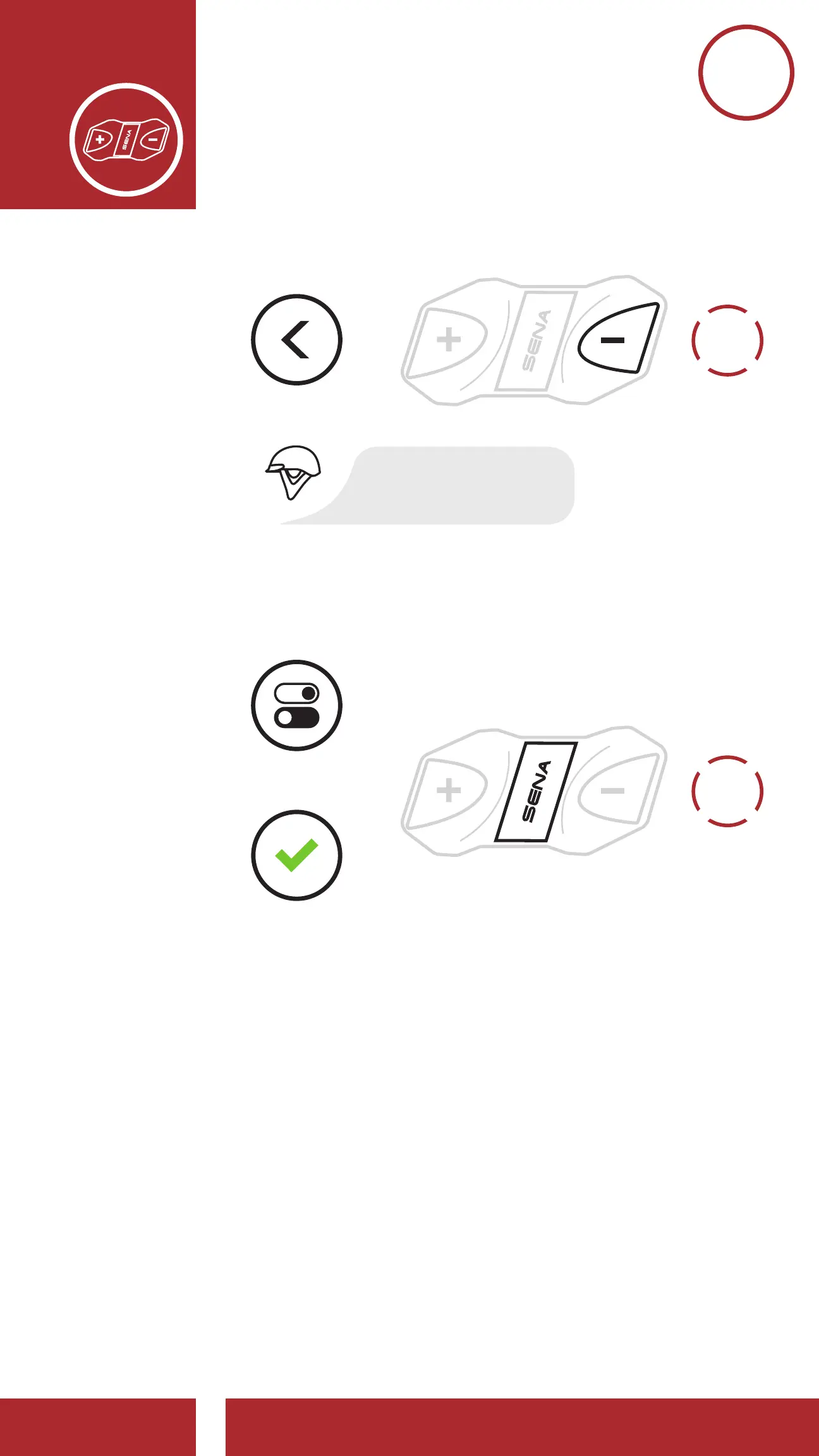
Navigating Forward through the Menu
Navigating Backward through the Menu
Enable/Disable or Execute a Feature
NAVIGATE
FORWARD
NAVIGATE
BACKWARD
=
=
ACCESS
CONFIG.
MENU
“(Menu Prompt)”
“(Menu Prompt)”
ENABLE OR
DISABLE
EXECUTE
10s
HOLD
3. You can enable/disable the feature or execute the
command by tapping the Center Button.
1x
TAP
Accessing the Confi guration Menu
Navigating Forward through the Menu
Navigating Backward through the Menu
Enable/Disable or Execute a Feature
NAVIGATE
FORWARD
NAVIGATE
BACKWARD
=
=
=
=
ACCESS
CONFIG.
MENU
“(Menu Prompt)”
“(Menu Prompt)”
ENABLE OR
DISABLE
EXECUTE



 To Next Page