Button
Functions
Powering
On and Off
Charging
Checking the
Bluetooth
Battery
Level
Volume
Adjustment
Downloadable
Sena Software
Configuration
Menu
Sena Cavalry Lite Bluetooth
®
Half Helmet | 21
2. GettinG started:
built-in bluetooth
system
MENU
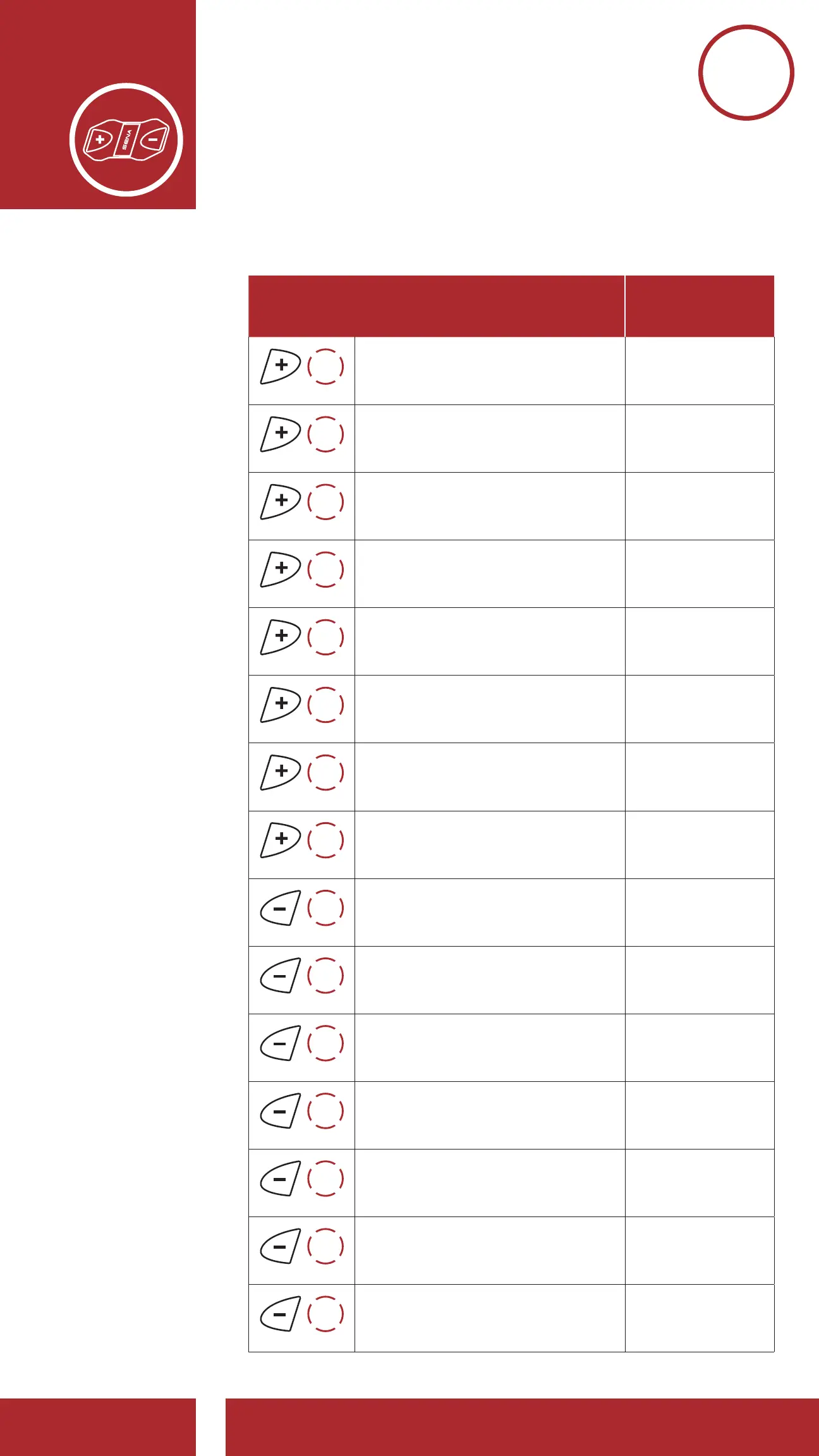
Configuration Menu Chart
Tap the (+) Button or (-) Button
the specified number of times
Tap the
Center Button
1x
TAP
Phone Pairing Execute
2x
TAP
Second Mobile Phone Pairing Execute
3x
TAP
Phone Selective Pairing Execute
4x
TAP
Media Selective Pairing Execute
5x
TAP
Speed Dial Execute
6x
TAP
Audio Boost Enable/Disable
7x
TAP
Voice Prompt Enable/Disable
8x
TAP
RDS AF Setting Enable/Disable
7x
TAP
FM Station Guide Enable/Disable
6x
TAP
Advanced Noise Control Enable/Disable
5x
TAP
Delete All Pairings Execute
4x
TAP
Remote Control Pairing Execute
3x
TAP
Universal Intercom Pairing Execute
2x
TAP
Factory Reset Execute
1x
TAP
Exit Configuration Execute



 To Next Page