SCORPIO 38’ - 45’ - MAINTENANCE & SERVICE - Driver adjustment
Version 1.02 May 27, 2022
SERVICEVISION BIS SL
Ríos Rosas, 20 · 08940 CORNELLA DE LLOBREGAT (Barcelona) Spain · Tel. 34 93 223 86 30 · Fax 34 93 223 86 31 75
comercial@servicevision.es · www.servicevision.es
6.5 DRIVER ADJUSTMENT
Before doing any adjustment of any driver we need to be sure that the hand command is correctly
adjusted (Chapter 4.2.4.2).
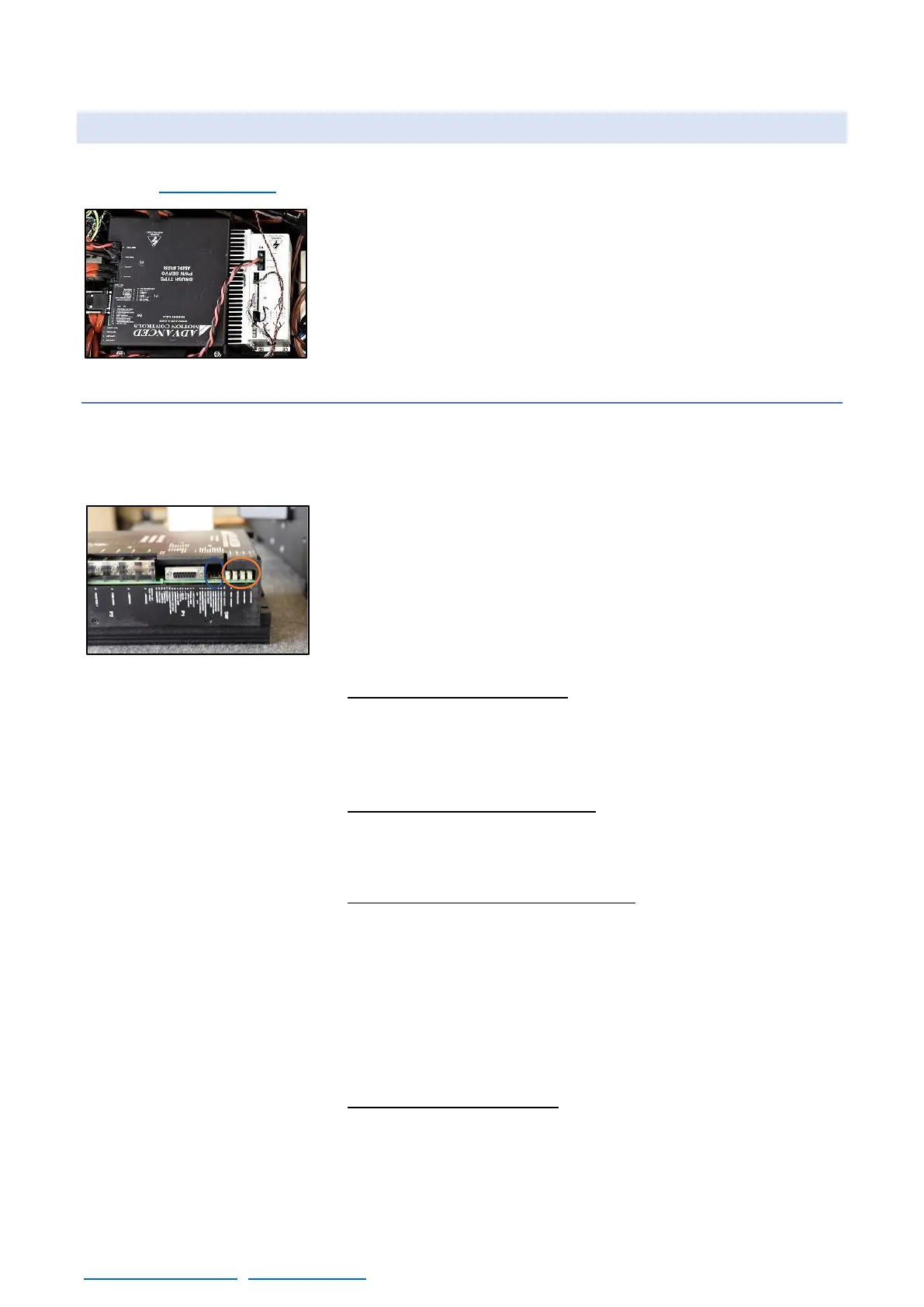
Any spare driver will be pre-adjusted at factory but since every motor
is different it may need a final adjustment once replaced. In the
Electronic Box for the Scorpio 45/38 there are two different drivers,
the Arm Driver, and the CWE/Column driver.
6.5.1 ARM DRIVER
There is a DIP SWITCH near the connectors of the driver, ensure the new driver has the same
address. The correct DIP SWITCH address for the driver of the arm is: Switches 3/4/5 and 8 in ON
position, rest in OFF position.
Once this is verified, start the crane, and find the magnetic limits of
the crane. When the main screen is shown, the driver can be
adjusted.
There are 4 potentiometers in the connectors side. These
potentiometers adjust different parameters of the behavior of the
motor and there is no mechanical limit on the numbers of turns they
can do.
• Potentiometer 1 Loop Gain: Turn the potentiometer number 1
CLOCKWISE until hearing a “coupling” noise from the motor.
From this point, turn counterclockwise now until the “buzz” noise
stops. And from this exact point, keep turning counterclockwise for
2,5 turns more and stop.
• Potentiometer 2 Current Limit: Always needs to be giving the
maximum current. Turn the potentiometer number 2 CLOCKWISE
until hearing a “click” noise or during 14 full turns CLOCKWISE to
reach its maximum.
• Potentiometer 3 Ref in Gain / SPEED: Turn potentiometer number
3 CLOCKWISE until hearing a “click”, from this point, turn
COUNTERCLOCKWISE for 3.5 turns. There is one test it can be
performed to see if this potentiometer is properly adjusted: Move
the crane to one end and move it from there at 100% Speed and
0% Damping. When the crane reaches the middle of the
movement, release the hand from the rocker. The crane needs to
stop at that exact time. If it is delayed, turn CLOCKWISE this
potentiometer. If it is too stiff, turn it COUNTERCLOCKWISE.
• Potentiometer 4 Test/offset: This potentiometer adjusts the offset
or zero of the motor. It does not need to be adjusted; it is preset
by the factory.



 To Next Page