SERVOPRO NOx Analyzers Page
Press to open the Span valve (if your analyzer is equipped with optional calibration
valves). Span will be indicated above the range (at the bottom right of the screen). To
return to the Measure mode, press F5 again. Meas will be indicated above the range on
the screen.
To change ranges, use the Up/Down arrows . The current range is shown in the
bottom-right corner under the “Meas” text. Example: R1: 3.000
When AutoRange is turned ON, it is indicated with an A before the range: Example:
AR1: 3.000 as shown above.
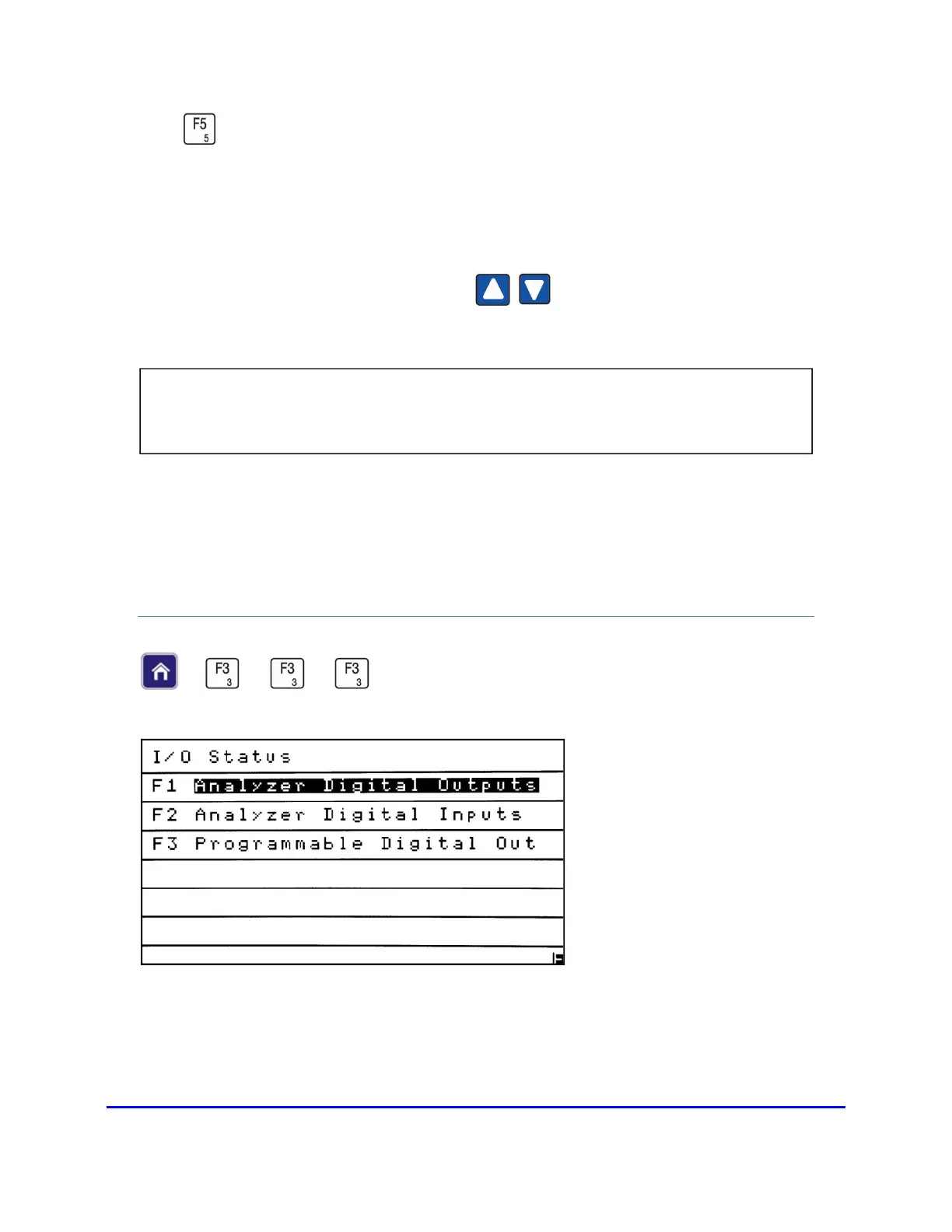
I/O STATUS
→
→
→
NOTE: If the analyzer’s AutoRange function is turned On, the operator will not be
able to manually change ranges until AutoRange is turned Off.














 To Next Page