SERVOPRO NOx Analyzers Page
OUTPUT HOLD/CLEAR
→
→
→
→
→
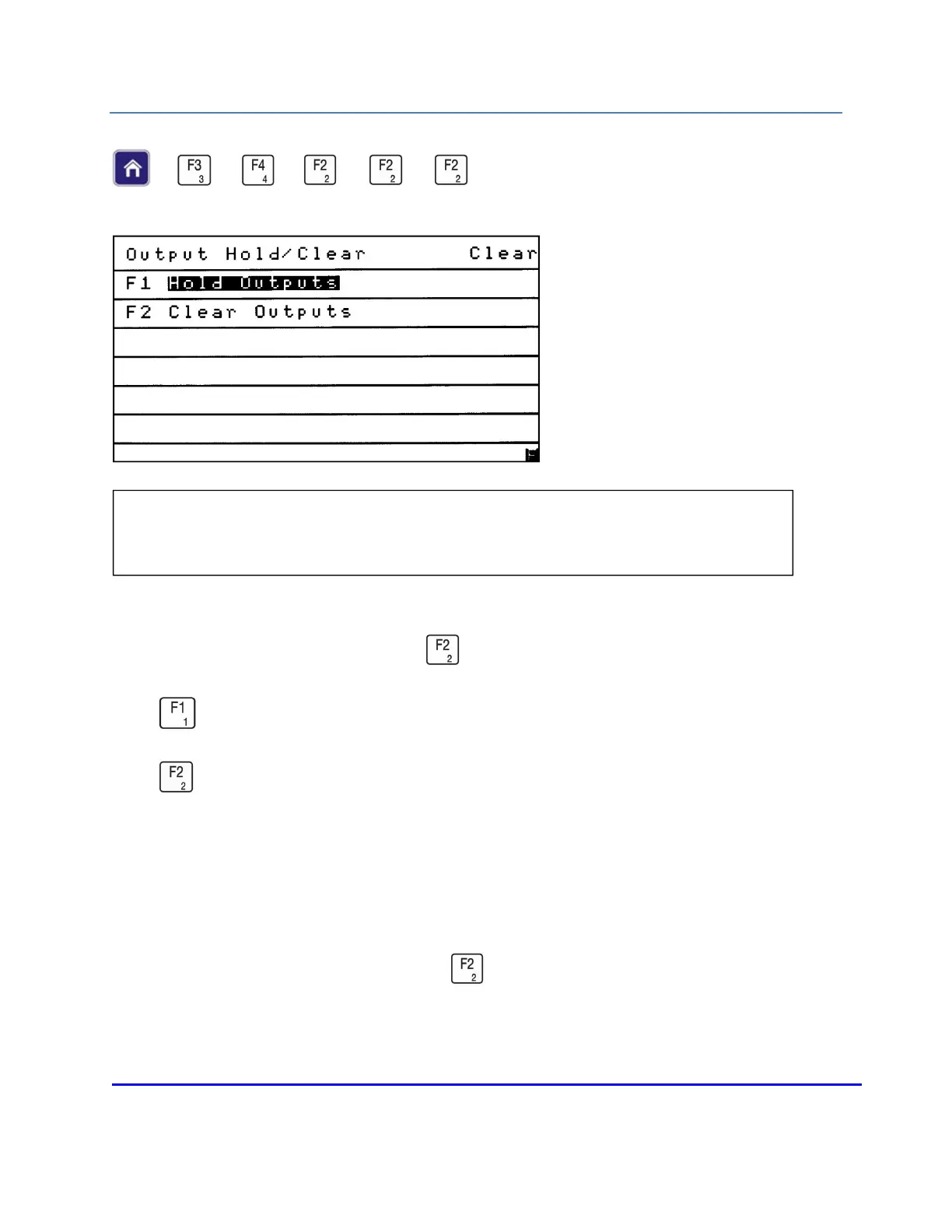
The current status is shown in the upper-right corner of the Output Hold/Clear menu. The Output
Hold/Clear menu is accessed by pressing from the Programmable Digitals menu.
Press to hold programmed alarm outputs until they are manually cleared.
Press to set the outputs to automatically clear when alarms are no longer present.
NOTES:
To manually clear held alarms, press from this menu. An output alarm cannot be
cleared until the alarm is back within its limits.
NOTE: The Output Hold/Clear menu allows the operator to choose whether to hold or
clear a triggered alarm when the alarm is no longer present.














 To Next Page