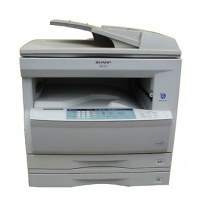
AR-M207 M165 M162 FLASH ROM VERSION UP PROCEDURE 12-3
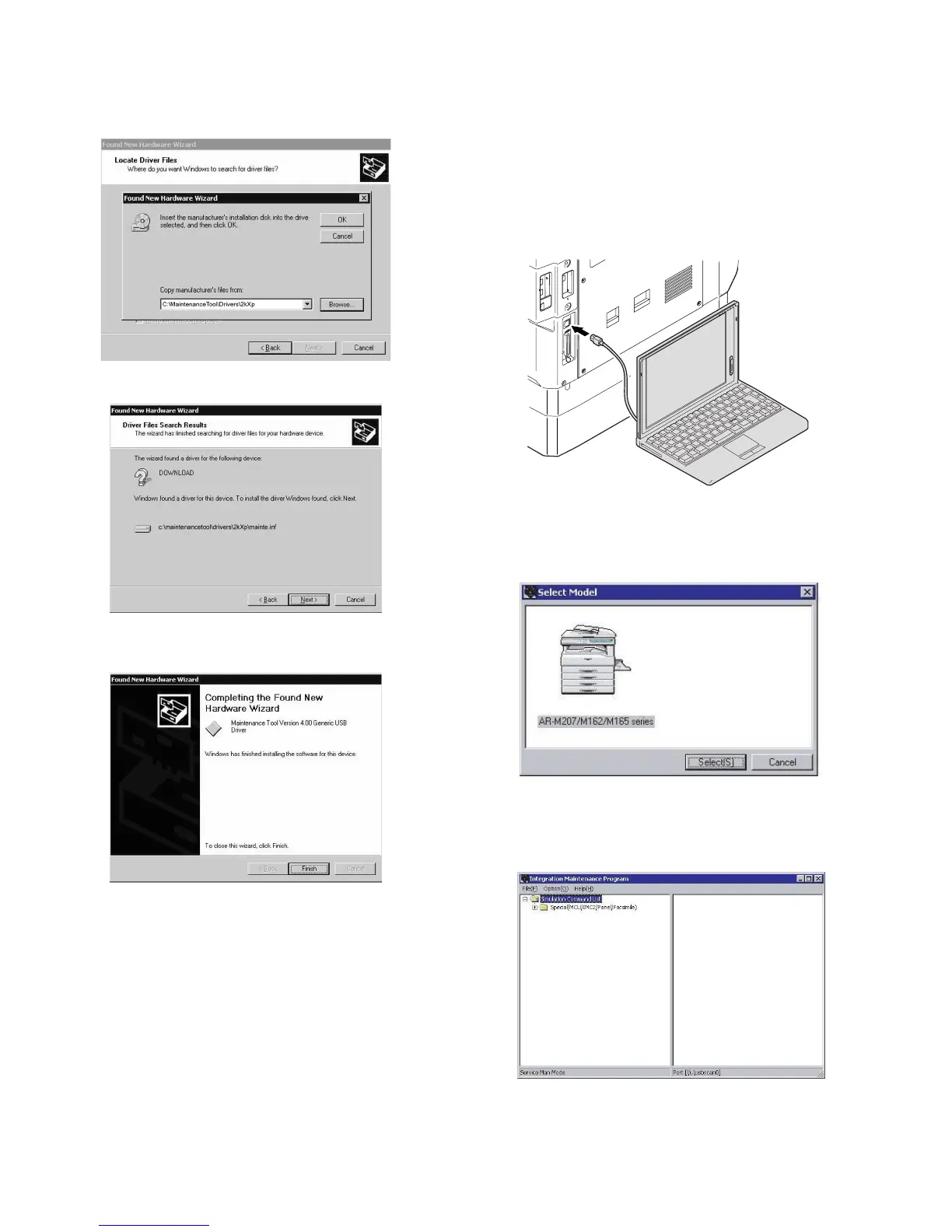
8) Check to confirm that the path to the folder which includes the
maintenance tool driver (Mainte.inf) is displayed, and press [OK]
button.
(Supposing that the maintenance tool driver is included in the folder
of “C:\Maintenance Tool\Drivers\2kXp”.
9) Press the [Next] button, and installation is started.
10) When installation is completed, the following display is shown.
Press the [Finish] button.
11) When the indication is displayed to reboot the PC, press [YES]
button and boot the PC.
The installation procedure of the joint maintenance program on Windows
2000 is completed with the above operation.
3. Download procedure
1) Main body side:
Executable by performing the Service Simulation No. 49-01 (Flash
Rom program-writing mode).
(A word “Download mode.” appears on the operation panel to denote
the download mode status. )
2) Connect the machine and the PC with a USB cable.
(Be sure to connect the USB cable to the main unit side. Connection
to the optional dual function board cannot execute this function.)
3) PC side:
Boot "Maintenance.exe" and select [AR-M207/M162/M165 Series]
on the model selection menu.
<Sample display>
4) PC side:
Check to confirm that "Simulation Command List" tree is displayed
on the integrated maintenance program.
[12]FLASHROM.fm 3 ページ 2004年11月12日 金曜日 午後2時19分



 To Next Page