34
Troubleshooting
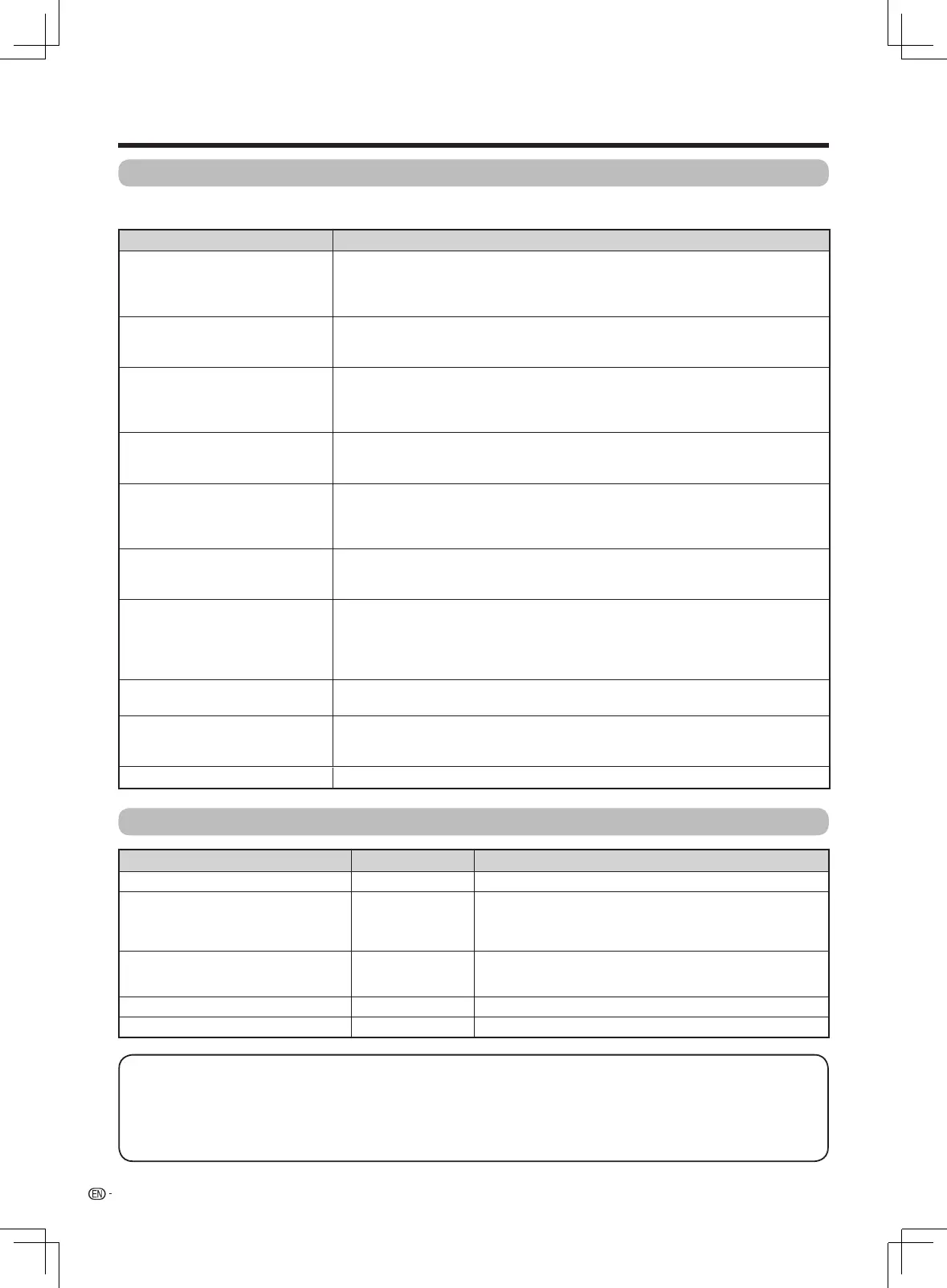
Theproblemsdescribedbelowarenotalwayscausedbymalfunctions.ChecktheTVagainbeforehavingtheTV
serviced.
Problem Possible solution
• Nopower. • IstheACcorddisconnected?(Seepage12.)
• Hasthepowerbeenturnedon?(Seepage15.)
• Whenthepowerswitchdoesnotwork,removethepowerplugandinsertitagain,
and press
POWER
ontheTVafterwaitingmorethanveseconds.
• Unitcannotbeoperated. • Externalinuencessuchaslightning,staticelectricity,etc.,maycauseimproper
operation.Inthiscase,operatetheunitafterrstturningthepowerofftheTVor
unpluggingtheACcordandre-pluggingitinafter1or2minutes.
• Remotecontrolunitdoesnot
operate.
• Arebatteriesinsertedwithpolarity(
e
,
f
)aligned?(Seepage14.)
• Arebatterieswornout?(Replacewithnewbatteries.)
• Areyouusingitunderstrongoruorescentlighting?
• Isauorescentlightshiningontheremotecontrolsensor?
• Pictureiscutoff. • Istheimagepositioncorrect?(Seepage20.)
• Arescreenmodeadjustmentssuchaspicturesizemadecorrectly?(Seepages19
and 20.)
• Strangecolour,lightcolour,or
dark, or colour misalignment.
• Adjustthepicturetone.(Seepages19.)
• Istheroomtoobright?Thepicturemaylookdarkinaroomthatistoobright.
• Checkthecoloursystemsetting.(Seepages18and26.)
• Checkthe“HDMIautoview”setting.(Seepage23.)
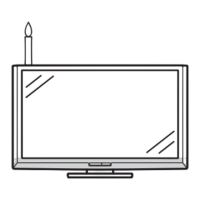
• Powerissuddenlyturnedoff. • Theunit'sinternaltemperaturehasincreased.
Removeanyobjectsblockingtheventorclean.
• Isthesleeptimer,nosignaloffornooperationoffset?(Seepages21,22and28.)
• Nopicture. • Istheconnectiontoexternalequipmentcorrect?(Seepages13and30.)
• Isthecorrectinputselected?(Seepages12,13and25.)
• Isthepictureadjustmentcorrect?(Seepages19and20.)
• Istheantennaconnectedproperly?(Seepage12.)
• Is“On”selectedin“Audioonly”?(Seepage25.)
• Nosound. • Isthevolumetoolow?(Seepage11.)
• Makesurethatheadphonesarenotconnected.(Seepage10.)
• TheTVsometimesmakesa
cracking noise.
• Thisisnotamalfunction.Thishappenswhenthecabinetslightlyexpandsand
contractsaccordingtochangesintemperature.ThisdoesnotaffecttheTV's
performance.
• Cannotselectthedesiredchannel. • SwitchbetweenDigitalTVandAnalogueTVmodes.(Seepage17.)
Appendix
Troubleshooting
-
Digital broadcasting
Problem Error code Possible solution
• Nopictureornosound.
—
• IsthecorrectInputsourceselected?(Seepages12and13.)
• Blocknoiseappearsonthescreen. • Istheantennapointinginthecorrectdirection?
• Checkthe“Signalstrength”and“Quality”.(Seepage16.)
• Arephysicalobjectsblockingtheantenna?
• IstheantennaorantennacablecompatiblewithDTVbroadcast?
• DTVbroadcastscannotbereceived.
E202
• IstheDTVantennasetupproperly?
• Istheantennacableconnectedproperly?(Seepage12.)
• Isthechannelsettingscorrect?(Seepage17.)
• Aspecicchannelcannotbereceived.
—
• Checkthe“Signalstrength” and “Quality”.(Seepage16.)
• Nobroadcastnow E203 • Checkthecurrentbroadcast.
Cautions regarding use in high and low temperature environments
• Whentheunitisusedinalowtemperaturespace(e.g.room,ofce),thepicturemayleavetrailsorappearslightlydelayed.
Thisisnotamalfunction,andtheunitwillrecoverwhenthetemperaturereturnstonormal.
• Donotleavetheunitinahotorcoldlocation.Also,donotleavetheunitinalocationexposedtodirectsunlightorneara
heater,asthismaycausethecabinettodeformandtheLCDpaneltomalfunction.
Storagetemperature:
f
20°Cto
e
60°C.
LX360H_en_ID6-201400313.indd 34 2014/3/15 10:12:55





 To Next Page