5
GETTING STARTED
Loading copy paper
LOADING COPY PAPER
7
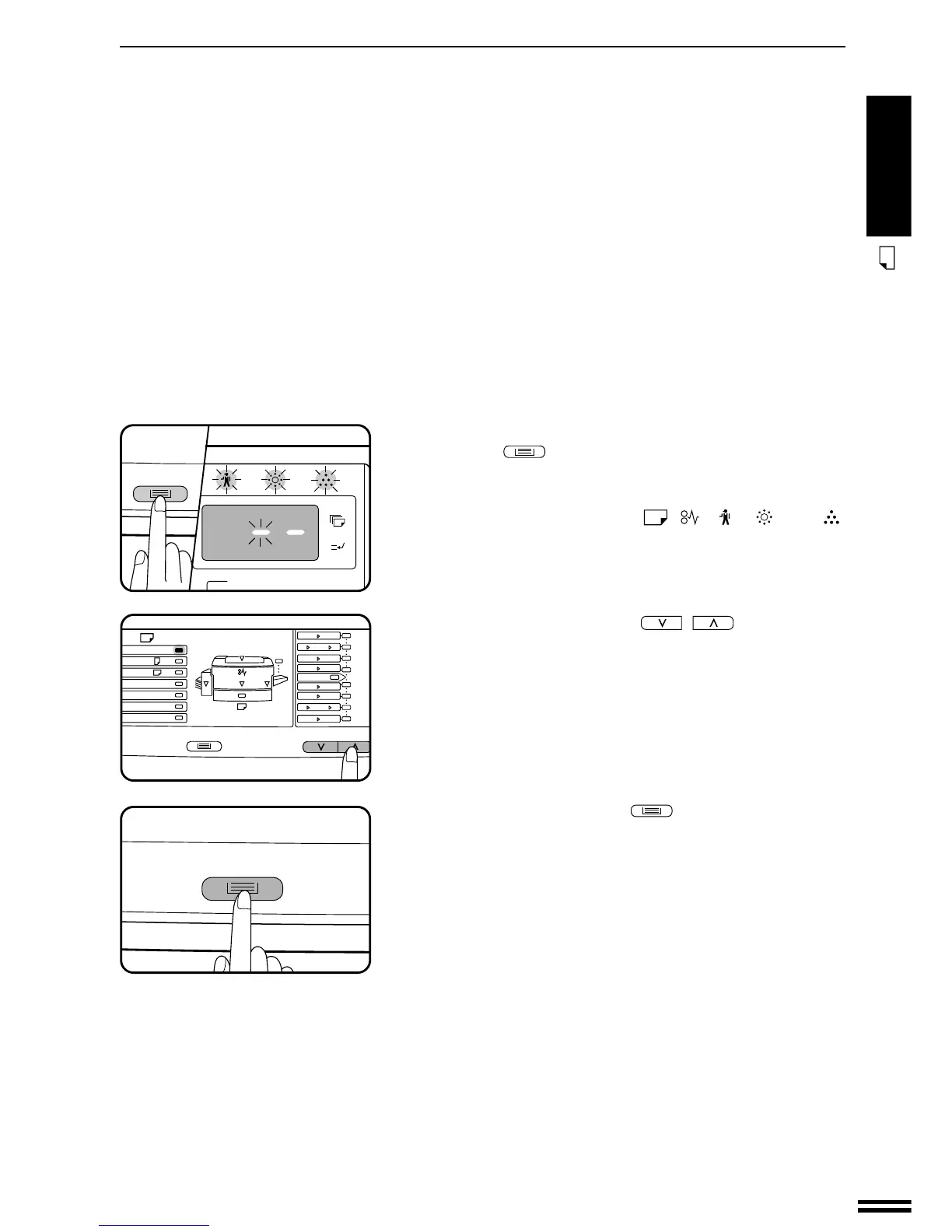
To set the selected paper size, press and hold the TRAY
SELECT (
) key for more than 5 seconds until all the
alarm indicators* blink and “– –” appears in the copy
quantity display.
* The alarm indicators are the , , , , and
indicators.
8
Use the copy ratio selector ( , ) keys to select
the paper size which is set.
●
Each time a copy ratio selector key is pressed, the paper size will
be indicated with a paper size indicator.
9
Press the TRAY SELECT ( ) key.
●
All the alarm indicators will go out.
ZOOM



 To Next Page