9 Connecng the SDHmini and SDHmini User Tool
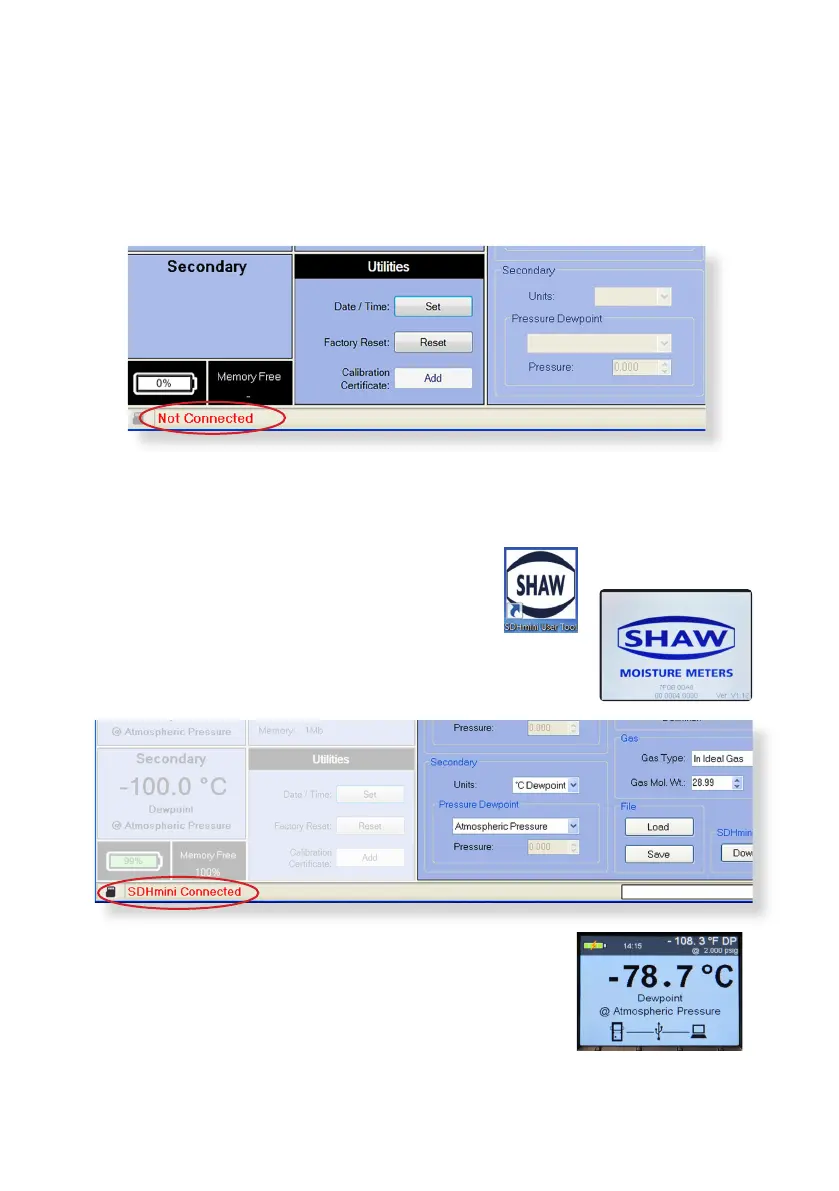
Always ensure the USB cable is connected to the instrument and PC when
working in the SDHmini User Tool soware. If you have not connected the unit
to the PC and aempt to start using the SDHmini User Tool soware it will show
a “Not Connected” message.
Please note: Once connected to the SDHmini User Tool soware, all keys on the
instrument keyboard are unusable, all changes are made through the User Tool.
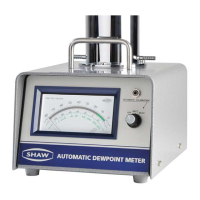
Double click the desktop icon to get started.
Switch on the instrument and connect the USB
cable from the unit to the PC. A splash screen appears on
the PC.
On your PC open the SDHmini User Tool. The view panel
appears on the PC saying “SDHmini Connected”.
The instrument will display the following screen to show
that the instrument is connected to the PC.
24


 To Next Page