Operations Manual Perdix
Manual DocRev B
18
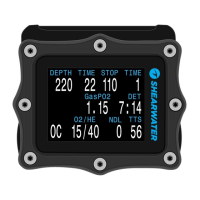
CENTER ROW CONFIGURATION
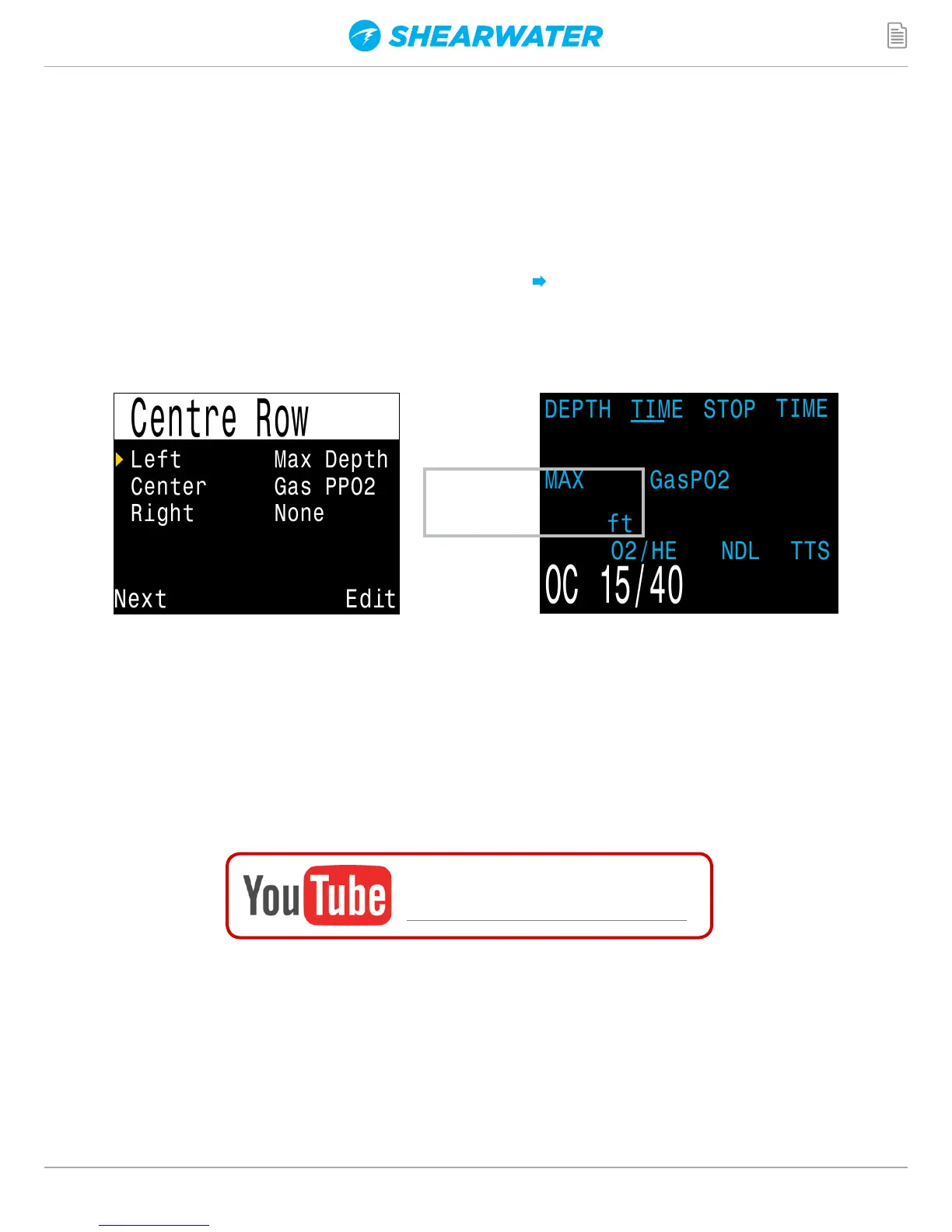
In most modes, the center row displays can be customized.
The center position can only display PPO2. In OC only mode, the PPO2 display
can optionally be turned off.
Configure the center row in the System Setup Center Row Menu.
The left and right positions can be set to display the following:
200
1.15
225
22
130 1
Left Max Depth
Center Gas PPO2
Right None
Custom
Display
Watch the video:
Configurable Center Row
The centre row on the Perdix is configured the same way as on a Shearwater Petrel. See
below for a video walkthrough of how to configure the center row.


 To Next Page