Operations Manual Perdix
Manual DocRev B
46
MENU REFERENCE
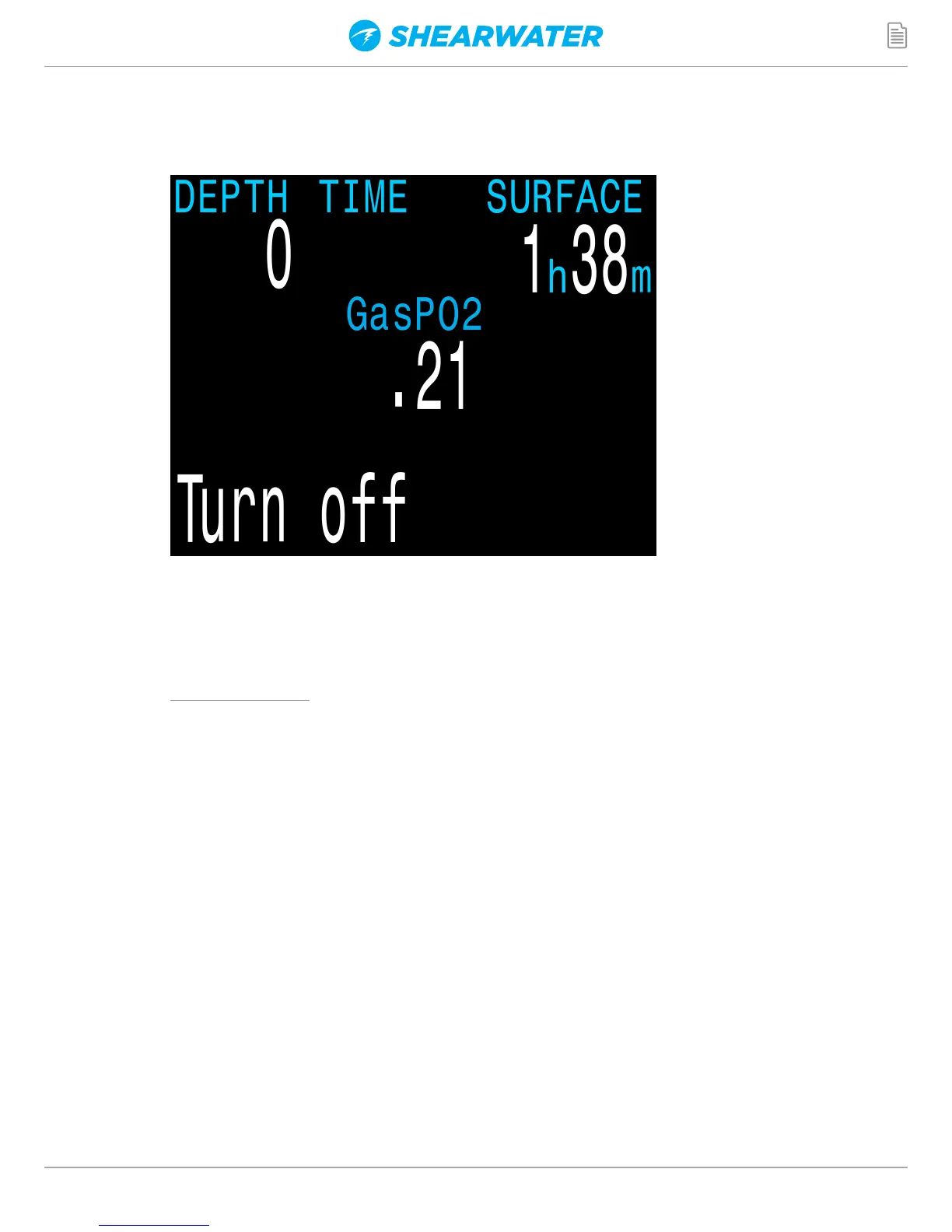
TURN OFF
The “Turn Off” item puts the computer to sleep. While sleeping,
the screen is blank, but the tissue contents are maintained for
repetitive diving. The “Turn Off” menu item will not appear during
a dive on any model. It will also not appear after a dive until the
End Dive Delay Time has expired to allow for a continuation dive.


 To Next Page