EasyManua.ls Logo

Shearwater Perdix - User Manual

Shearwater Perdix
100 pages
Print Icon
To Next Page IconTo Next Page
Loading...
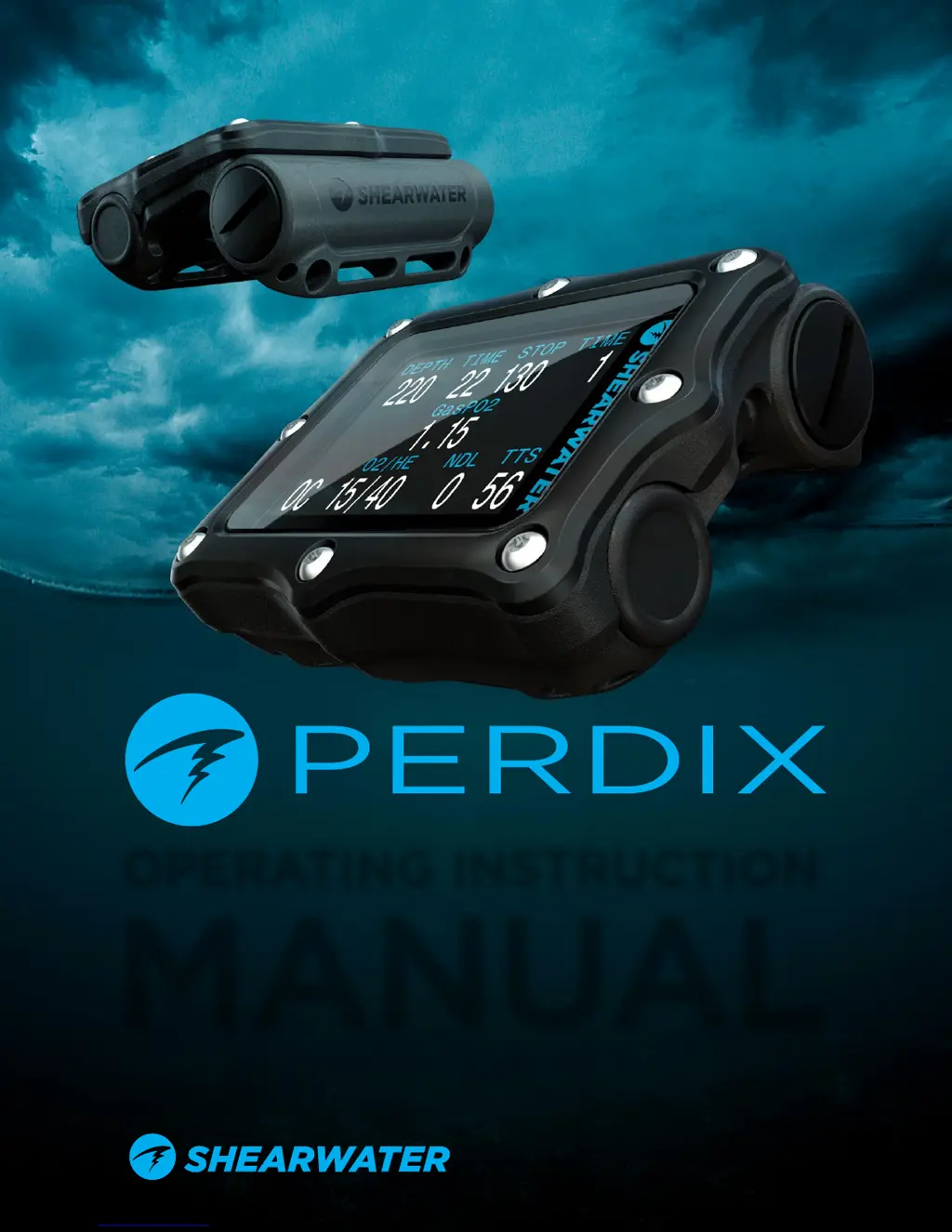
OPERATING INSTRUCTION
MANUAL
Powerful Simple Reliable

Other manuals for Shearwater Perdix

Questions and Answers

Summary

DANGER

WARNING

INTRODUCTION

TURNING ON

BUTTONS

THE MAIN SCREEN

COLOUR CODING

How color coding indicates normal, warning, and critical alerts on the display.

THE TOP ROW

THE CENTER ROW

THE BOTTOM ROW

No Decompression Limit (NDL)

NDL Replacement Options

Lists alternative values that can replace the NDL display on screen.

COMPASS

Calibration

Importance and procedure for calibrating the digital compass.

AIR INTEGRATION

MENUS

Plan Dive & Bailout

GAUGE MODE

DECOMPRESSION AND GRADIENT FACTORS

MENU REFERENCE

SWITCH SETPOINT

Manually switching between low and high PPO2 setpoints in CC mode.

SELECT GAS

How to choose or change the active breathing gas or diluent.

DIVE SETUP

Low Setpoint

Setting the low PPO2 setpoint value.

High Setpoint

Setting the high PPO2 setpoint value.

Define Gas

Setting up the percentage of oxygen and helium for each gas.

WARNING

Dive Planner

Conservatism

DIVE LOG MENU

Display Log

Viewing details and profiles of recorded dives.

SYSTEM SETUP

Mode Setup

Setting the operating mode (OC, CC, Gauge) and salinity.

Deco Setup

Configuring decompression model, conservatism, and last stop.

Display Setup

Customizing display units, brightness, and screen orientation.

STARTING BLUETOOTH

FIRMWARE UPDATE

FIRWARE UPDATE USING SHEARWATER DESKTOP

Steps to update firmware via the Shearwater Desktop software.

FIRWARE UPDATE USING SHEARWATER CLOUD MOBILE

Steps to update firmware using the Shearwater Cloud Mobile app.

DIVE LOG DOWNLOAD

CHANGING THE BATTERY

LIMITATIONS OF ALARMS

ALERT DISPLAYS

Missed Stop

Alert indicating a required decompression stop was violated.

TROUBLESHOOTING

STORAGE AND MAINTENANCE

Specifications

CONTACT

Shearwater Perdix Specifications

General IconGeneral
Display TypeFull-color LCD
Screen Size2.2 inches
Battery TypeUser-replaceable AA battery
ConnectivityBluetooth
AlgorithmBühlmann ZHL-16C with Gradient Factors
Screen Resolution320 x 240 pixels
Depth Rating260 meters / 850 feet
ModesGauge
Dimensions83 x 74 x 39 mm
Gas SupportAir, Nitrox, Trimix
Dive Log Capacity1000 hours
Compass3-axis, tilt-compensated digital compass

Related product manuals