Operations Manual Perdix
Manual DocRev B
30
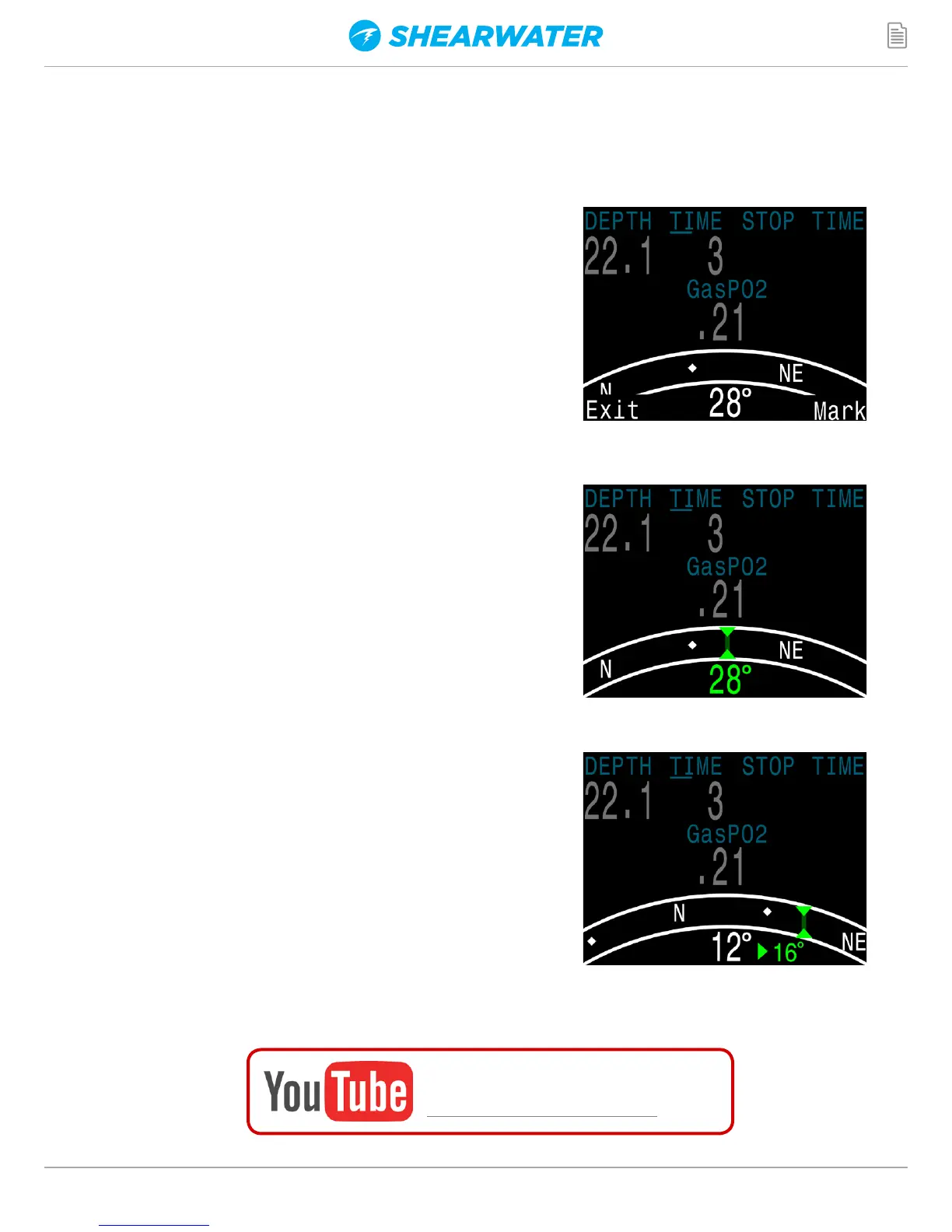
Marking a Heading
To mark a heading, when viewing the compass
press the MENU (left) button. This brings up the
"Exit Mark" menu. Press the SELECT (right)
button to mark the heading.
The marked heading is shown with a green
arrow. When within ±5° of the heading, the
degrees display turns green.
The reciprocal heading (180° from marked
heading) is shown with a red arrow. When
within ±5° of the reciprocal heading, the
degrees display turns red.
When more than 5° off the marked heading, a
green arrow shows the direction back to the
marked heading. Also, the offset degrees to
the heading are displayed (16° in the example
image). This offset is useful when navigating
patterns. For example, a box pattern requires
turns at 90° intervals, while a triangle pattern
requires 120° turns.
Compass
Watch the video:
Compass Calibration
A video demonstration of proper compass calibration on the Petrel 2 dive
computer can be found below. (Calibration procedure is the same for Perdix):


 To Next Page