Operations Manual Perdix
Manual DocRev B
38
Bailout
Two presses on MENU brings up the "SWITCH CC ->
BC" menu. Pressing SELECT makes
the change.
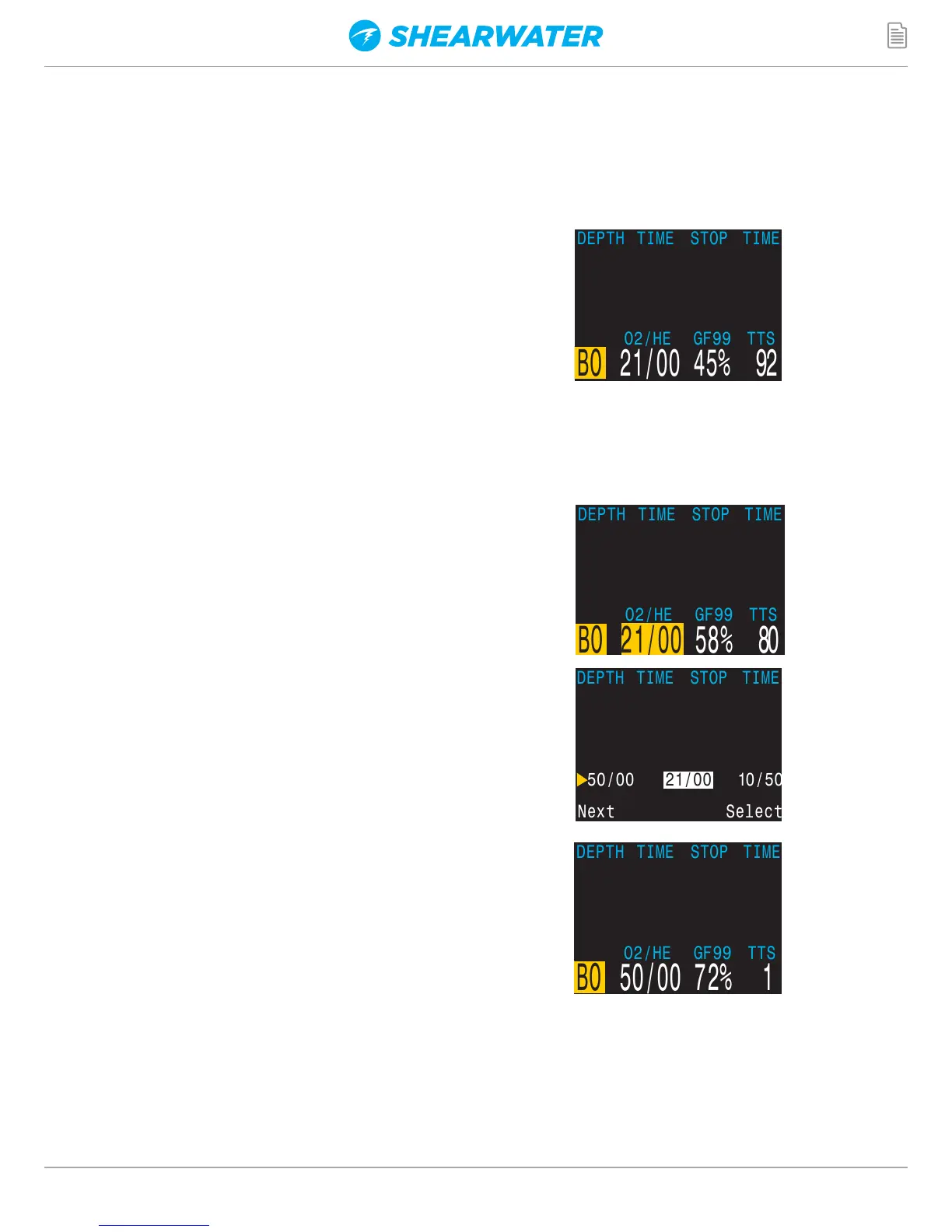
Note that "BO" is displayed in yellow to indicate the
bailout condition. Additionally, PO2 is not shown in the
centre position while in BO mode.
The best BO gas was automatically selected, and the
deco schedule has been adjusted based on the BO
gases.
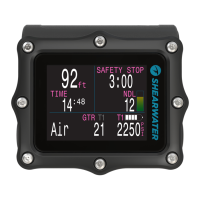
Switch Gas
We are now at 21m, having completed a few more deco
stops. The gas is now displaying in yellow, indicating a
better gas is available.
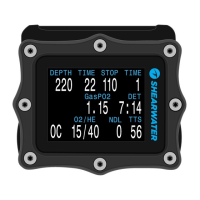
Pressing MENU twice brings up the "SELECT GAS"
menu, and pressing SELECT enters it. With the "new
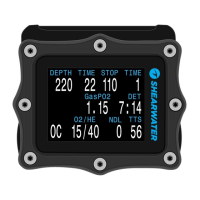
style" gas select menu, the best gas will already be the
initial selection, just press SELECT to make it the active
gas.
If using the "old style" gas select menu, see the gas
select section for instructions.
Deco Clear
Follow the deco stops until they have all cleared. Now
it is time to ascend and end the dive.
End of example.
30.4 42 30 2
53 21 5
53 21 5
132
Deco
Clear


 To Next Page