Operations Manual Perdix
Manual DocRev B
55
0
50/00
0
21/00
0
00/00
0
50/00
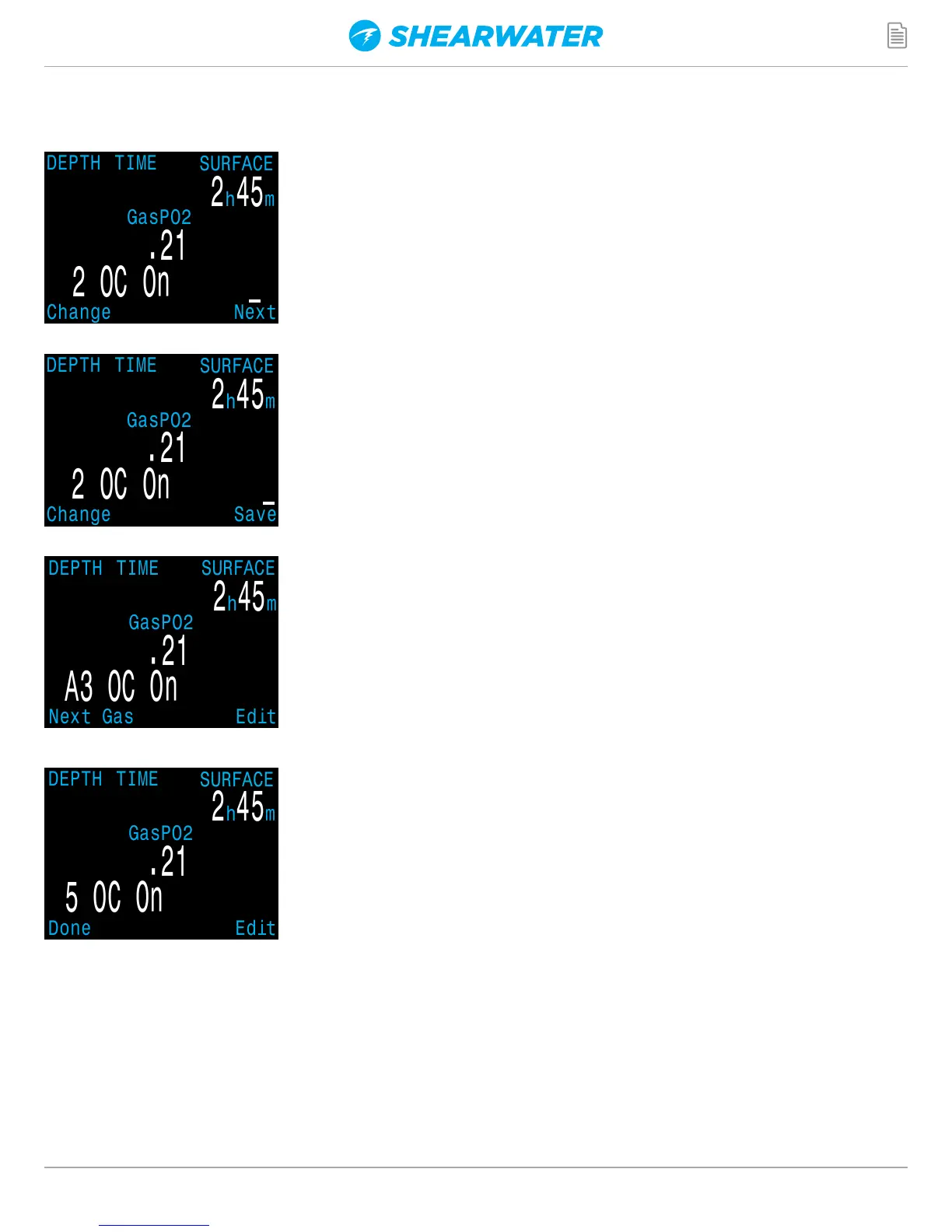
Pushing SELECT will lock in the current digit, and
move on to the next digit.
Pushing SELECT on the last digit will finish editing
that gas, and bring you back to the gas number.
Any gases that have both oxygen and helium set to
00 will not be displayed in the “Select Gas” function.
Pushing MENU will continue to increment the
gas number.
Note: The “A” denotes the active gas. You cannot
delete the active gas. If you try, it will generate an
error. You can edit it, but cannot set both the O2
and HE to 00.
The computer will display all 5 gas entries available
to allow you to enter new gases.
Pressing MENU one more time when the fifth gas is
displayed will return you to the “Define Gas” menu
item.


 To Next Page