Operating Instructions
Page 10
Doc. 15301-RevB (2023-11-24)
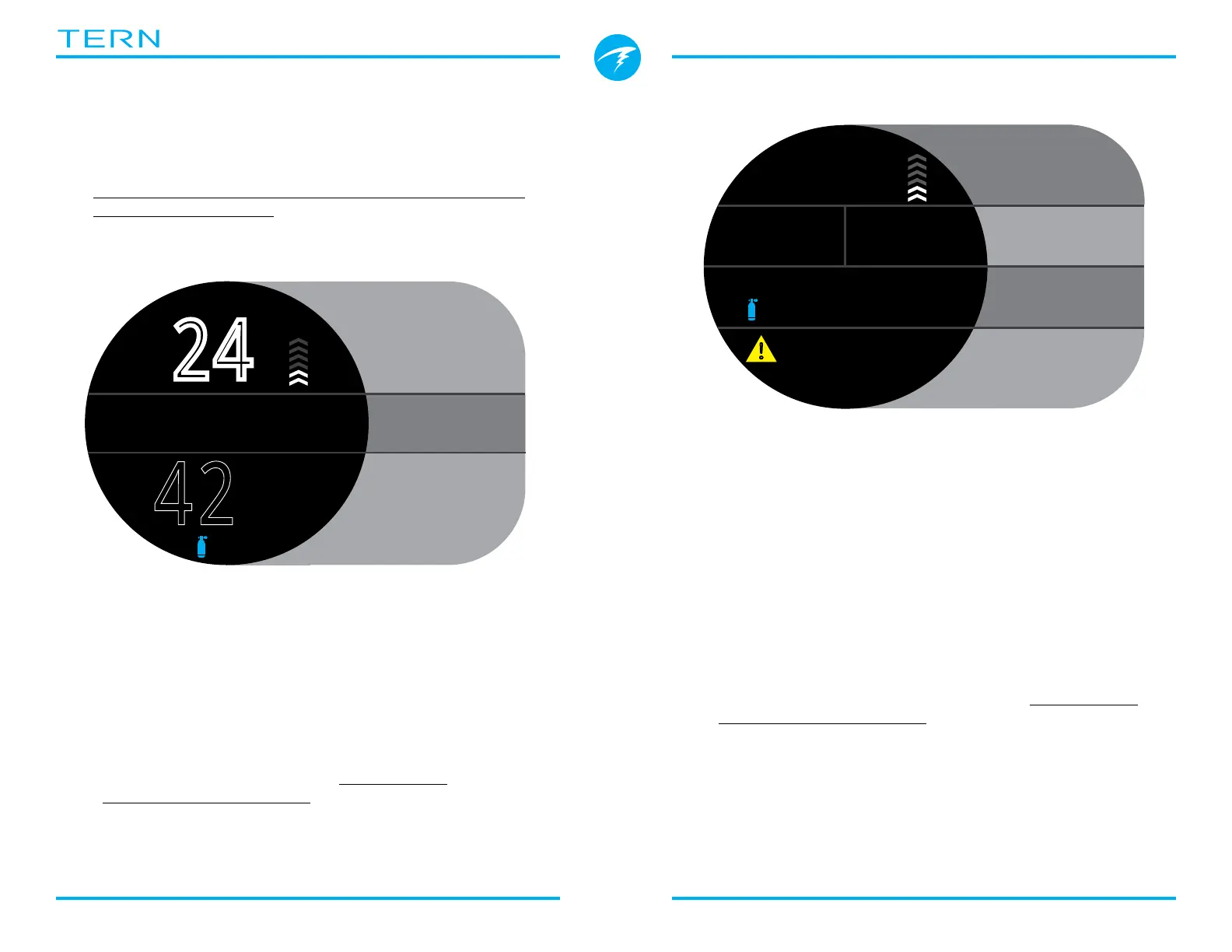
Standard layout
The Standard screen layout has four rows and
provides the most information on the screen, though
with a smaller font size�
The Top, Bottom, and Deco row content are reserved
for the most critical information and are fixed, while
pressing the INFO button scrolls through additional
data in the Info row�
In the Standard screen layout, the right Deco row
slot displays maximum depth by default but can be
customized�
The Info row can also be customized with up to three
pieces of information� Read more about Home Screen
Customization on page 20�
3.3. Main Screen Layout
The Tern has two different screen layouts available in
every dive mode, Big and Standard�
Change the Screen layout from the Dive Settings Menu�
See details on page 48�
Big layout
42
:
18
.0
m
%
NDL MAX
m
31.6
12
6
Top Row
Depth, Mode
& Ascent Rate
Info Row
NDL,
Deco Info
Bottom Row
Dive Time
m
38
.
6
23
19
:
DECO
6 2
SurfGF
127
m min
MAX
m
38.7
O2
21
% %
6
!
Top Row
Depth, Mode
& Ascent Rate
Deco Row
NDL,
Deco Info
Info Row
Customizable
Bottom Row
Dive Time
The Big screen layout provides the largest font size at
the expense of on screen information�
The top and bottom row contents are reserved for the
most critical information and are fixed, while pressing
the INFO button scrolls through additional data in the
Info row�
In the Big screen layout, the right Info row slot
displays maximum depth by default but can be
customized� Read more about Home Screen
Customization on page 20�
The Big screen layout is the default layout for all dive
modes�



 To Next Page