Operating Instructions
Page 32
Doc. 15301-RevB (2023-11-24)
7. Freedive Mode
Freedive Mode optimizes the Tern for freediving�
Although many of the basic functions of the computer
are the same as in other dive modes, Freedive Mode
has several unique features that are covered in this
section�
Since decompression tissues are not tracked in
Freedive Mode, changing to or from Freedive Mode
resets the deco tissues�
Free Dive Mode features:
• High Speed depth sampling - 4 samples / second�
• Fully customizable vibration alerts
• Freedive focused Info screens
• Quick Log Tagging
7.1. Default Freediving Layout
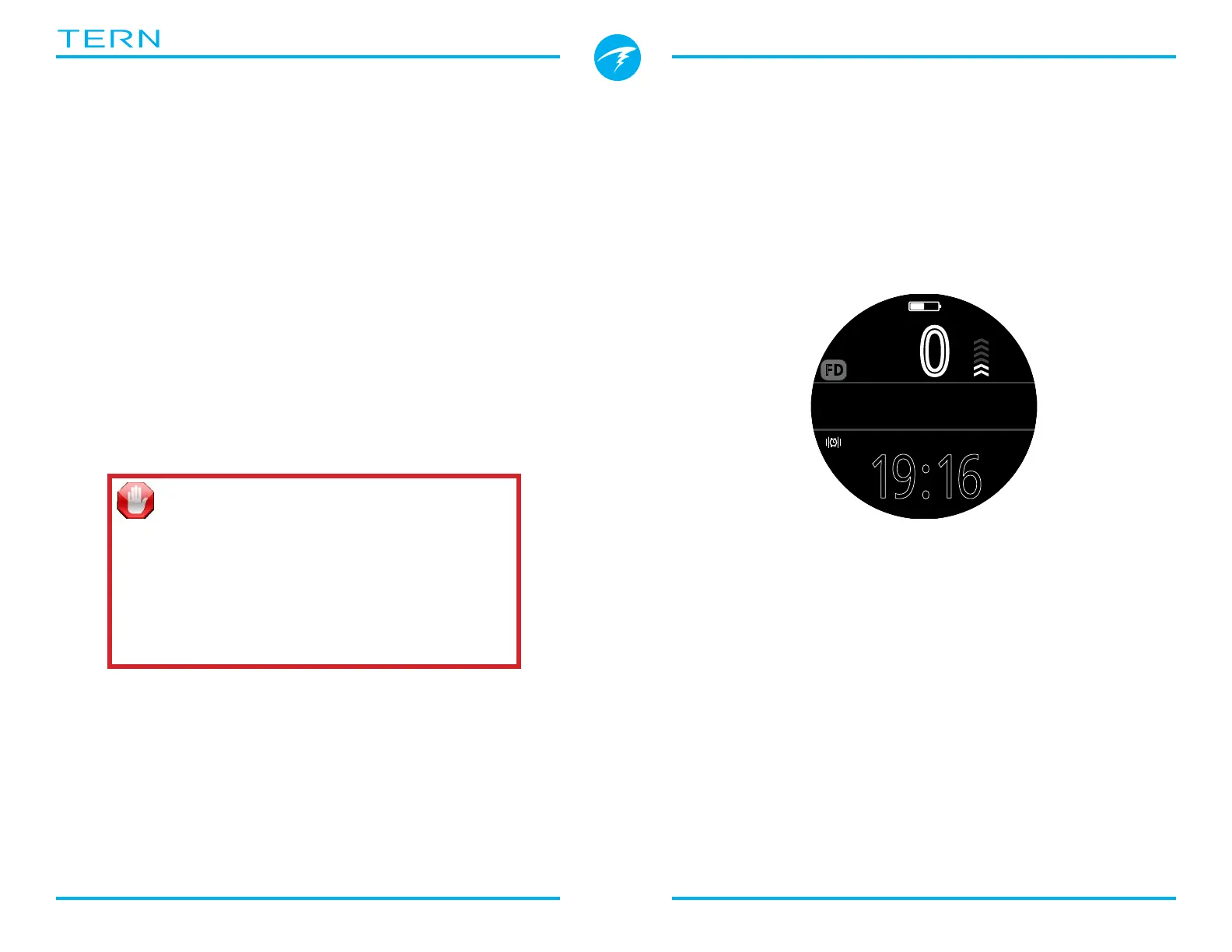
By default, Freedive Mode uses the Big layout� It shares
most features with the other dive modes but has a few
unique characteristics�
• Active Freediving Set shown beside Mode Indicator�
• Last dive time and max depth on home screen
• Ascent / descent shown in feet per second (fps) or
meters per second (mps) instead of fpm / mpm�
.0
0
m
MAX 16.2m
0:00
LD 1:01
STOPWATCH
SURFACE
Deep
19:16
0.5
FD
Like other dive modes, in Freedive Mode, the right
home screen slot can be customized in the Big Layout�
WARNING
Breath-hold diving involves risks that are not
obvious� Do not engage in these activities
without proper training as well as a complete
understanding and acceptance of the risks�
This manual is not a substitute for professional
training�



 To Next Page