Operating Instructions
Page 55
Doc. 15301-RevB (2023-11-24)
Settings
Watch
Display|m/�C
Gases
Display
Depth Units
Temp. Units
�C
Meters
Colors
Colors
Theme
Sunlight
Customize
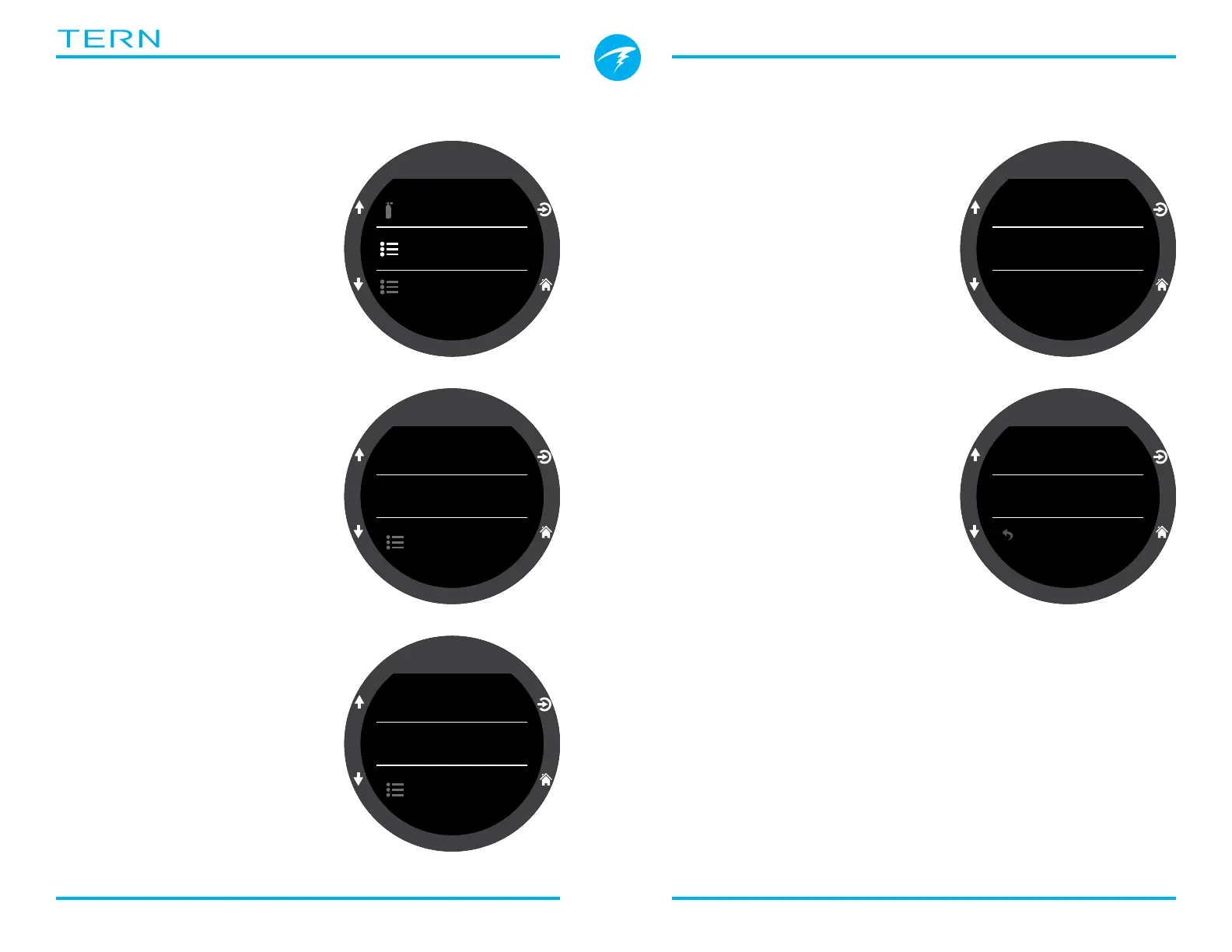
11.4. Display
Depth and temperature units
are displayed in the display
settings menu option�
Depth Units
Configurable to Feet or
Meters�
Temp. Units
Configurable to ˚F or ˚C�
Colors
Tern display colors can be
changed for added contrast
or visual appeal�
Themes
4 preset color themes are
available:
• Standard
• Sunlight
• Night
• Predator
Themes apply presets
that quickly change the
overall look of the Tern user
interface�
In addition to these preset
themes, the Tern’s color
scheme can be extensively
customized� Choose the
“Standard” theme option to
reset the colours to defaults�
Customize Colors
Values, Titles, Units, Menu
text, and Watch Face colors
can all be customized from
this menu�
15 color options are available�
Color Options:
• White
• Red
• Green
• Blue
• Cyan
• Magenta
• Yellow
• Orange
• Pink
• Lime
• Pastel Green
• Grapefruit
• Ice
• Violet
• Purple
Customize
Values Color
Units Color
Titles Color
Cyan
Cyan
White
Customize
Menu Color
Watch Color
White
White
Back



 To Next Page