Operating Instructions
Page 22
Doc. 15301-RevB (2023-11-24)
3.8. Alerts
This section describes the different types of alerts and
how the diver is notified of them�
For a list of the alerts a diver may encounter see
Warnings and Information Displays on page 64�
Types of alerts
Dive Events
Alert the user of non-critical dive events�
No specific action is required
on the part of the diver�
Dive Events time out after 4 seconds or can be
cleared by pressing any button�
Warnings
Alert the user to critical safety information�
The cause of warnings could
be life threatening if not
immediately addressed�
Warnings can only be cleared manually by the user�
Press any button to acknowledge and clear a warning�
For some critical conditions, the alert indicator will
persist on screen until the warning condition abates�
Errors
Alert the user to system errors�
Errors represent unexpected
system behavior� Contact
Shearwater if you experience
a system error�
Color Coding
Color coding of text draws attention to problems or
unsafe situations�
WHITE text indicates normal conditions by default�
Note that this normal condition color can be selected
in the Settings > Display > Colors menu�
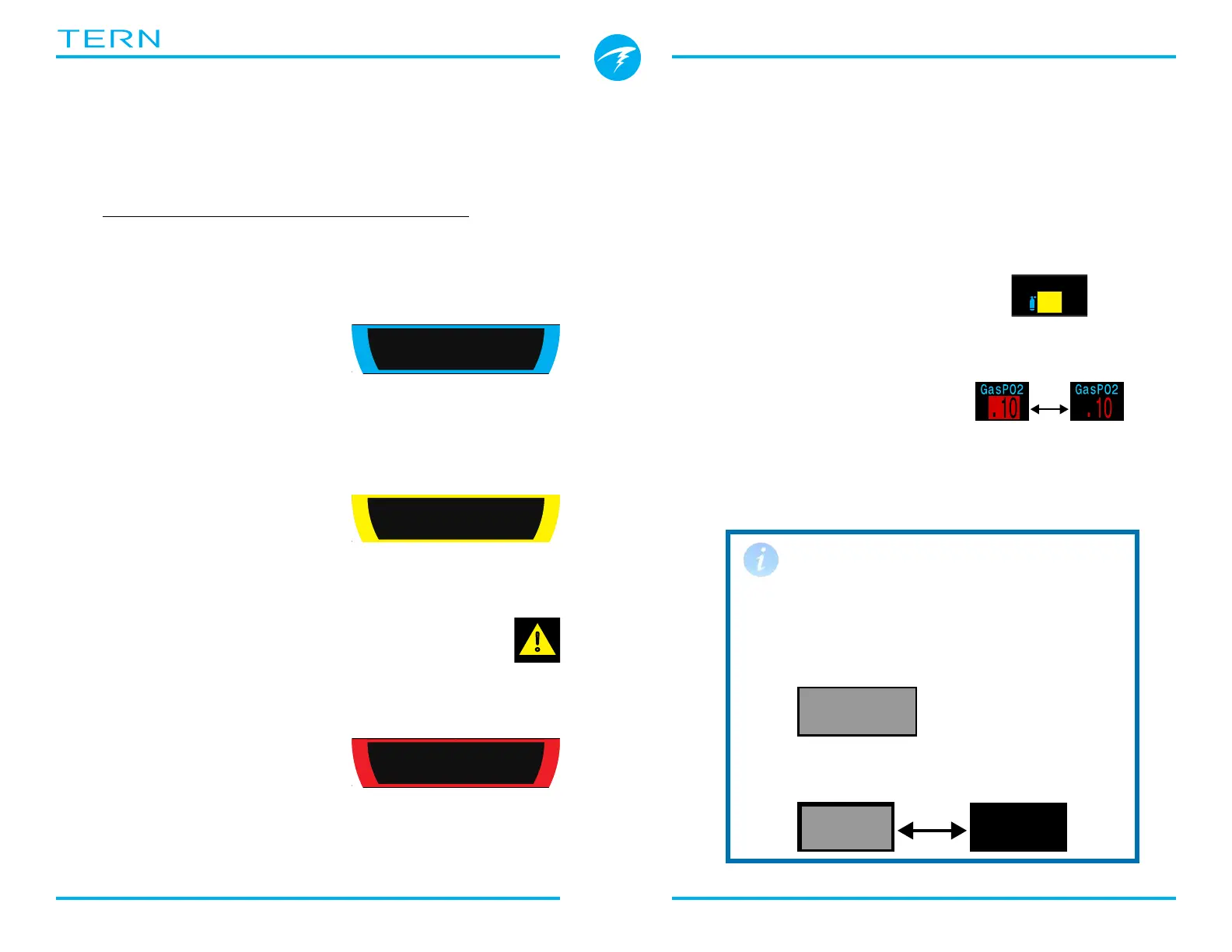
YELLOW is used for warnings
that are not immediately
dangerous but should be
addressed�
FLASHING RED is used for
critical warnings that could
be life threatening if not
immediately addressed�
ft
125
.
6
O2/He
21/00
PPO2
.21
TTS
OC
SURFACE
mh
3412
C
L
E
A
R
WARNING
LOW PPO2
ft
125
.
6
O2/He
21/00
PPO2
.21
TTS
OC
SURFACE
mh
3412
C
L
E
A
R
INFO
Dive Started
ft
125
.
6
O2/He
21/00
PPO2
.21
TTS
OC
SURFACE
mh
3412
C
L
E
A
R
ERROR
Upgrade Fail
Sample warning -
a better gas is available
Sample critical alert -
Continuing to breathe this gas could
be fatal
Warning
AlertAlert
Flashes
The warning or critical alert states can be
determined without the use of color�
Color blind users
Warnings display on a solid inverted
background�
Critical alerts flash between inverted and
normal text�
Doesn't flash�
%



 To Next Page