Operating Instructions
Page 58
Doc. 15301-RevB (2023-11-24)
11.6. General
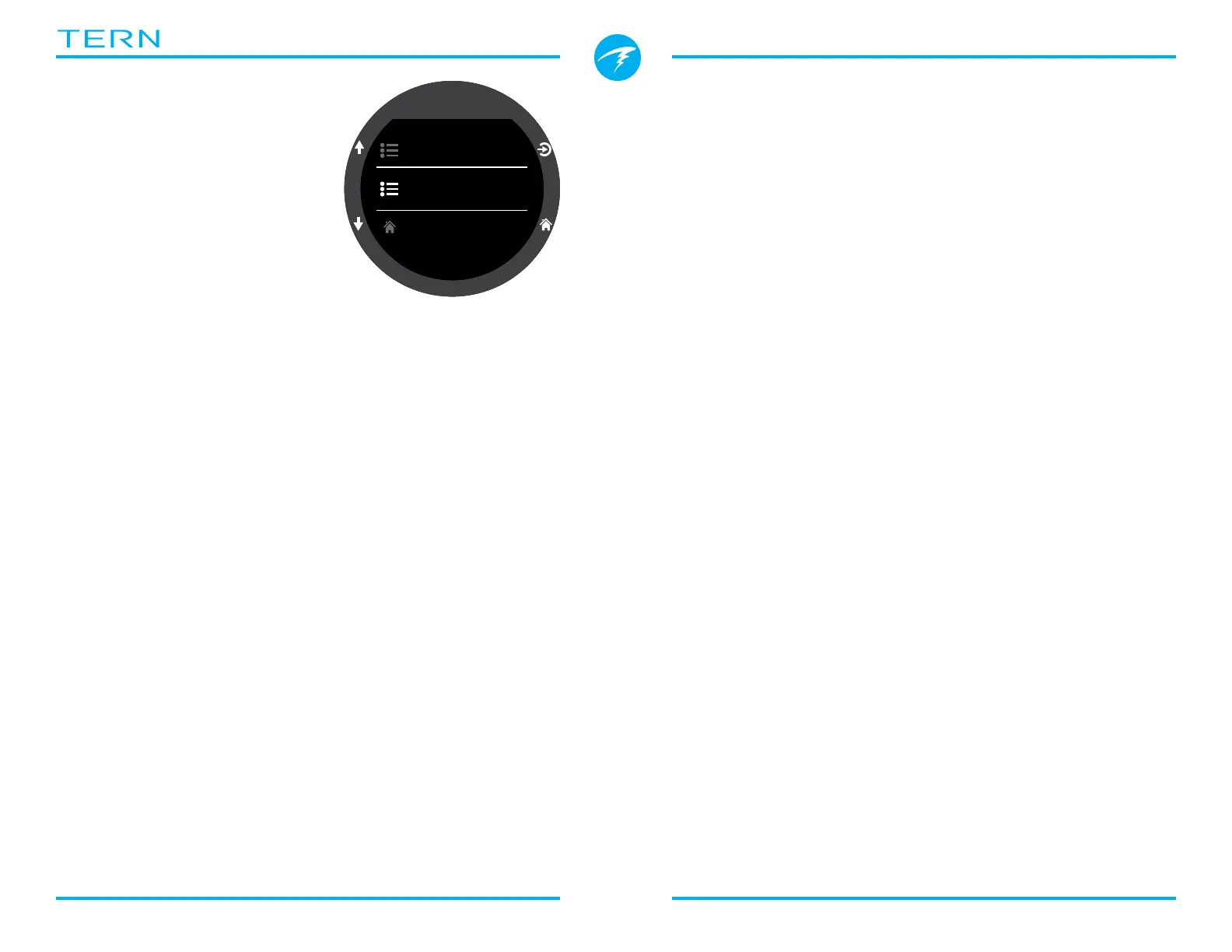
User Info
Use this menu to change the
information presented on the
Owner Info screen�
Battery
Quick Charge
When enabled Quick charge charges the watch a little
bit faster� However, not all USB ports supply sufficient
current for quick charge�
Quick Charge is disabled by default� If you’ve enabled
quick charge and you’re having problems charging
your Tern, disabling quick charge may help�
Defaults
This will reset all user changed options to factory
settings and / or clear the tissues on the Tern� A reset
to defaults cannot be reversed�
Note: This will not delete dive logs, or reset dive log
numbers�
System Info
The System Info section lists the computer’s serial
number as well as other technical information
you may be asked to provide to tech support for
troubleshooting purposes�
Settings
Home
General
Watch



 To Next Page