Operating Instructions
Page 35
Doc. 15301-RevB (2023-11-24)
Freediving Settings:
Customizable freediving settings include:
• Water Type
• Dive Start Depth
• Dive End Depth
• Dive Start Delay
• Dive End Delay
These settings will very depending on the location
and the type of freediving (ex� dynamic apnea vs� free
immersion)� So, customizing them within a set, makes
it much easier to move between freediving activities
without needing to define each setting individually
every time�
Note that delays are added back to / removed from
dive statistics once the dive is underway� Depth and
time information will be the same regardless of the
start / end delays and depths�
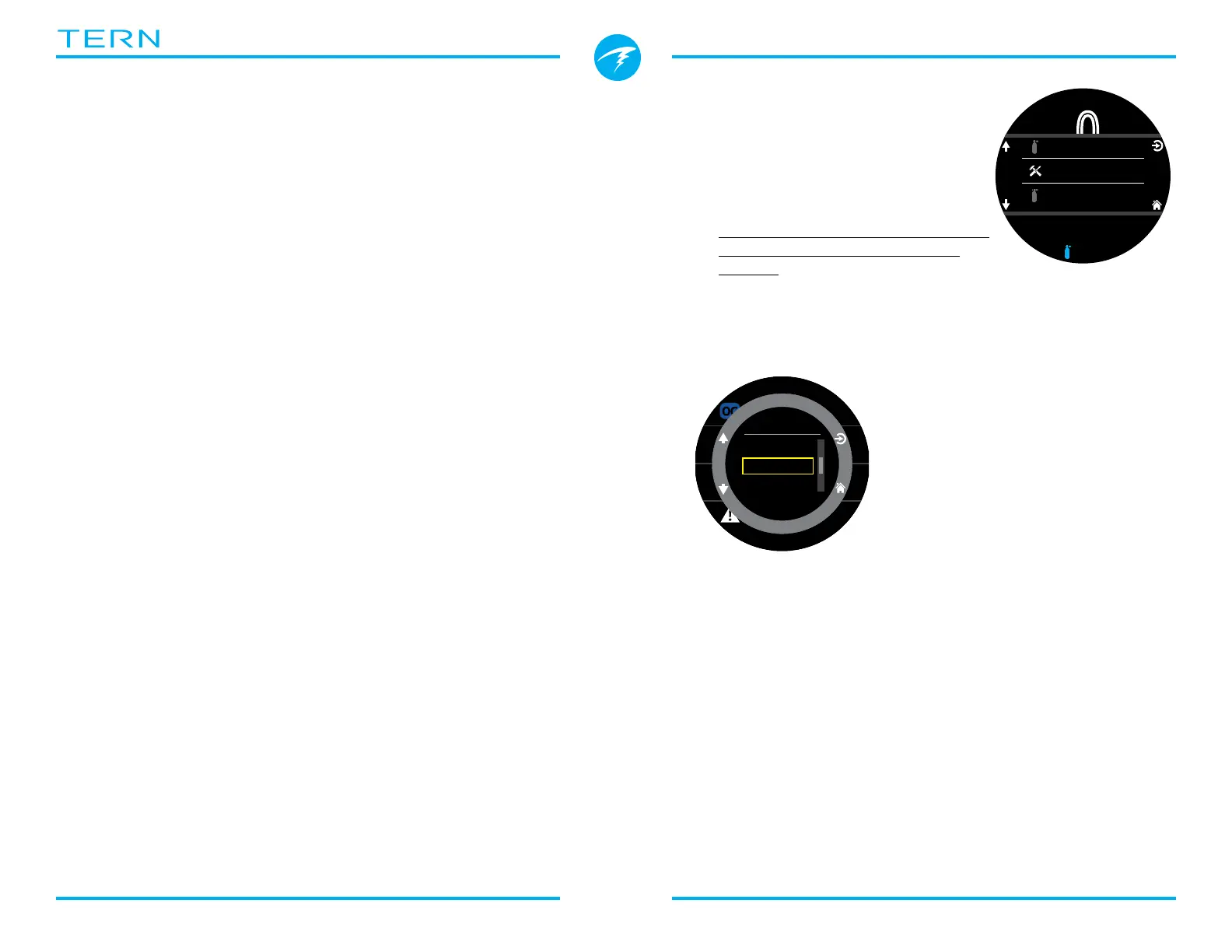
8. Dive Tools
The Dive Tools can be found in the
main menu of every dive mode
and can be accessed both at the
surface and while diving�
Stopwatch functionality is covered
on page 40 in the Watch Tools
section�
8.1. Tag Log
The tag log feature is useful
for marking a point of interest
in the dive log for later review�
These tags will appear in
the dive log when uploaded
to your phone or personal
computer�
Basic tag titles are available
from the tag log pop-up to
help distinguish tags�
The tag log pop-up will time out after 10 seconds�
8.2. Reset Average Depth
This feature is useful if you would like to get a sense of
the average depth of a particular phase of a dive, such
as the bottom, or deco phase� Reset Average Depth is
available in every dive mode�
P
S
I
DECO
20 2 14
T1
1850
O2/He
21/00
ft min
TTS
.0
0
ft
mh
342
SURFACE
OC
%
mh
342
SURFACE
NDL TTS
----
FD
OC
Dive Tools
Edit Gases
Select Gas
ft
125
.
P
S
I
6
23
19
:
DECO
20 214
T1
1850
O2/He
21/00
ft min
TTS
OC
!
NavPoint
Danger
Interest
TAG



 To Next Page