Operating Instructions
Page 15
Doc. 15301-RevB (2023-11-24)
3.5. Info Screens
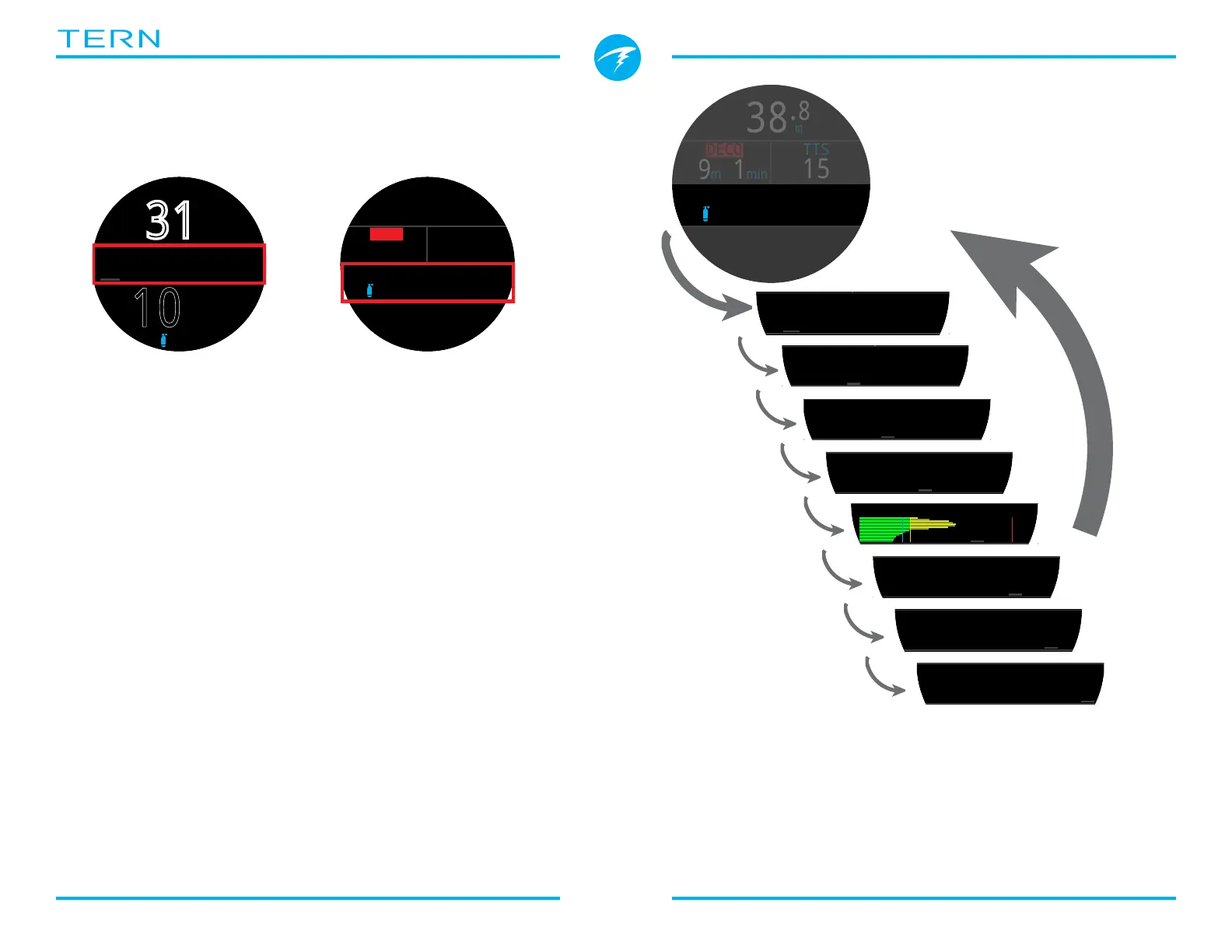
Info screens provide more information than is
available on the main screen�
From the main screen, the INFO (bottom right) button
steps through info screens�
When all info screens have been viewed, pressing
INFO again will return to the main screen�
Pressing the MENU (bottom left) button will also
return to the home screen at any time�
Info screens also automatically time-out after 10
seconds, returning to the home screen� This prevents
critical NDL and DECO information from being hidden
for an extended period�
When using the Standard layout, the Tissues Info
screen will not automatically time out�
Note that although these screens are generally
representative of the Tern display, info screen content
varies for each mode� For example, decompression
related info screens are not available in gauge mode�
m
m
m
%
11
m
min
PPO2
1.0257
TTS
OC
SURFACE
mh
3412
NDL
35/75
%
%
�C
mBar SURF
1013
mBar NOW
4943
m
min
SURFACE
TIME
2:31
EOD
2:46
m
min
SURFACE
10
:
26
.6
31
m
%
NDL MAX
m
34.5
10
m
38
.
8
O2
21
%
DECO
15
1
m
min
PPO2
1.02
19
22
:
TTS
m
38
.
8
O2
21
%
DECODECO
15
1
m
min
PPO2
1.01
19
22
:
TTS
Press the INFO button
(bottom right), to step
through Info Screens
Return to Main Screen by:
•Pressing MENU button
•Stepping past last screen
•Waiting 10 Seconds (most screens)
Big layout Info row
location
Standard layout Info
row location



 To Next Page