Operating Instructions
Page 57
Doc. 15301-RevB (2023-11-24)
Daylight Savings
Simply adds one hour to the time without needing to
change the timezone�
FUNC Button
Set the Function button shortcut for Watch Mode�
FUNC button options
The function button has different options that can
be independently set for each mode� In Watch Mode,
there are eight function button options�
FUNC Setting Description
Watch Face
(Default)
Cycles the watch face
between Digital, Analog,
and Orbits�
Flashlight
Turns on the flashlight
function
Alarms Brings up the alarms menu
Stopwatch
Opens the Stopwatch pop-
up
Timer Opens the timer pop-up
Turn Off Turns Tern Off
No Action No shortcut assigned
UTC Time Zone Location
+13:00 Tonga
+12:00 Aukland
+11:00 Solomon Islands
+10:00 Sydney
+9:00 To k yo
+8:30 North Korea
+8:00 China
+7:00 Bangkok
+6:00 Dhaka
+5:45 Nepal
+5:30 Mumbai
+5:00 Karachi
+4:30 Kabul
+4:00 Seychelles
+3:30 Tehran
UTC Time Zone Location
+3:00 Istanbul
+2:00 Cape Town
+1:00 Paris
0:00 London
-1:00 Azores
-3:00 Rio de Janeiro
-4:00 Halifax
-5:00 New York
-6:00 Mexico City
-7:00 Denver
-8:00 Los Angeles
-9:00 Anchorage
-10:00 French Polynesia
-11:00 American Samoa
Settings
General
Watch
Display|m/�C
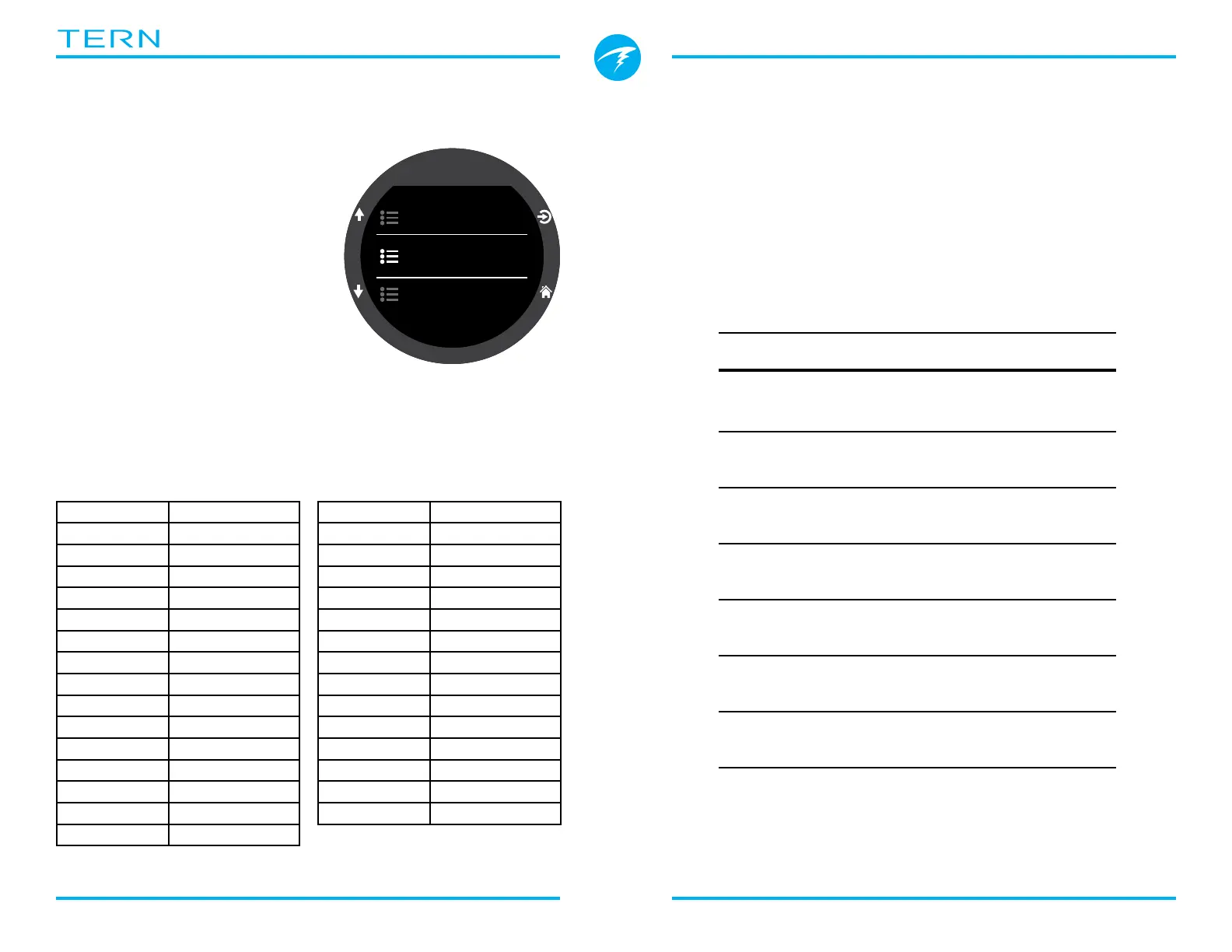
11.5. Watch
Time Format
There are two available
options for time format:
• 12-hours
• 24-hours
Time
Time on the Tern is set here�
Date
Date on the Tern is set here�
Time Zone
Setting the time zone can make it easier to adjust the
time while traveling� Consult the table below to find
the UTC time for the location nearest you�



 To Next Page