Operating Instructions
Page 8
Doc. 15301-RevB (2023-11-24)
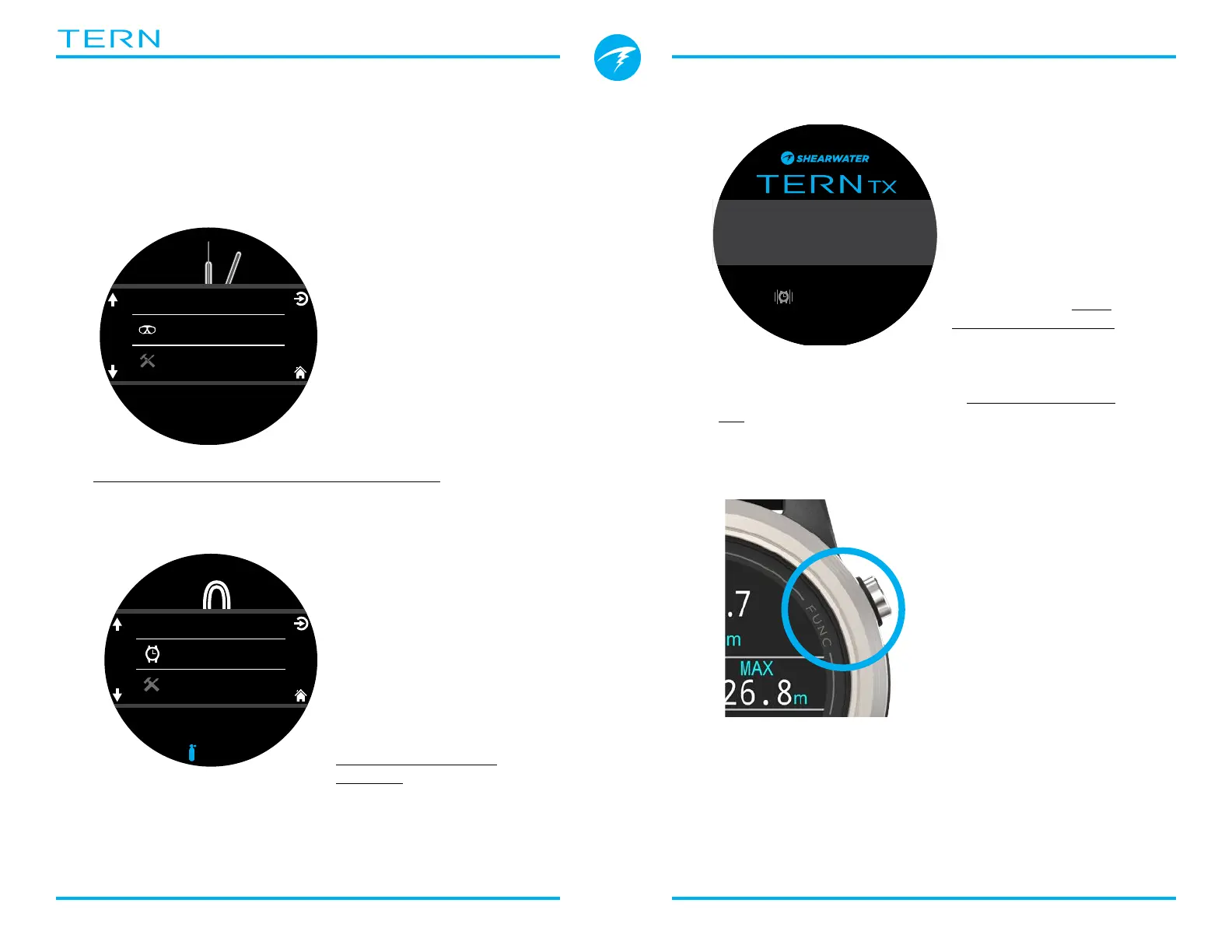
2.3. Changing between Modes
The two primary modes are Watch Mode and Dive
Mode� Watch Mode is only available at the surface�
Switching to Dive Mode
To change from Watch
Mode to Dive Mode
manually, press the
Menu button and select
Dive from the main
menu�
Dive Mode will
automatically be
triggered when a dive
starts�
Changing dive modes is covered on page 48�
Switching to Watch Mode
To change from Dive
Mode to Watch Mode,
press the Menu button
and select Watch from
the main menu�
By default, the Tern will
not automatically revert
back to Watch Mode�
This behavior can be
modified in the display
Timeouts menu� See
page 56�
Dive
Watch Tools
2.4. Owner Information Screen
Upon entering Dive
Mode, the owner
information screen
will be displayed for 15
seconds or until any
button is pressed�
Owner and contact
information can be
changed in the User
Info menu (page 58)�
This display also confirms the current alert notification
settings and tests the alerts� Alert notification settings
can be changed in the top-level Alerts menu (page
51)�
2.5. Function Button
The function (upper
right) button is a
customizable shortcut
that makes accessing
your most used
functions on the Tern a
little easier�
The function button
can be customized
independently for every
mode of operation�
For Watch Mode, the function button can be
customized in Settings > Watch�
For each dive mode, the function button can be
customized in Settings > Dive�
P
S
I
DECO
20 2 14
T1
1850
O2/He
21/00
ft min
TTS
.0
0
ft
mh
342
SURFACE
OC
%
mh
342
SURFACE
NDL TTS
----
FD
OC
Watch
Select Gas
Dive Tools
Owner:SCUBA Sammie
Contact:555-123-4567
Vib: ON
Edit in Settings\Gen



 To Next Page