Operating Instructions
Page 51
Doc. 15301-RevB (2023-11-24)
Water Type
Water type (salinity) affects how the measured
pressure is converted to depth� Settings:
• Fresh
• EN13319
• Salt
Density of freshwater and saltwater differ by about
3%� Saltwater, being denser, will display a shallower
depth for the same measured pressure versus the
Fresh setting�
The EN13319 value is between Fresh and Salt� It is
from the European CE standard for dive computers,
and is the Tern’s default value�
End Dive delay
Sets the time to wait after surfacing before ending the
current dive�
This value can be set from 10 seconds to 10 minutes�
Default is 10 seconds�
This value can be set to a longer time if you want brief
surface intervals connected together into one dive�
Some instructors use a longer end dive delay when
teaching courses� Alternatively, a shorter time can be
used to exit dive mode more quickly upon surfacing�
Log Rate
Sets how often dive samples are added to the Tern’s
log� More samples will give a higher resolution dive
log at the expense of log memory�
Default log rate in Freediving mode is 1 second� 10
seconds in every other mode�
Maximum log rate in Freedive Mode is 1/4 second�
Maximum log rate in all other modes is 2 seconds�
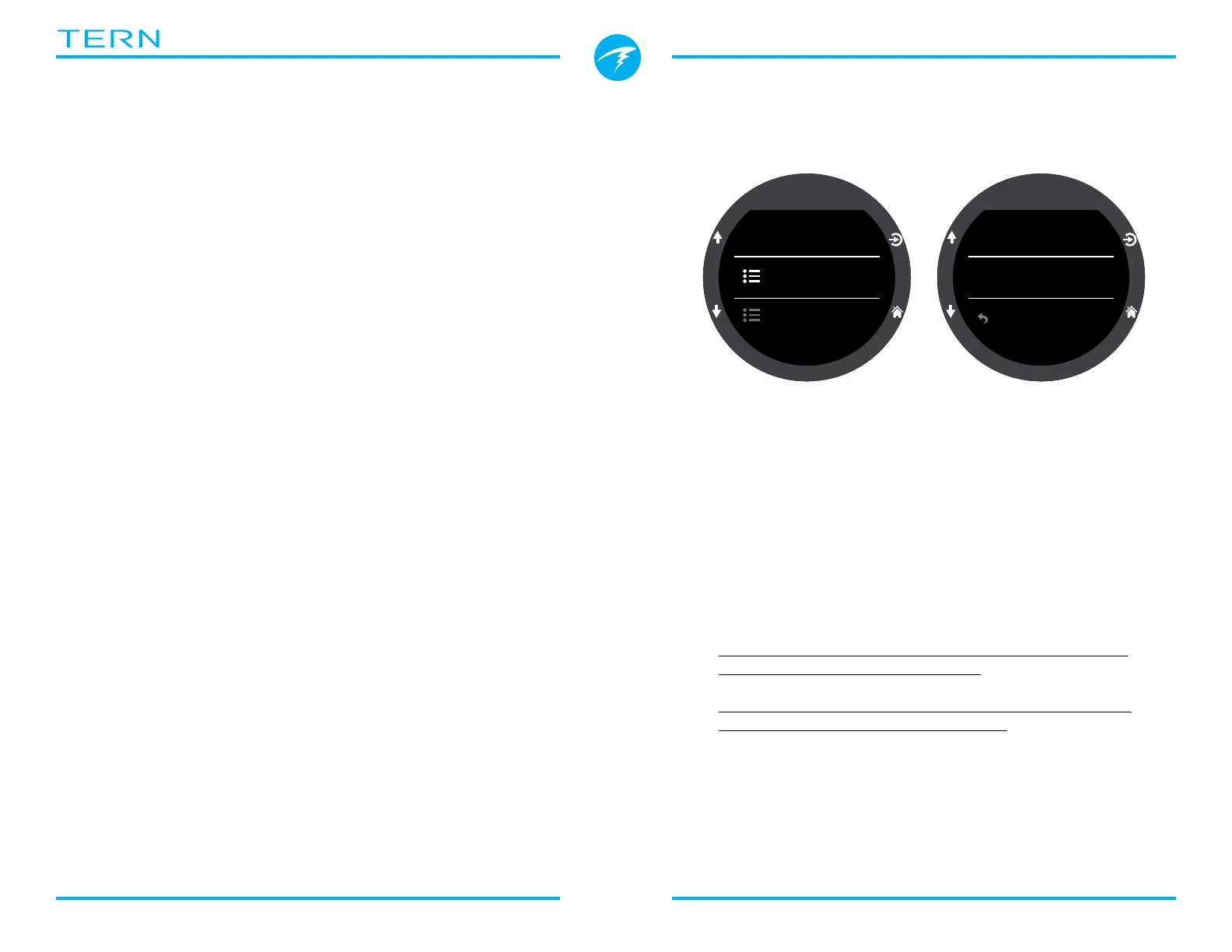
Alerts
These settings allow you to modify your notification
settings for warnings and dive events independently�
Dive
Log Rate
10 s
Alerts
PPO2 Limits
Alerts
Warnings
Dive Events
Vibrate
Vibrate
Back
Note this is different from the top-level alerts menu�
Those settings override these settings�
Like other attributes in the Dive Settings Menu, these
alert settings are specific to the dive mode in which
they were set�
Dive Events can be set to Visual only, Vibrate or be
turned off�
Warnings can be set to Visual only or vibrate�
Warnings cannot be turned off�
For more information on the different types of alerts
see the Alerts section on page 22�
For a list of alerts you might encounter see Warnings
and Information Displays on page 64�



 To Next Page