Operating Instructions
Page 50
Doc. 15301-RevB (2023-11-24)
In dive modes the FUNC button options are:
FUNC Setting Description
Edit Gas Opens the Edit Gas Menu
Select Gas Opens the gas select menu
Deco Plan Opens Dive planner
NDL Plan Opens the NDL Planner
Stopwatch
Opens the Stopwatch pop-
up
Tag Log Opens Tag Log pop-up
Rst Av Depth Resets average depth
No Action No shortcut assigned
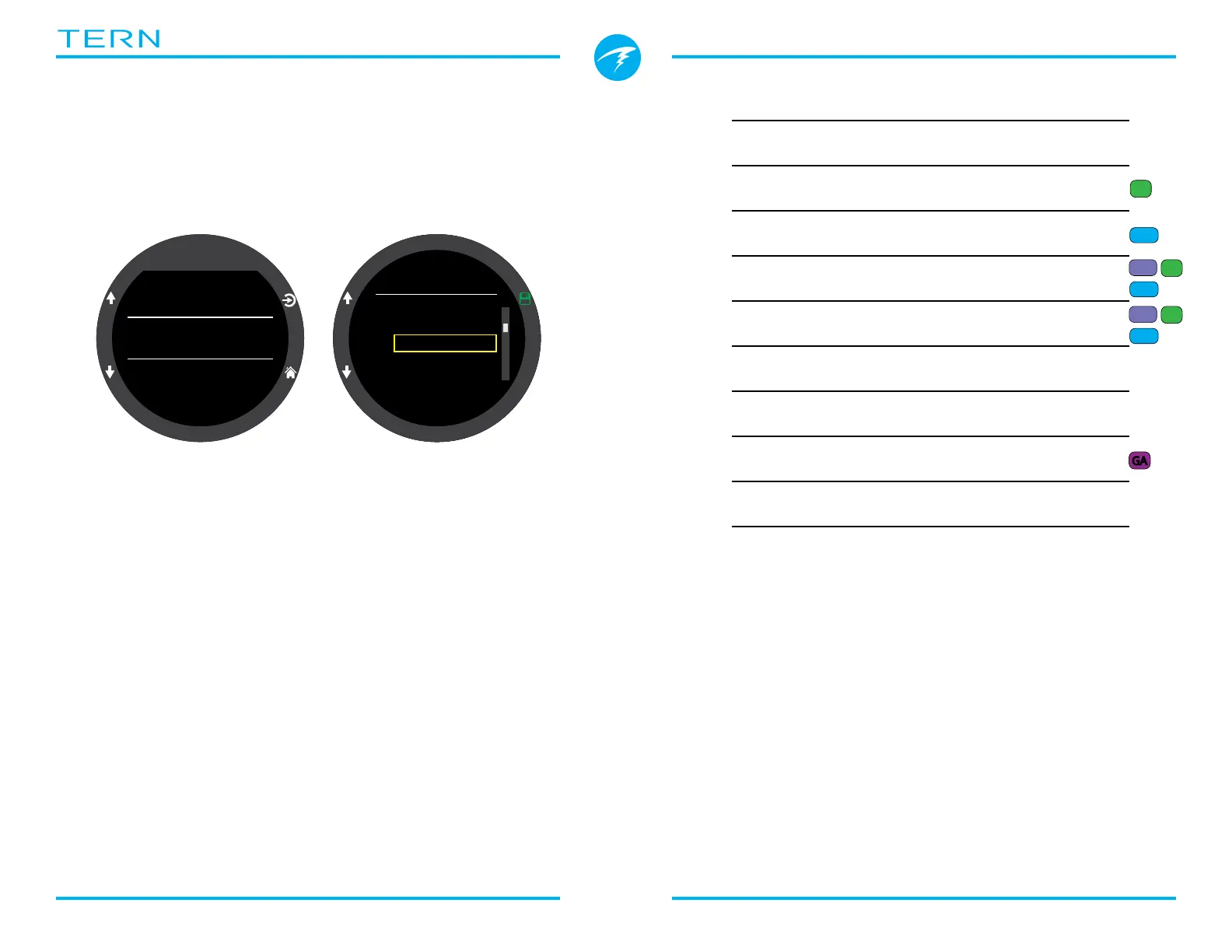
FUNC Button
The function button (top right button) can be
customized in every mode to act as a shortcut to your
most commonly used tool�
Use the FUNC Button menu item in dive settings to
choose the function button shortcut�
OC
BO
CC
FD
GA
Dive
Home Screen
Water Type
FUNC Button
NDL Plan
EN13319
4
4
4
FUNC Button
Deco Plan
NDL Plan
Stopwatch
Tag Log
Select Gas
✘
Some options are only available in specific dive
modes� Look for the corresponding mode icon
indicating which mode each option is available in� No
mode icons indicate the option is available in all dive
modes�
OC
OC
3Nx
OC
3Nx
OC
OC
3Nx



 To Next Page